
No products
Prices are tax included
Product successfully added to your shopping cart
There are 0 items in your cart. There is 1 item in your cart.

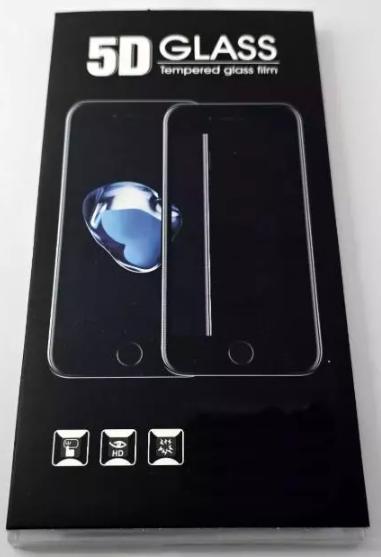
5D full glue tempered glass black by Honor 400 Lite
80225
New
Disponible


Volume discounts
| Quantity | Total amount | Price 1 unit |
|---|---|---|
| 5 | €4.96 | Price €0.99 |
5D Tempered Glass Screen Protector for Honor 400 Lite ABR-NX1 ABR-N31C1 Black |
|---|
The 5D black tempered glass screen protector for Honor 400 Lite 5G ABR-NX1 and ABR-N31C1 is designed to provide an additional protective layer for the device's screen. Its tempered glass structure helps reduce surface scratches, scuffs and minor impacts resulting from everyday use. It features a 5D design with a black border and transparent central area, allowing screen content to remain visible while protecting the front surface. Its model-specific design facilitates installation and provides a practical solution for individual users and professional technicians specializing in mobile device protection.
Specifications |
|---|
- Compatible brand: Honor.
- Accessory type: 5D tempered glass screen protector.
- Compatibility: Honor 400 Lite 5G.
- Technical models: ABR-NX1 and ABR-N31C1.
- Material: Tempered glass.
- Color: Transparent with black border.
- Design: 5D coverage with contoured edges to fit the front of the device.
- Protection area: Front surface of the screen.
- Function: Protection against surface scratches, scuffs and minor everyday impacts.
- Installation: Direct application to the front glass of the phone.
Benefits |
|---|
The 5D tempered glass screen protector provides an additional physical barrier for the Honor 400 Lite screen, helping reduce direct contact with objects and surfaces that may cause marks during everyday use. Its tempered glass construction provides a protective surface resistant to normal wear.
The 5D design incorporates contoured edges that promote adaptation to the front of the device, while the black border provides a visually integrated finish with the phone. The transparent central area preserves the visibility of screen content.
Installation does not require disassembling internal components, making application and replacement easier when necessary. It is a practical option for specialized shops looking to complement repair and maintenance services with external protection accessories.
Installation Tips |
|---|
- Turn off the device before beginning installation of the protector.
- Carefully clean the screen with a microfiber cloth, removing dust, grease and surface residue.
- Ensure the front glass is completely dry and free of particles before applying the protector.
- Correctly align the tempered glass with the screen edges, respecting the position of the front camera and sensors.
- Progressively apply the protector, using gentle and even pressure to promote adhesion and remove possible air bubbles.
- Check that the black border is correctly centered and that the edges are adhered.
- Check touch response across the entire surface and verify fingerprint reader operation after completing installation.
Technical Table |
|---|
Compatible Brand | Compatible Models | Technical Model | Component Type | Material | Design | Color |
|---|---|---|---|---|---|---|
Honor | Honor 400 Lite 5G | ABR-NX1, ABR-N31C1 | Screen Protector | Tempered Glass | 5D | Transparent with Black Border |


