
Cart
0 Product: Products: (empty)
No products
To be determined Shipping
€0.00 Tax
€0.00 Total
Prices are tax included
Product successfully added to your shopping cart
Quantity
Total
There are 0 items in your cart. There is 1 item in your cart.
Total products (tax incl.)
Total shipping (tax incl.) To be determined
Tax: €0.00
Total (tax incl.)
Sign in

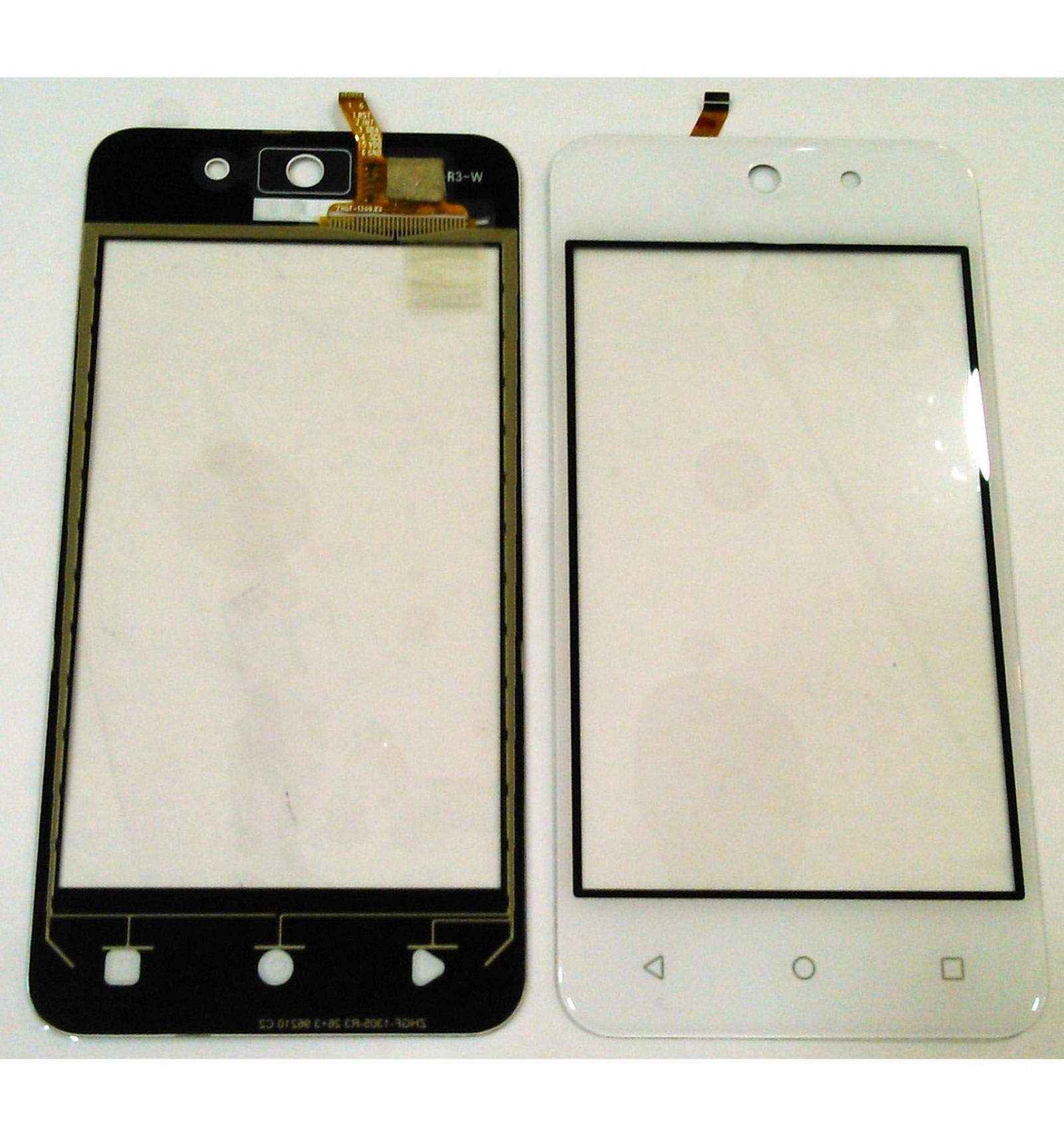
Blu Vivo 5 Mini white touch screen premium
20444
New
Disponible


Volume discounts
| Quantity | Total amount | Price 1 unit |
|---|---|---|
| 5 | €26.74 | Price €5.35 |
Blu Vivo 5 Mini white touch screen premium. Spare part to repair your Blu Vivo 5 Mini. Dispatched today if you order before 18:30. With warranty and easy returns.
Technical features of Blu Vivo 5 Mini white touch screen premium
The Blu Vivo 5 Mini white touch screen premium is for a mobile phone with the following technical features:
- Screen: 4 inch touch screen
- Resolution: 480 x 800 pixels
- Processor: Quad-Core 1.3 GHz
- RAM: 512 MB
- Storage: 8 GB (expandable with microSD card)
- Main camera: 5 MP
- Front camera: 2 MP
- Operating system: Android
- Battery: 1500 mAh
Instructions to replace the Blu Vivo 5 Mini white touch screen premium
Replacing the touch screen of a Blu Vivo 5 Mini white touch screen premium can be a delicate process, so it is important to follow these instructions carefully:
Steps to follow:
- Step 1: Turn off the phone and remove the back cover and the battery.
- Step 2: Locate the screws on the back of the phone and carefully remove them with a suitable screwdriver.
- Step 3: Carefully remove the phone's back housing to access the touch screen.
- Step 4: Disconnect the flex cables connected to the touch screen.
- Step 5: Remove the screws that hold the touch screen to the phone's frame.
- Step 6: Using a suitable tool, carefully peel the damaged touch screen off the phone's frame.
- Step 7: Place the new touch screen in position and follow the steps in reverse order to reassemble the phone.
- Step 8: Turn on the phone to check that the new touch screen works correctly.


