
No products
Prices are tax included
Product successfully added to your shopping cart
There are 0 items in your cart. There is 1 item in your cart.

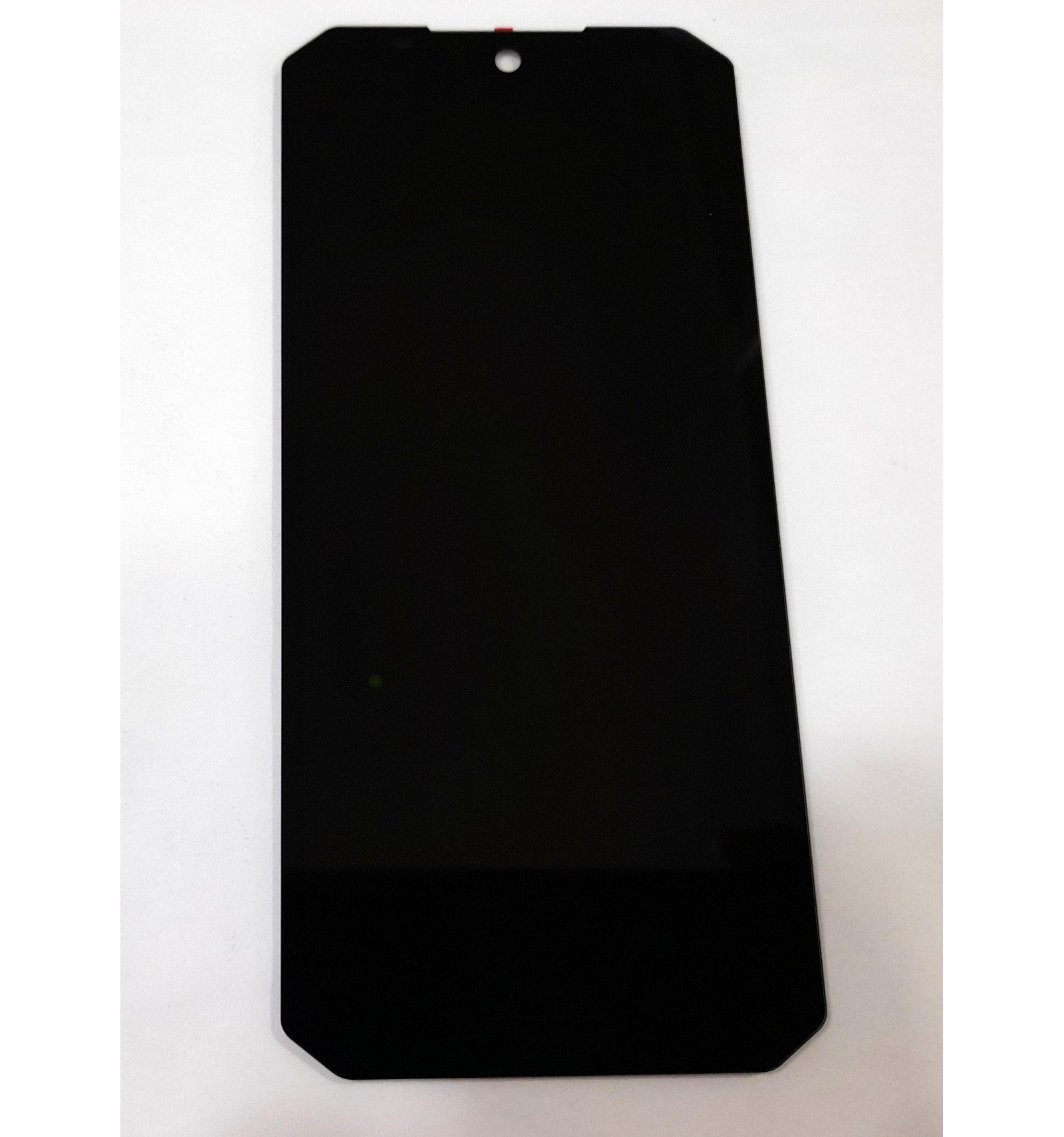
Display by Oukitel WP6 with black touch screen premium quality
33606
New
Warning: Last items in stock!


Volume discounts
| Quantity | Total amount | Price 1 unit |
|---|---|---|
| 5 | €97.59 | Price €19.52 |
LCD Screen for Oukitel WP6 + Black Touch Digitizer Premium Quality |
|---|
Replacement screen for Oukitel WP6 in Premium quality, consisting of an IPS LCD panel and black touch digitizer. This 6.3-inch module is designed to replace the device's damaged screen and restore image display and touch response. It is a suitable solution for repairing faults such as broken glass, image problems, lines on the display or touch sensitivity failures, provided they originate from the screen assembly. Its configuration allows professional repair while retaining the device's structure.
Specifications |
|---|
- Compatible brand:Oukitel.
- Compatible model:Oukitel WP6.
- Component:LCD screen with integrated touch digitizer.
- Technology:IPS TFT LCD.
- Size:6.3 inches.
- Resolution:1080 × 2340 pixels (Full HD+).
- Pixel density:409 pixels per inch (ppi).
- Color:Black.
- Quality:Premium.
- Configuration:Screen and touch assembly without frame.
- Function:Restore content display and touch control of the device.
Advantages of the Premium Screen |
|---|
This Premium screen for Oukitel WP6 offers a repair alternative aimed at workshops and professionals who need to replace the display and touch assembly without replacing the entire phone. IPS LCD technology allows content to be displayed with good definition and wide viewing angles, while the integrated digitizer helps restore screen interaction functions.
Its model-specific design for the Oukitel WP6 allows it to be used as a replacement for the display module, respecting the configuration corresponding to this model. Supplied without a frame, it is suitable for repairs where the device's original structure is retained. Premium quality provides an option focused on functionality and technically correct repair, provided installation is carried out properly.
Installation Tips |
|---|
- Switch off the device completely, disconnect the battery before handling connectors and use electrostatic discharge (ESD) protection.
- Check that the flex cable and connectors match those of the removed screen, avoiding excessive bending or force during connection.
- Test image, brightness, colors and touch response across the entire surface before permanently securing the screen.
- Carefully clean away adhesive residue and replace it with an appropriate bonding system for the device.
- Check the operation of sensors near the front assembly and ensure even installation without applying excessive pressure to the LCD.
- Check the device's sealing after repair. Replacing the screen alone does not guarantee restoration of the original water and dust resistance.
Technical Table |
|---|
Brand | Compatible Models | Component Type | Technology | Size | Resolution | Color | Frame | Quality |
|---|---|---|---|---|---|---|---|---|
Oukitel | WP6 | LCD Screen + Touch Digitizer | IPS TFT | 6.3" | 1080 × 2340 px | Black | Without Frame | Premium |


