
Cart
0 Product: Products: (empty)
No products
To be determined Shipping
€0.00 Tax
€0.00 Total
Prices are tax included
Product successfully added to your shopping cart
Quantity
Total
There are 0 items in your cart. There is 1 item in your cart.
Total products (tax incl.)
Total shipping (tax incl.) To be determined
Tax: €0.00
Total (tax incl.)
Sign in

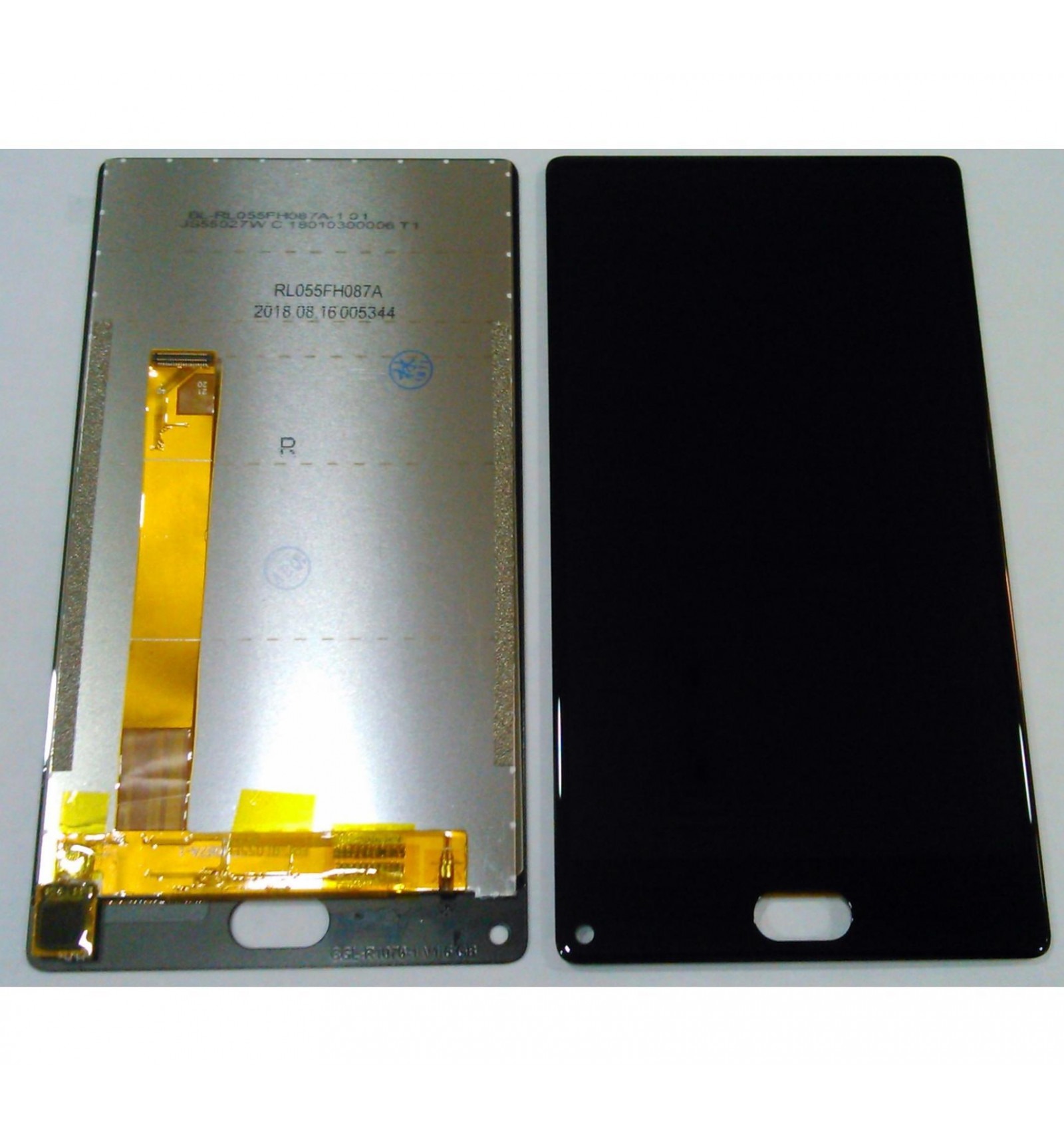
Leagoo Kiicaa Mix LCD screen + black touch screen premium
22794
New
Warning: Last items in stock!


Volume discounts
| Quantity | Total amount | Price 1 unit |
|---|---|---|
| 5 | €167.53 | Price €33.51 |
Leagoo Kiicaa Mix LCD screen + black touch screen premium. Spare part to repair your Leagoo Kiicaa Mix. Ships in 24 h. Dispatched today if you order before 18:30.
Technical features of Leagoo Kiicaa Mix LCD screen + black touch screen premium
The Leagoo Kiicaa Mix LCD screen + black touch screen premium is a high-quality component designed for the Leagoo Kiicaa Mix. Below are its technical features:
- Premium black LCD screen + touch screen
- Compatibility: Leagoo Kiicaa Mix
- Screen technology: IPS LCD
- Original screen replacement
Instructions to replace the Leagoo Kiicaa Mix LCD screen + black touch screen premium
Below are the steps to replace the LCD screen + touch screen on a Leagoo Kiicaa Mix:
Materials needed:
- Screwdriver set
- Tweezers
- Replacement LCD screen + touch screen
Replacement steps:
- Turn off the device and remove the battery if possible.
- Carefully remove the back housing using suitable tools.
- Disconnect the flex cables connected to the screen.
- Remove the screws that hold the screen in place.
- Carefully remove the damaged LCD screen + touch screen.
- Place the new LCD screen + touch screen in the right position and secure it with the screws.
- Reconnect the flex cables.
- Fit the back housing and secure it properly.
- Turn on the device and check that the new screen works.
It is important to carry out these steps carefully and following the manufacturer's instructions to avoid damaging the device. If you are not comfortable doing this process, we recommend going to a specialised technician.

