No products
Prices are tax included
Product successfully added to your shopping cart
There are 0 items in your cart. There is 1 item in your cart.

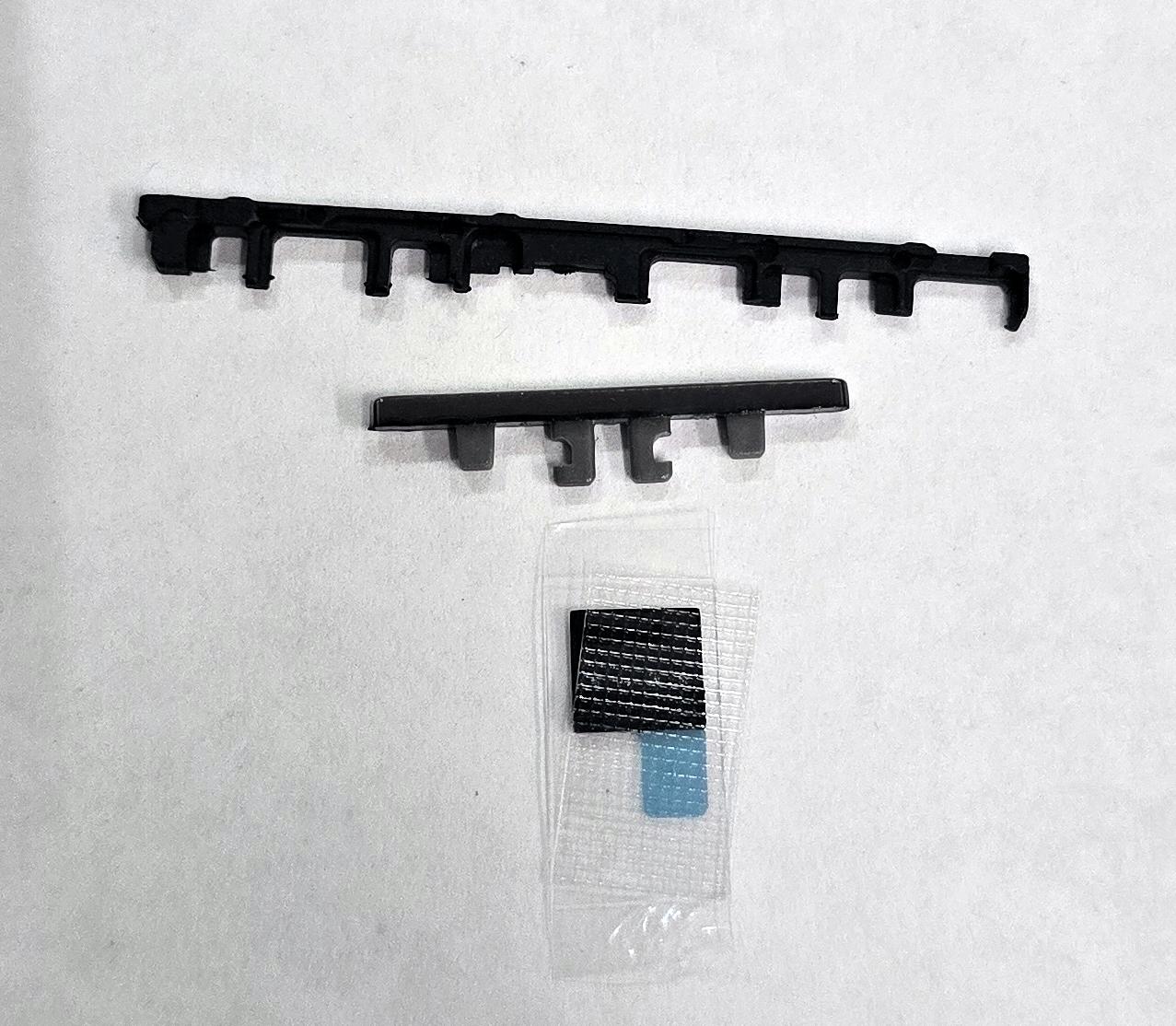
Pink volume button by Oppo Reno 12 5G CPH2625 621014000040 Service Pack
80236
New
Disponible
Warning: Last items in stock!


Volume discounts
| Quantity | Total amount | Price 1 unit |
|---|---|---|
| 5 | €18.76 | Price €3.75 |
Pink Volume Button for Oppo Reno 12 5G CPH2625 621014000040 Service Pack |
|---|
The pink Service Pack volume button for Oppo Reno 12 5G CPH2625 is a replacement for the external side key used to control the device's sound. Identified by reference 621014000040, it allows replacement of the button when it is broken, worn, detached or difficult to operate. Its function is to transmit volume up and down presses to the phone's internal mechanism. The pink finish helps maintain the appearance of the device in its Sunset Pink version. This component is intended for professional repair technicians who need to perform a localized repair of the side control without replacing other functional components.
Specifications |
|---|
- Brand: Oppo.
- Compatible model: Oppo Reno 12 5G.
- Technical model: CPH2625.
- Provided reference: 621014000040.
- Component: Side volume button.
- Color: Pink (Sunset Pink).
- Quality: Service Pack.
- Replacement type: External mechanical volume control key.
- Function: Activation of volume up and down functions.
- Location: Side of the device housing.
- Application: Replacement of a deteriorated, worn or damaged external button.
Advantages |
|---|
The Service Pack volume button for Oppo Reno 12 5G CPH2625 restores operation of the side control when deterioration affects only the external key. Its Sunset Pink finish helps maintain the uniform appearance of the device and prevents visible color differences in the repaired area.
Identification number 621014000040 facilitates locating the replacement during preparation for technical repairs. Its format allows a repair focused on the affected button, preserving internal components that continue to function correctly. Proper installation restores the operation of the volume up and down keys. It provides a practical solution for workshops specializing in the maintenance and repair of Oppo phones.
Installation Tips |
|---|
- Switch off the device, disconnect the battery before handling internal components and use ESD protection.
- Carefully access the side volume button housing following the corresponding disassembly procedure.
- Remove the damaged key without affecting the mounting points or the internal actuation mechanism.
- Clean the housing and remove any residue that could interfere with button movement.
- Position the new replacement according to its correct orientation and alignment, avoiding excessive pressure on nearby flex cables and components.
- Check that the button has adequate travel and returns to its position after each press.
- Verify the volume up and down functions before final closure. Replace removed adhesives and check that the housing is correctly assembled where applicable.
Technical Table |
|---|
Brand | Compatible Models | Technical Model | Component Type | Color | Quality |
|---|---|---|---|---|---|
Oppo | Reno 12 5G | CPH2625 | Side volume button | Pink (Sunset Pink) | Service Pack |