No products
Prices are tax included
Product successfully added to your shopping cart
There are 0 items in your cart. There is 1 item in your cart.

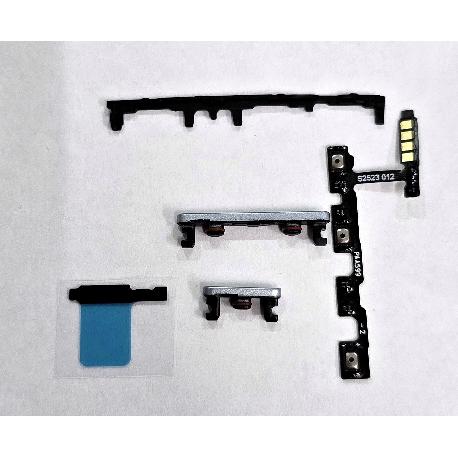
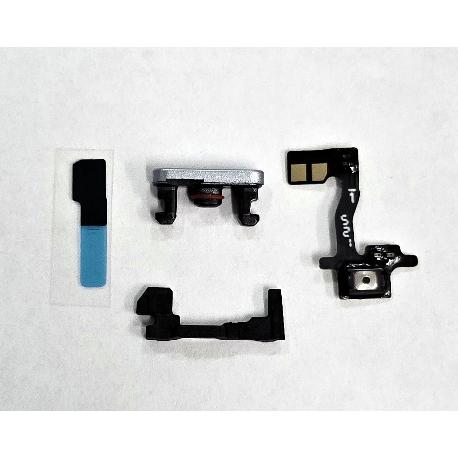
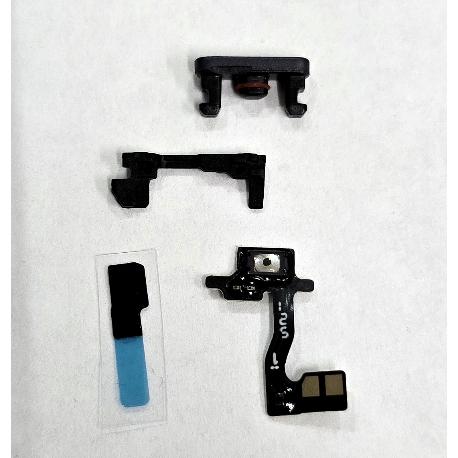
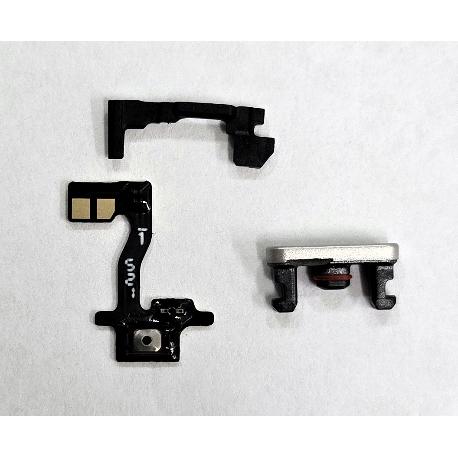
Silver sidekey and sidekey flex by Oneplus Nord 5 CPH2707 CPH2709 621036000682 Service Pack
80276
New
Disponible
Warning: Last items in stock!


Volume discounts
| Quantity | Total amount | Price 1 unit |
|---|---|---|
| 5 | €9.38 | Price €1.88 |
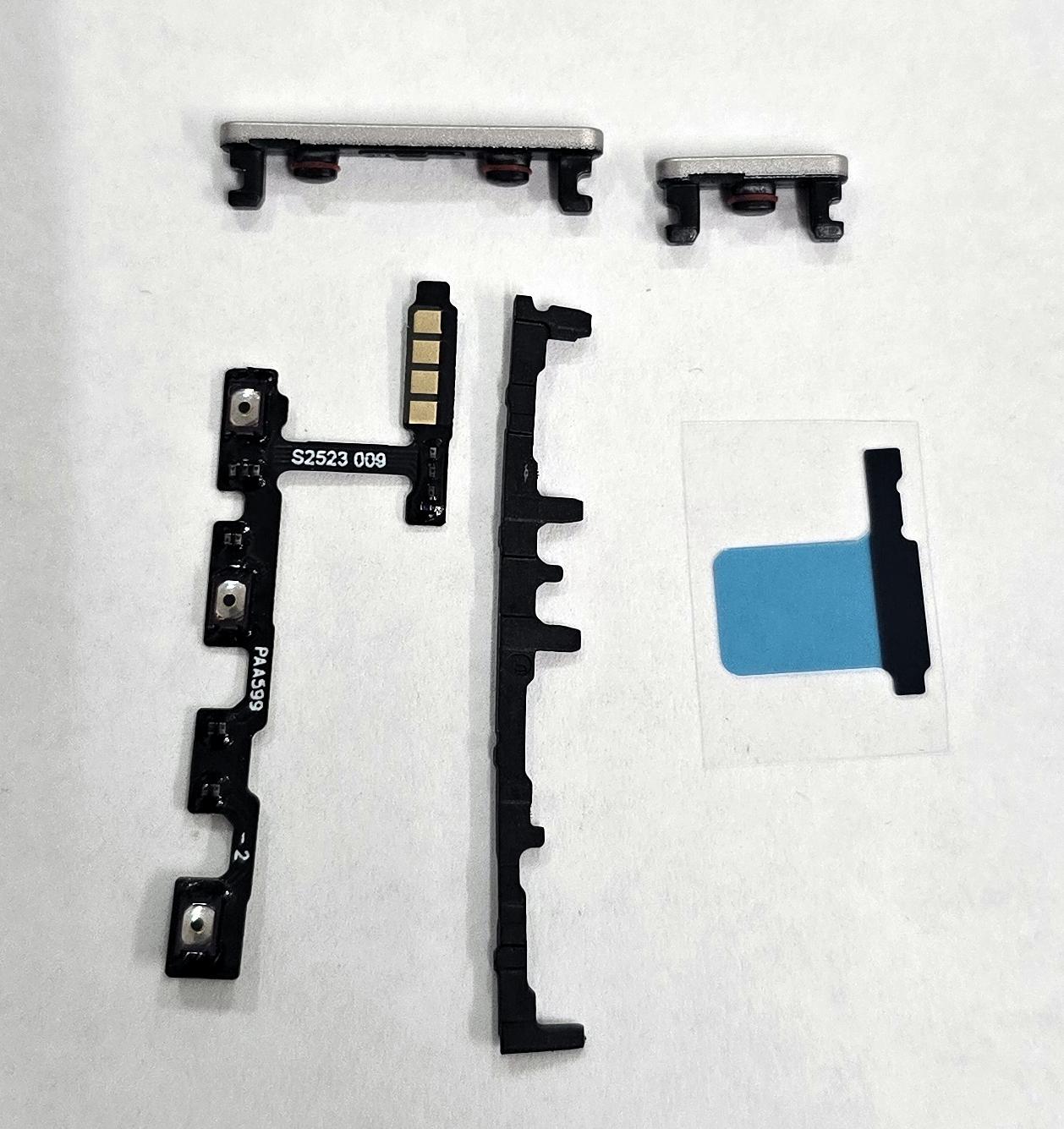
Silver Side Buttons and Side Button Flex Cable for OnePlus Nord 5 CPH2707 CPH2709 621036000682 Service Pack |
|---|
The silver side button and flex cable assembly for OnePlus Nord 5 CPH2707 and CPH2709, with part number 621036000682 and Service Pack quality, combines the external power and volume keys with the flexible circuit associated with their operation. It is designed to repair damaged buttons, contact failures or intermittent response from the side controls. The silver finish renews the appearance of the keys, while the flex cable helps restore the transmission of button presses to the electronic system. It is a suitable solution for professional device maintenance.
Specifications |
|---|
- Brand: OnePlus.
- Compatible model: OnePlus Nord 5.
- Technical models: CPH2707 and CPH2709.
- Component: Side power and volume button assembly with flex cable.
- Button color: Silver.
- Quality: Service Pack.
- Part Number (Part No): 621036000682.
- Circuit type: Flexible printed circuit (FPC).
- Assembly components: External power and volume buttons and operating flexible circuit.
- Location: Side control area of the device.
- Functions: Operation of power, screen lock, volume up and volume down controls.
- Application: Replacement of deteriorated, damaged buttons and flexible circuits or components with contact and pressing problems.
Advantages |
|---|
The Service Pack assembly 621036000682 allows repairs to the side controls of the OnePlus Nord 5 CPH2707 and CPH2709. Its configuration with external buttons and a flexible circuit makes it easier to work on the mechanical and electrical elements associated with key operation during the same repair.
The silver finish restores the appearance of the buttons when they show scratches, wear or physical damage. Replacing the flex cable can restore the transmission of button presses when the fault is located in its contacts or switches.
Identification through a specific part number facilitates replacement part selection and component management in specialized repair workshops. It is a practical solution for restoring the operation of the power and volume controls while preserving the remaining device components.
Installation Tips |
|---|
- Turn off the device, disconnect the battery and use ESD protection before starting the repair.
- Carefully disassemble the necessary components to access the side buttons and their flexible circuit.
- Compare the arrangement of switches, contacts, connectors and mounting points with the removed parts.
- Remove the damaged buttons and flex cable while avoiding damage to brackets and nearby electronic components.
- Clean the mounting areas and remove adhesive residue where applicable.
- Position the new flexible circuit according to its original orientation, routing and mounting position.
- Align the connectors correctly without forcing them and avoid sharp bends in the conductive tracks.
- Install the external buttons according to their positions and check that they correctly operate the switches on the flex cable.
- Temporarily reconnect the battery and verify power, screen lock, volume up and volume down functions before final closure.
- Replace the adhesive materials of disassembled parts when necessary and complete the assembly.
Technical Table |
|---|
Brand | Compatible Models | Technical Model | Part Number (Part No) | Component Type | Color | Quality |
|---|---|---|---|---|---|---|
OnePlus | Nord 5 | CPH2707 / CPH2709 | 621036000682 | Side power and volume buttons with FPC flex cable | Silver | Service Pack |