No products
Prices are tax included
Product successfully added to your shopping cart
There are 0 items in your cart. There is 1 item in your cart.

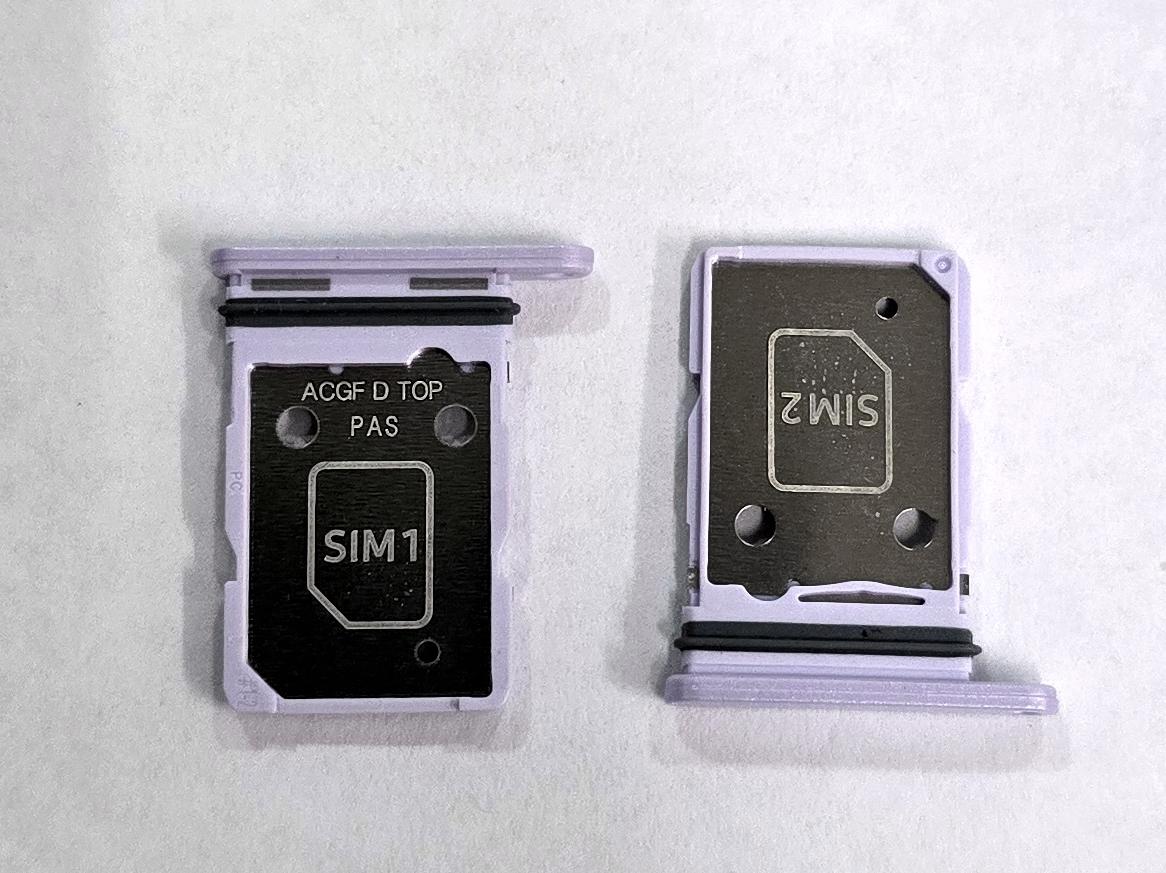
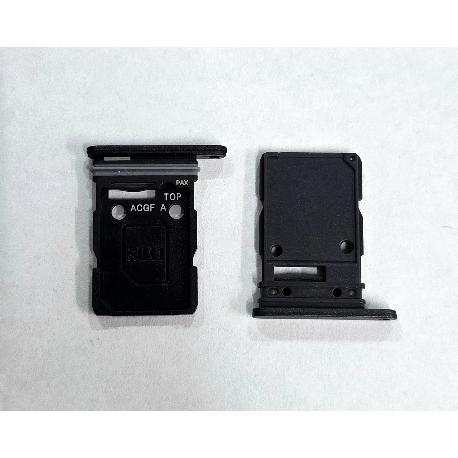
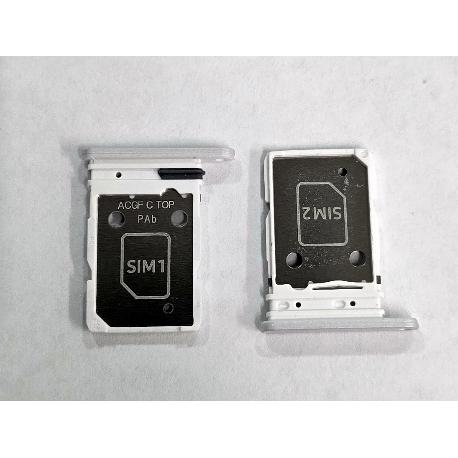
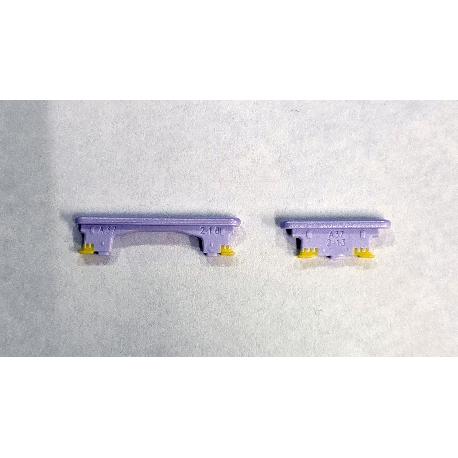
Sim tray purple Dual sim by Samsung Galaxy A37 5G premium quality
80518
New
This product is no longer in stock
Availability date: 11/26/2026


Volume discounts
| Quantity | Total amount | Price 1 unit |
|---|---|---|
| 5 | €5.63 | Price €1.13 |
Purple Dual SIM card holder or tray for Samsung Galaxy A37 5G SM-A376B SM-A376B/DS premium quality |
|---|
Premium-quality purple SIM card holder or tray for Samsung Galaxy A37 5G SM-A376B and SM-A376B/DS, corresponding to the European version of the device. This replacement part features two slots for physical Nano SIM cards, allowing the device's Dual SIM configuration to be retained. It is intended to replace damaged, broken, deformed or missing trays, restoring correct card positioning inside the reader. Its purple lavender finish (Awesome Lavender) maintains aesthetic integration with the device frame and allows a targeted repair without removing internal components.
Specifications |
|---|
- Compatible brand: Samsung.
- Compatible model: Galaxy A37 5G.
- Technical models: SM-A376B and SM-A376B/DS.
- Compatible version: European.
- Component type: removable SIM card holder or tray.
- Configuration: Dual SIM.
- Capacity: two physical Nano SIM cards.
- Colour: purple lavender (Awesome Lavender).
- Function: SIM card housing and positioning.
- Quality: premium.
Advantages |
|---|
This premium-quality Dual SIM tray restores correct Nano SIM card positioning in the Samsung Galaxy A37 5G. Its specific design facilitates insertion and removal of the holder, keeping the cards aligned with the corresponding contacts of the internal reader.
The purple lavender finish promotes consistent aesthetic integration with the device frame. Replacement allows card housing problems caused by physical damage to the tray to be resolved without removing the screen, back cover or motherboard. It provides a practical solution for specialised mobile phone repair workshops looking to optimise repair times and retain electronic components in good condition.
Installation tips |
|---|
- Switch off the device completely before replacing the SIM card tray.
- Use a suitable SIM card extraction tool.
- Clean the housing and remove any residue.
- Position the Nano SIM cards according to the orientation of their respective slots.
- Insert the tray gently without applying excessive pressure.
- Check that the holder is correctly aligned with the device frame.
- Verify detection of both SIM cards and mobile connectivity operation.
Technical table |
|---|
Brand | Compatible model | Technical model | Component type | Configuration | Colour | Quality |
|---|---|---|---|---|---|---|
Samsung | Galaxy A37 5G | SM-A376B / SM-A376B/DS | SIM card tray | Dual SIM, 2 Nano SIM | Purple lavender | Premium |