No products
Prices are tax included
Product successfully added to your shopping cart
There are 0 items in your cart. There is 1 item in your cart.

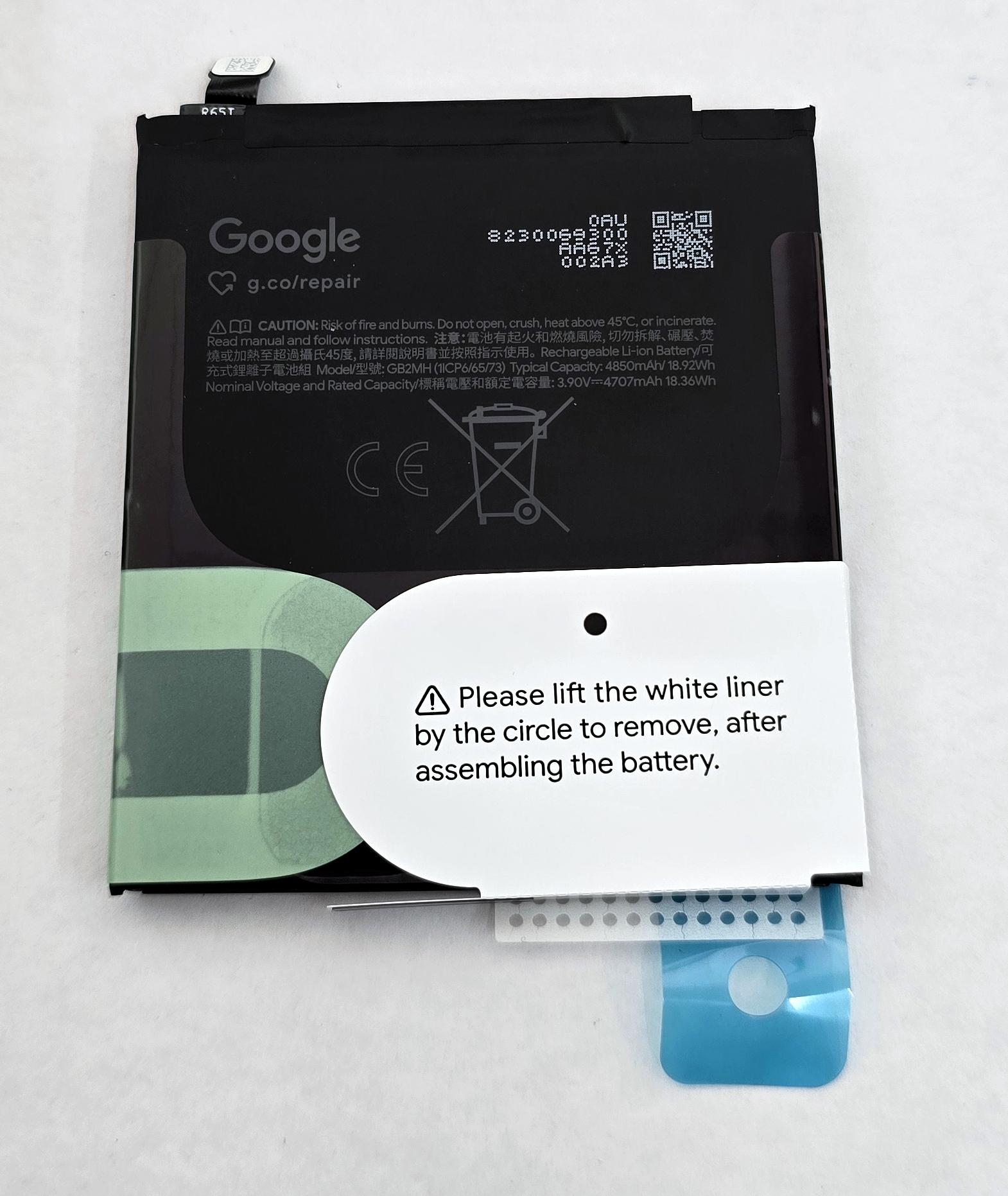
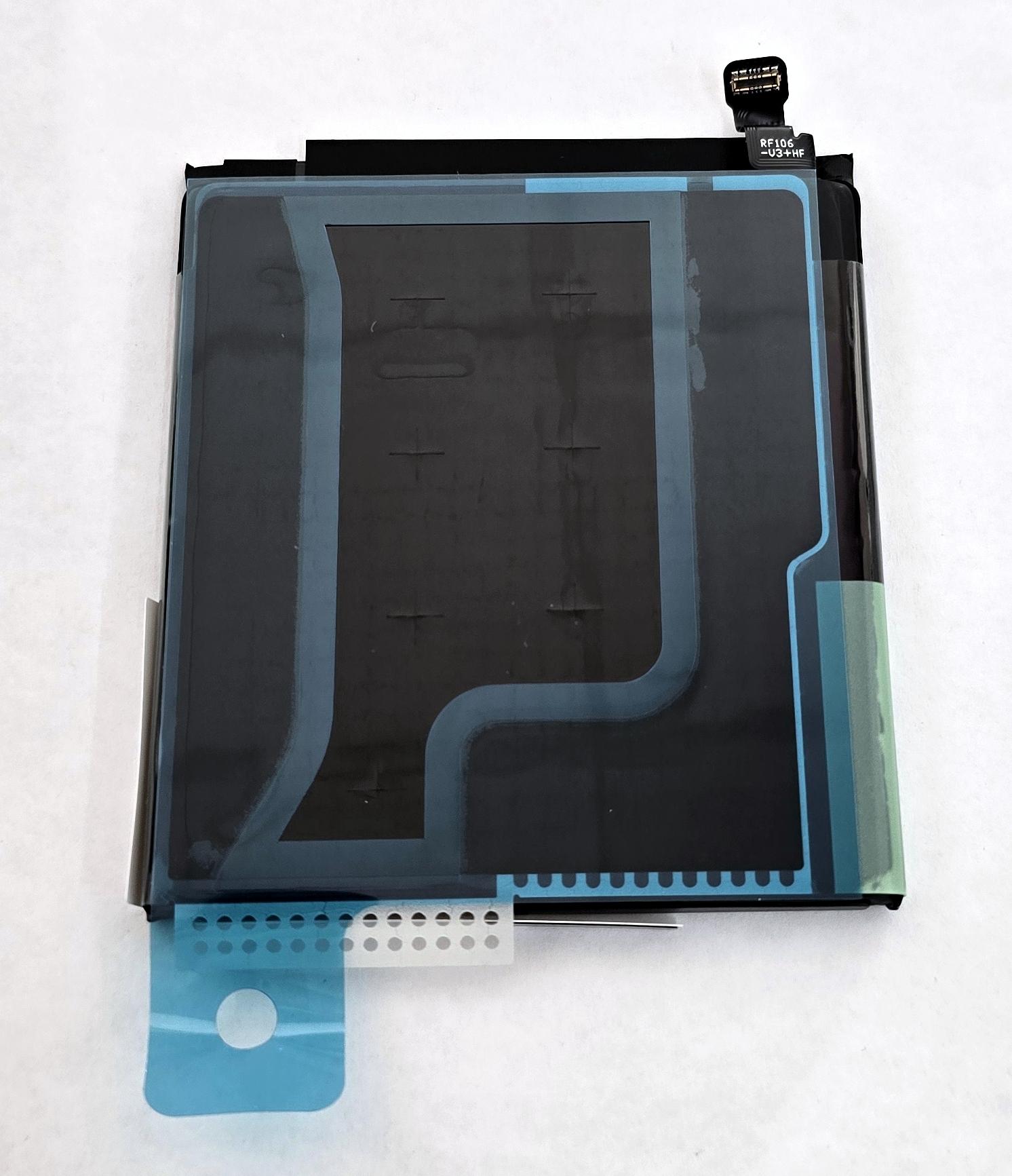
Battery GB2MH 4850mAh by Google Pixel 11 Pro GM45K G949-01754-00 Service Pack
80439
New
Disponible
Warning: Last items in stock!


Volume discounts
| Quantity | Total amount | Price 1 unit |
|---|---|---|
| 5 | €193.60 | Price €38.72 |
GB2MH 4850mAh Battery for Google Pixel 11 Pro GM45K G7SWN G949-01754-00 Service Pack |
|---|
The GB2MH 4850mAh battery for Google Pixel 11 Pro GM45K and G7SWN, with part number G949-01754-00 and Service Pack quality, is an internal lithium-ion replacement battery designed to replace the device's battery. It features a typical capacity of 4850mAh, a minimum capacity of 4707mAh and a nominal voltage of 3.9V. It allows repairs of phones experiencing reduced battery life, rapid discharge or unexpected shutdowns related to battery deterioration. Its technical identification facilitates component selection during professional repairs of the Pixel 11 Pro power supply system.
Specifications |
|---|
- Battery reference: GB2MH.
- Part Number (Part No): G949-01754-00.
- Possible compatibility: Google Pixel 11 Pro.
- Technical models: GM45K and G7SWN.
- Typical capacity: 4850mAh.
- Minimum capacity: 4707mAh.
- Nominal voltage: 3.9V.
- Rated energy: 18.36Wh.
- Technology: rechargeable lithium-ion battery (Li-ion).
- Battery weight: 64g.
- Connection: internal connection to the device.
- Installation type: integrated internal battery.
- Quality: Google Service Pack.
Advantages |
|---|
The GB2MH Service Pack battery allows replacement of the Google Pixel 11 Pro power supply component while maintaining the electrical specifications corresponding to this reference. Its typical capacity of 4850mAh and nominal voltage of 3.9V help restore the device's energy reserve when replacing a deteriorated battery. The G949-01754-00 part number facilitates replacement identification for GM45K and G7SWN models, simplifying component selection during professional repairs. Its internal format is designed for the phone's battery compartment and allows replacement without changing the entire device. It provides a solution for specialised repair technicians who need to resolve problems related to reduced battery life, battery degradation or power interruptions while maintaining the electrical characteristics of the component.
Installation Tips |
|---|
- Completely power off the device and disconnect the installed battery before starting replacement, using electrostatic discharge (ESD) protection.
- Carefully disassemble the phone and access the battery compartment.
- Remove the previous battery and clean any adhesive residue from the mounting surface.
- Position the GB2MH battery correctly, using suitable adhesive for internal batteries.
- Properly align the battery connector with its connection on the motherboard, avoiding excessive pressure or forcing the contacts.
- Check that the phone powers on correctly and recognises the new battery before permanently closing the device.
- To calibrate the battery level indicator, charge the battery to 100% and keep it connected for two additional hours. Then use the device until it shuts down due to battery depletion and recharge it uninterrupted to 100%.
- Check charging behaviour, battery percentage and power supply stability during the first operating cycles.
- Renew the closing adhesive and check that the rear cover is properly secured to complete the assembly.
Technical Table |
|---|
Brand | Compatible Models | Technical Model | Part Number (Part No) | Component Type | Capacity / Voltage | Quality |
|---|---|---|---|---|---|---|
Pixel 11 Pro | GM45K / G7SWN | GB2MH / G949-01754-00 | Li-ion Battery | 4850mAh typical / 4707mAh minimum / 3.9V | Service Pack |