No products
Prices are tax included
Product successfully added to your shopping cart
There are 0 items in your cart. There is 1 item in your cart.

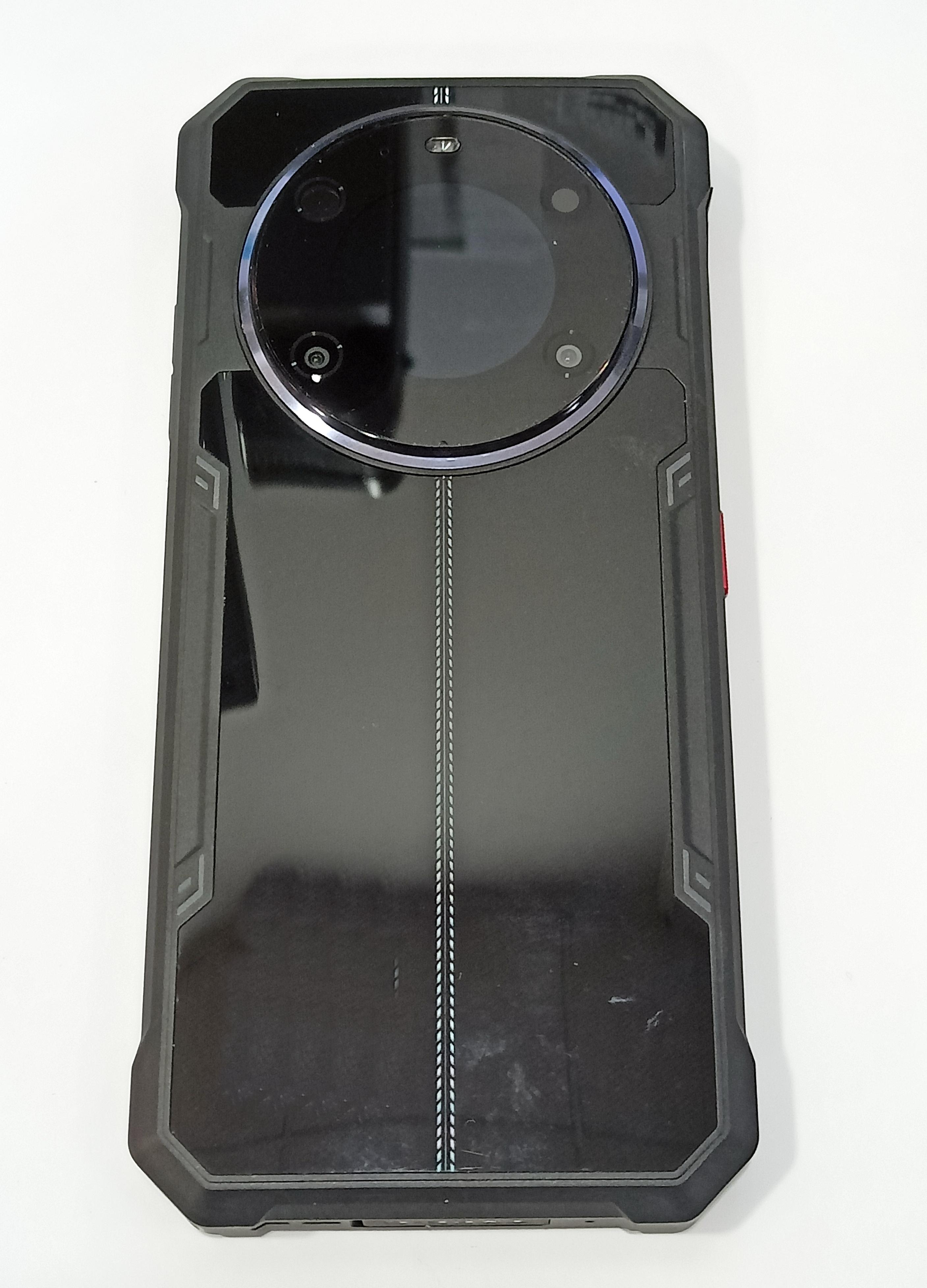
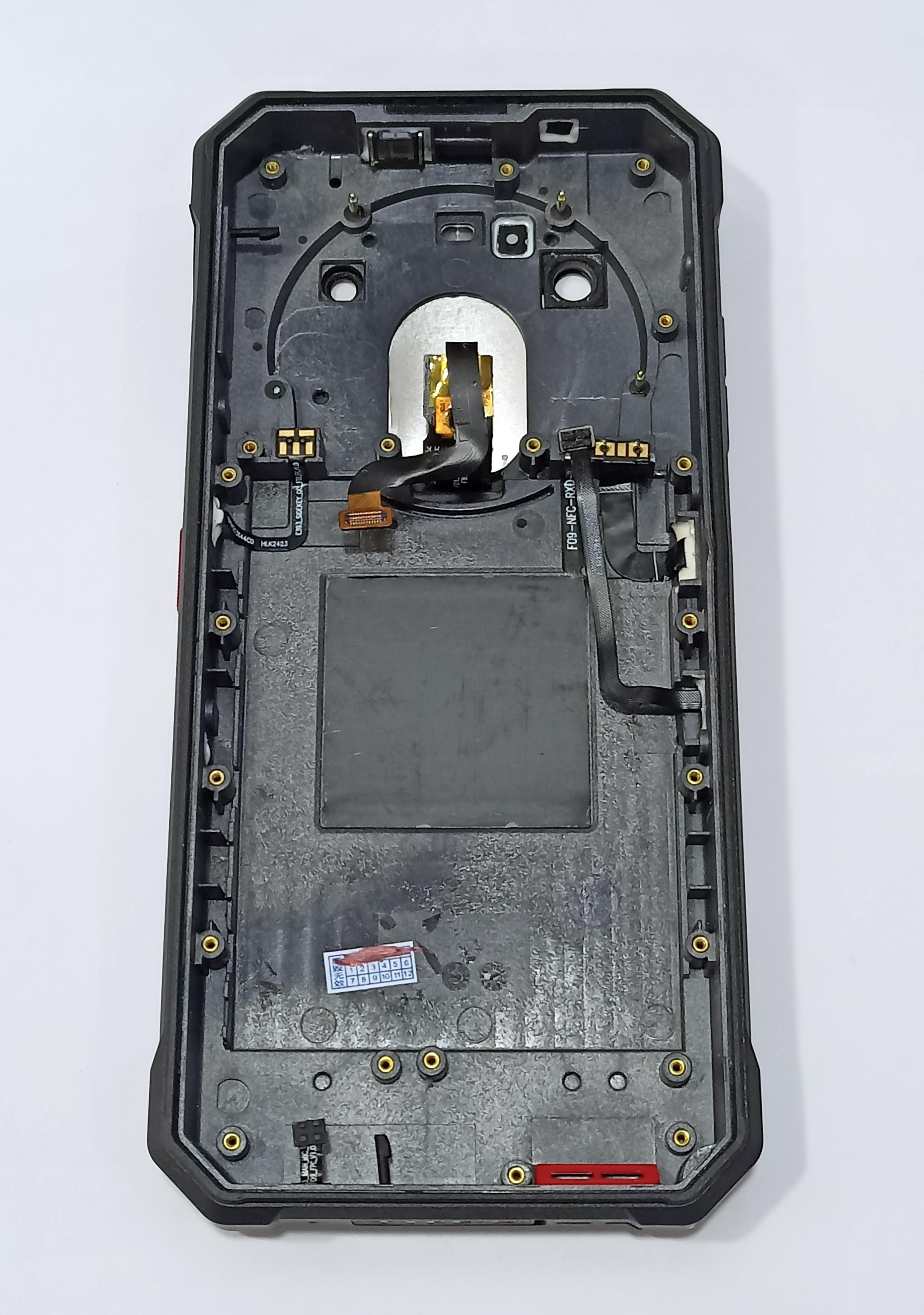
Black rear cover or battery cover for Fossibot F109 5G with secondary LCD screen compatible quality
80437
New
Disponible
Warning: Last items in stock!


Volume discounts
| Quantity | Total amount | Price 1 unit |
|---|---|---|
| 5 | €112.11 | Price €22.42 |
Black rear cover or battery cover for Fossibot F109 5G with secondary LCD screen compatible quality |
|---|
The compatible quality black rear cover or battery cover for Fossibot F109 5G, technical model F109, incorporates the secondary LCD screen located on the rear of the rugged smartphone. This assembly is designed to replace the damaged rear cover and repair faults related to cracks, physical damage or secondary screen display failures. It allows both the exterior finish of the device and the rear display functions to be restored, which are used to check the time, notifications and access various device functions.
Specifications |
|---|
- Brand: Fossibot.
- Commercial model: F109 5G.
- Technical model: F109.
- Device type: rugged smartphone.
- Component type: rear cover with secondary LCD screen.
- Colour: black.
- Secondary LCD screen included.
- Location: rear of the device.
- Secondary screen design: circular.
- Function: exterior protection and secondary display.
- Quality: compatible.
Advantages |
|---|
The black rear cover with secondary LCD screen for Fossibot F109 5G offers a cost-effective solution for repairing two device elements in a single operation. The inclusion of the rear display simplifies replacement of the damaged assembly, reducing individual component disassembly and assembly operations.
This replacement part is particularly useful for restoring rugged smartphones with damaged rear covers or secondary screen display problems. Its replacement allows the smartphone's appearance to be restored and functions such as notifications, clock and multimedia controls to be recovered. It provides a practical alternative for specialised repair workshops seeking to optimise repair costs and extend the device's service life.
Installation tips |
|---|
- Completely switch off the device and use ESD protection.
- Carefully remove the damaged rear cover.
- Disconnect the battery and secondary screen flex cable.
- Clean the mounting surfaces and remove adhesive residue.
- Correctly align the secondary LCD screen connector without forcing the flex cable.
- Check image display and secondary screen touch response before final assembly.
- Renew the corresponding adhesives and sealing elements.
- Check the perimeter fit, mounting points and overall device operation.
Technical table |
|---|
Brand | Commercial model | Technical model | Component type | Colour | Secondary screen | Quality |
|---|---|---|---|---|---|---|
Fossibot | F109 5G | F109 | Rear battery cover | Black | LCD included | Compatible |