
No products
Prices are tax included
Product successfully added to your shopping cart
There are 0 items in your cart. There is 1 item in your cart.

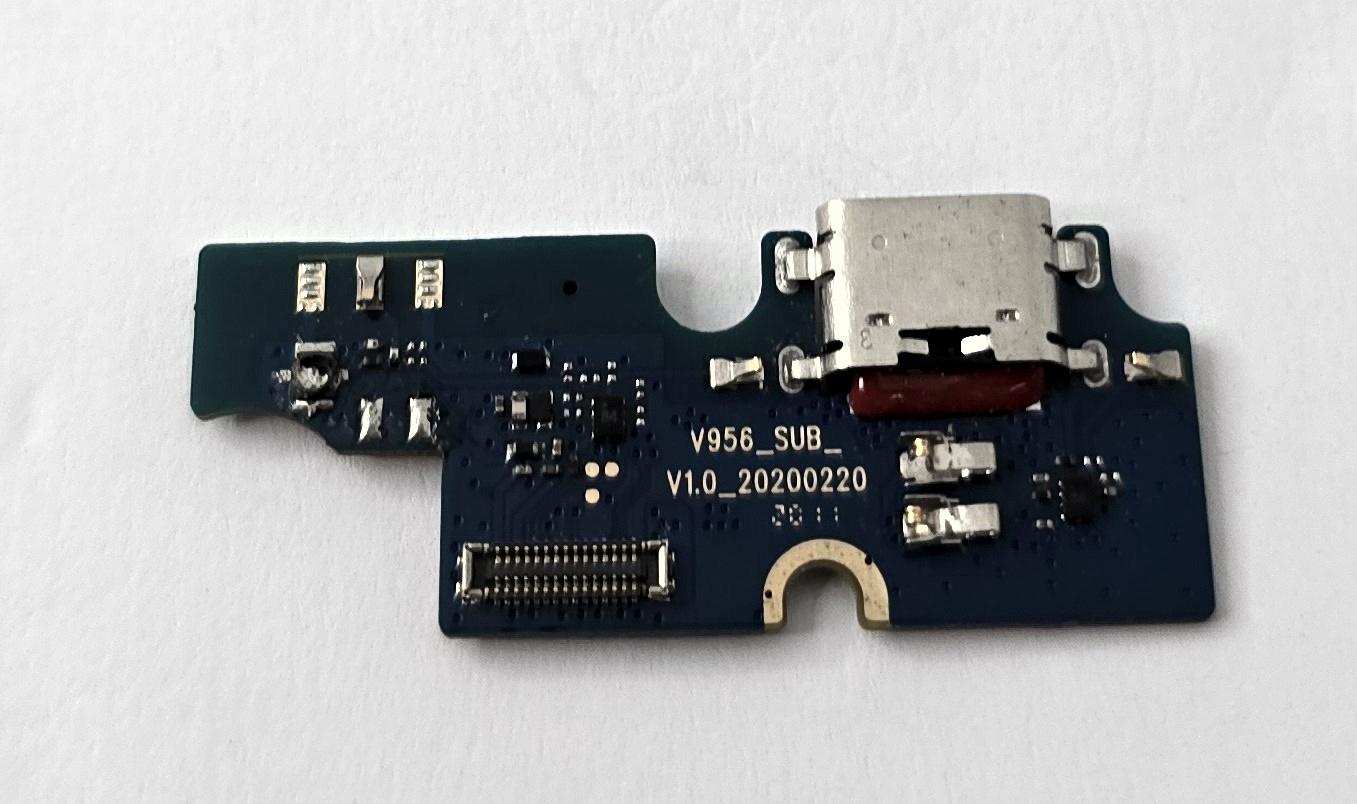
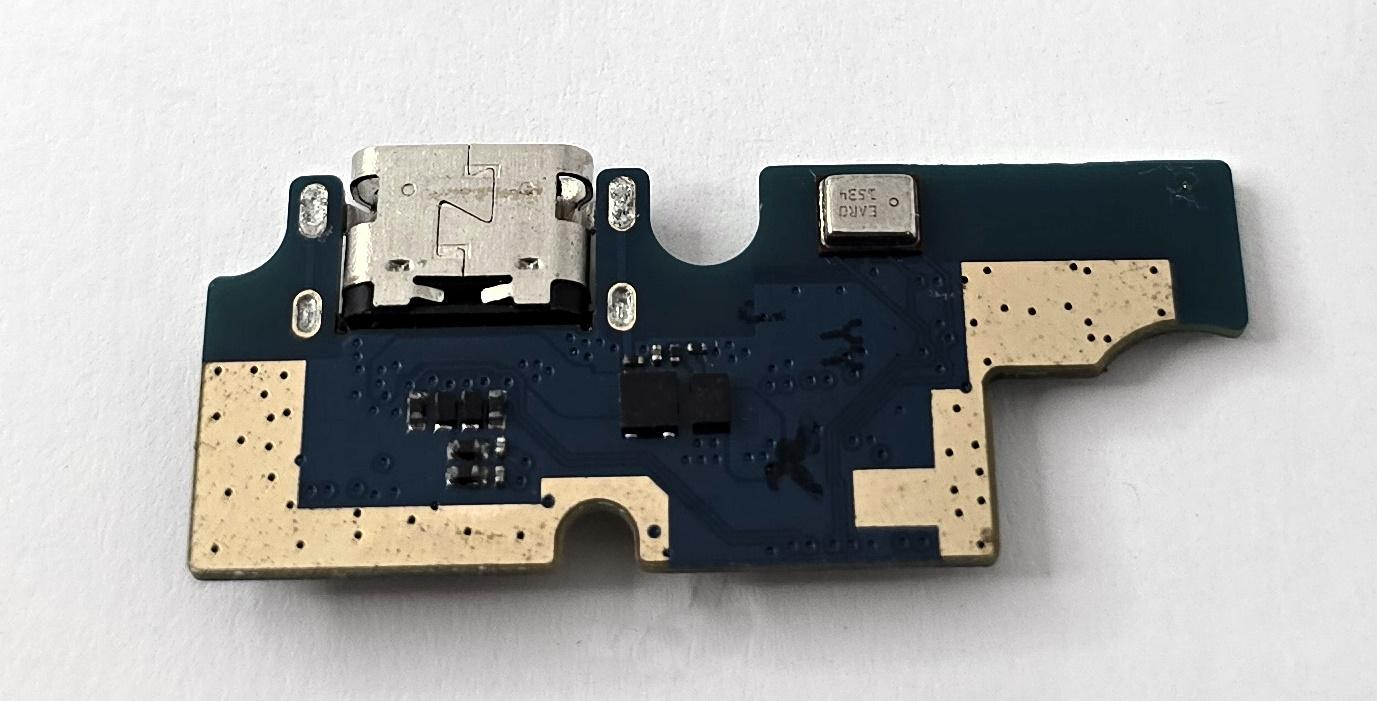
Charging port flex by Cubot P40 premium quality
70332
New
This product is no longer in stock


Volume discounts
| Quantity | Total amount | Price 1 unit |
|---|---|---|
| 5 | €37.81 | Price €7.56 |
Charging Port Flex for Cubot P40 Premium Quality |
|---|
The charging port flex for Cubot P40, in premium quality, is a replacement part designed to replace the phone's USB connection module. It incorporates the USB Type-C port and allows the repair of faults related to charging problems, intermittent connections, or failure to recognize the device via USB. Its design is adapted to the internal structure of the Cubot P40, facilitating replacement of the damaged component. It is a solution intended for technical services and professional repair technicians who need to restore charging and data connection functions without replacing other components of the device.
Specifications |
|---|
- Compatible brand: Cubot.
- Compatible model: Cubot P40.
- Component: Charging port flex with connection board.
- Connector type: USB Type-C.
- Location: Lower section of the device.
- Function: Power connection for charging and data communication via USB.
- Internal connection: Interface for connection to the phone's main circuit board.
- Quality: Premium.
Advantages |
|---|
The charging port flex for Cubot P40 in premium quality offers a specific repair solution to restore USB connectivity when the fault originates from the charging module. Its configuration allows the affected assembly to be replaced without replacing the mainboard or other components that are working correctly.
The design corresponding to the Cubot P40 facilitates its placement in the designated housing and connection to the phone's internal circuitry. This component is particularly useful for repairing connectors damaged by use, defective contacts, and USB recognition problems.
For technical repair services, it represents a practical alternative that allows localized repairs, charging functionality checks, and data communication verification before completing assembly.
Installation Tips |
|---|
- Turn off the Cubot P40 and disconnect the battery before starting replacement, using electrostatic discharge (ESD) protection.
- Carefully remove the damaged charging module and check the position of its internal connections.
- Place the new flex in its housing, correctly aligning the connectors without forcing the connections or bending the contacts.
- Verify that the USB Type-C port is correctly positioned relative to the phone's lower opening.
- Temporarily reconnect the battery and check charging, USB connection stability, and data recognition before final closure.
- Clean any assembly residue and renew adhesives where applicable before reassembling the device.
Technical Table |
|---|
Brand | Compatible Models | Component Type | Connector | Quality |
|---|---|---|---|---|
Cubot | P40 | Charging port flex with connection board | USB Type-C | Premium |


