No products
Prices are tax included
Product successfully added to your shopping cart
There are 0 items in your cart. There is 1 item in your cart.

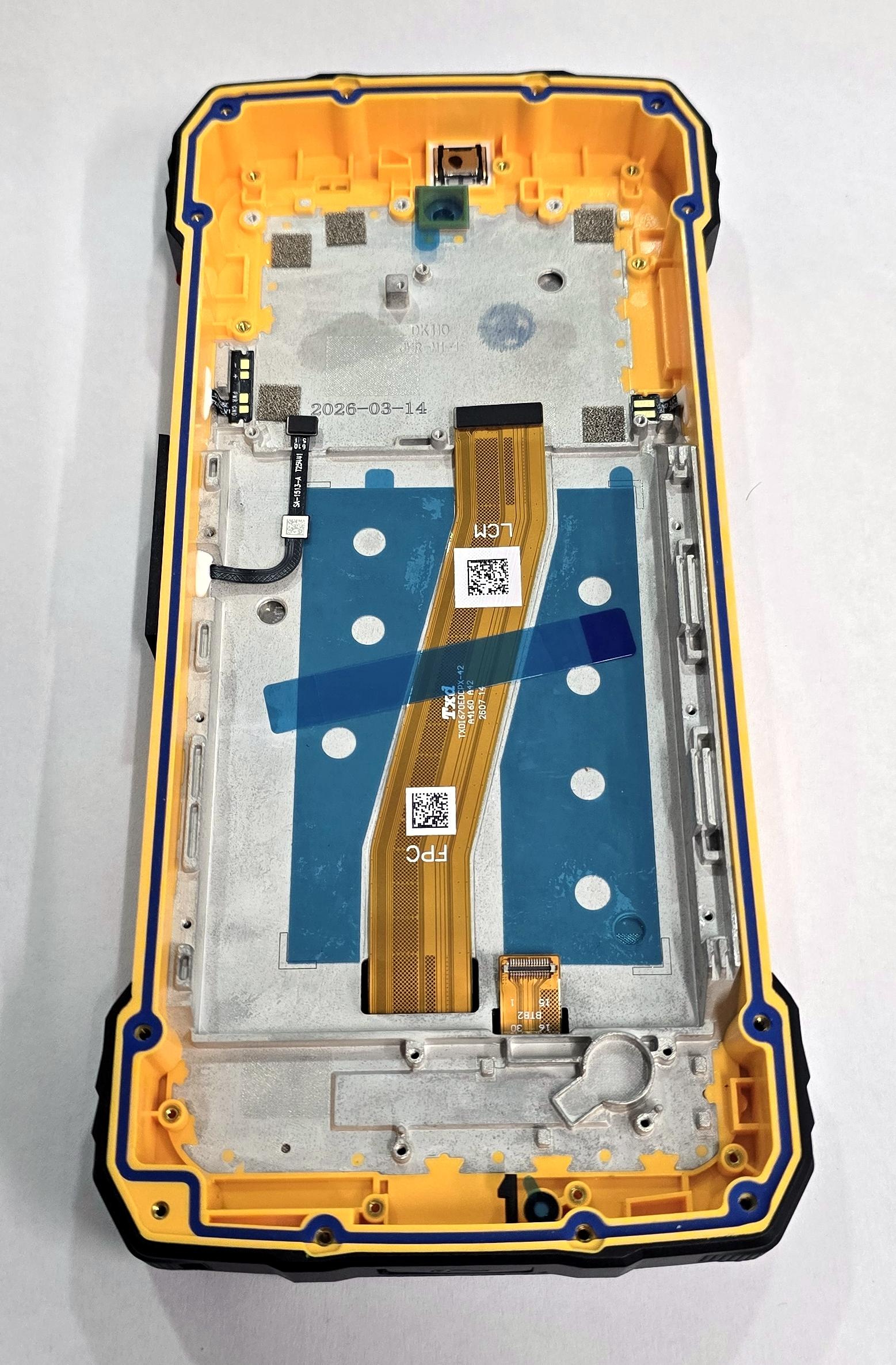
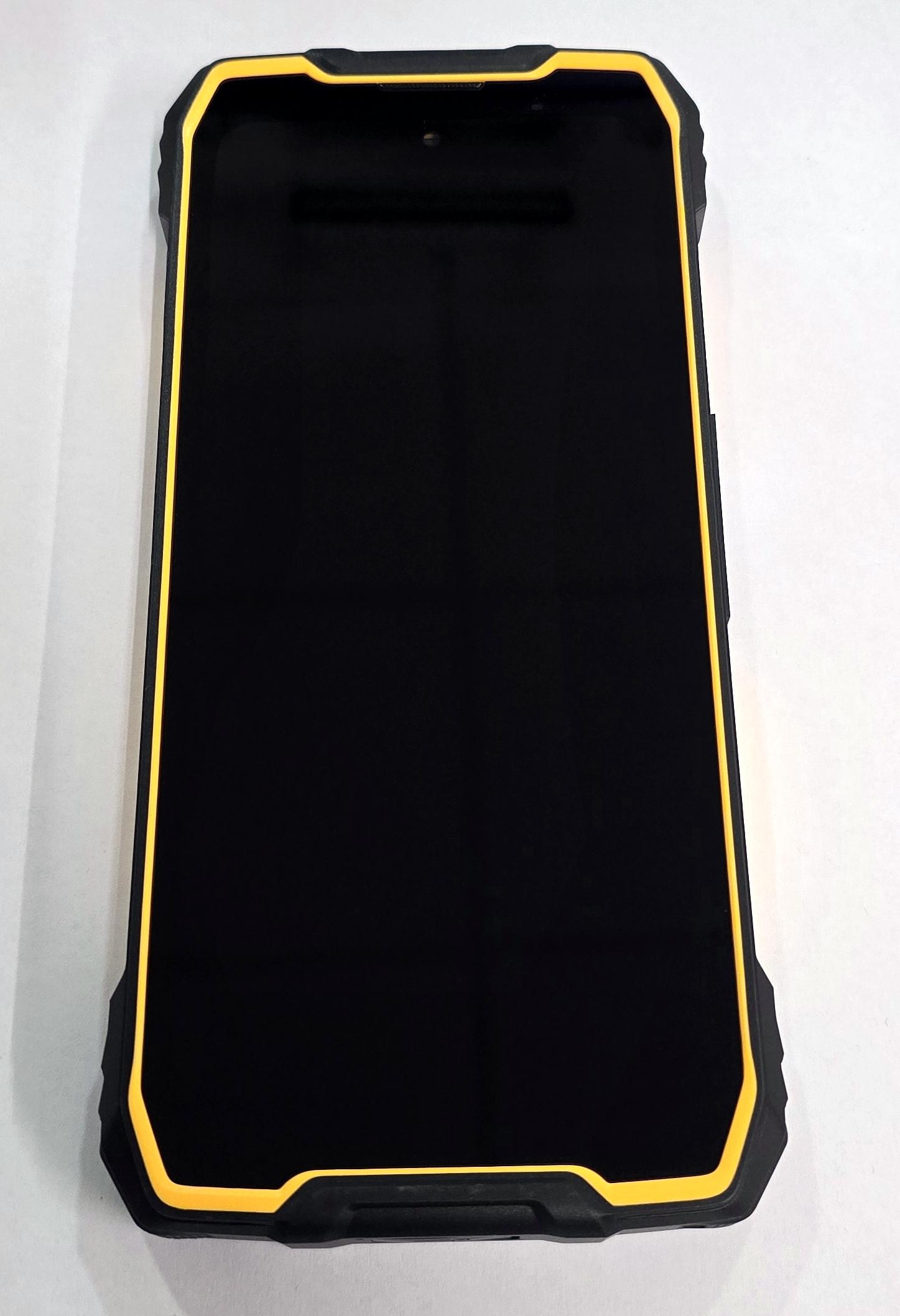
Display by Blackview Oscal Pilot 5 5G with black touch screen with orange frame premium quality
79917
New
Disponible
Warning: Last items in stock!


Volume discounts
| Quantity | Total amount | Price 1 unit |
|---|---|---|
| 5 | €264.99 | Price €53.00 |
Display by Blackview Oscal Pilot 5 5G with black touch screen with orange frame premium quality
Complete screen with black touch panel and orange frame for Blackview OSCAL Pilot 5 5G, model OSCAL PILOT 5, in Premium quality. This module is designed to replace the screen and digitizer together when the device has broken glass, image failures, spots, lines or touch response problems. The integrated frame facilitates assembly and allows the different components to remain correctly positioned during repair. It is a solution designed to restore the visual and touch experience of the device through an assembly prepared for professional installation and complete cold testing before final closure.
Specifications
Brand: Blackview OSCAL
Compatible model: OSCAL Pilot 5 5G
Technical model: OSCAL PILOT 5
Component: complete screen with touch digitizer
Size: 6.67 inches
Resolution: 720 x 1604 pixels
Panel type: IPS LCD
Frequency: up to 120 Hz
Front color: black
Frame: orange included
Quality: Premium
Premium quality is intended for repairs that require good sharpness, uniform brightness, balanced contrast, stable color reproduction and precise touch response across the entire surface. This screen restores the visual and touch functionality of the Blackview OSCAL Pilot 5 5G when the installed module is broken or deteriorated. The included orange frame facilitates the transfer of the necessary components and reduces assembly work compared with a screen without a structure. It is suitable for repairs caused by impacts, broken glass, loss of image or touch failures, helping to optimize repair times and providing a firm and precise installation.
Installation tips
Disconnect the battery and use ESD protection.
Perform a cold test before removing protections or applying adhesives.
Check the image and touch response across the entire surface.
Check correct operation at different refresh rates.
Align the connectors without forcing the flex cables.
Carefully transfer the necessary components to the new frame.
Replace the adhesives and completely remove previous residues.
Check cameras, buttons, sensors and connectors before closure.
Perform the final sealing only after completing all tests.
Technical table
| Brand | Compatible models | Technical model | Component type | Dimensions | Resolution | Panel type | Frequency | Color | Frame | Quality |
|---|---|---|---|---|---|---|---|---|---|---|
| Blackview OSCAL | OSCAL Pilot 5 5G | OSCAL PILOT 5 | Complete screen with touch digitizer | 6.67 inches | 720 x 1604 pixels | IPS LCD | Up to 120 Hz | Black | Orange included | Premium |