
No products
Prices are tax included
Product successfully added to your shopping cart
There are 0 items in your cart. There is 1 item in your cart.

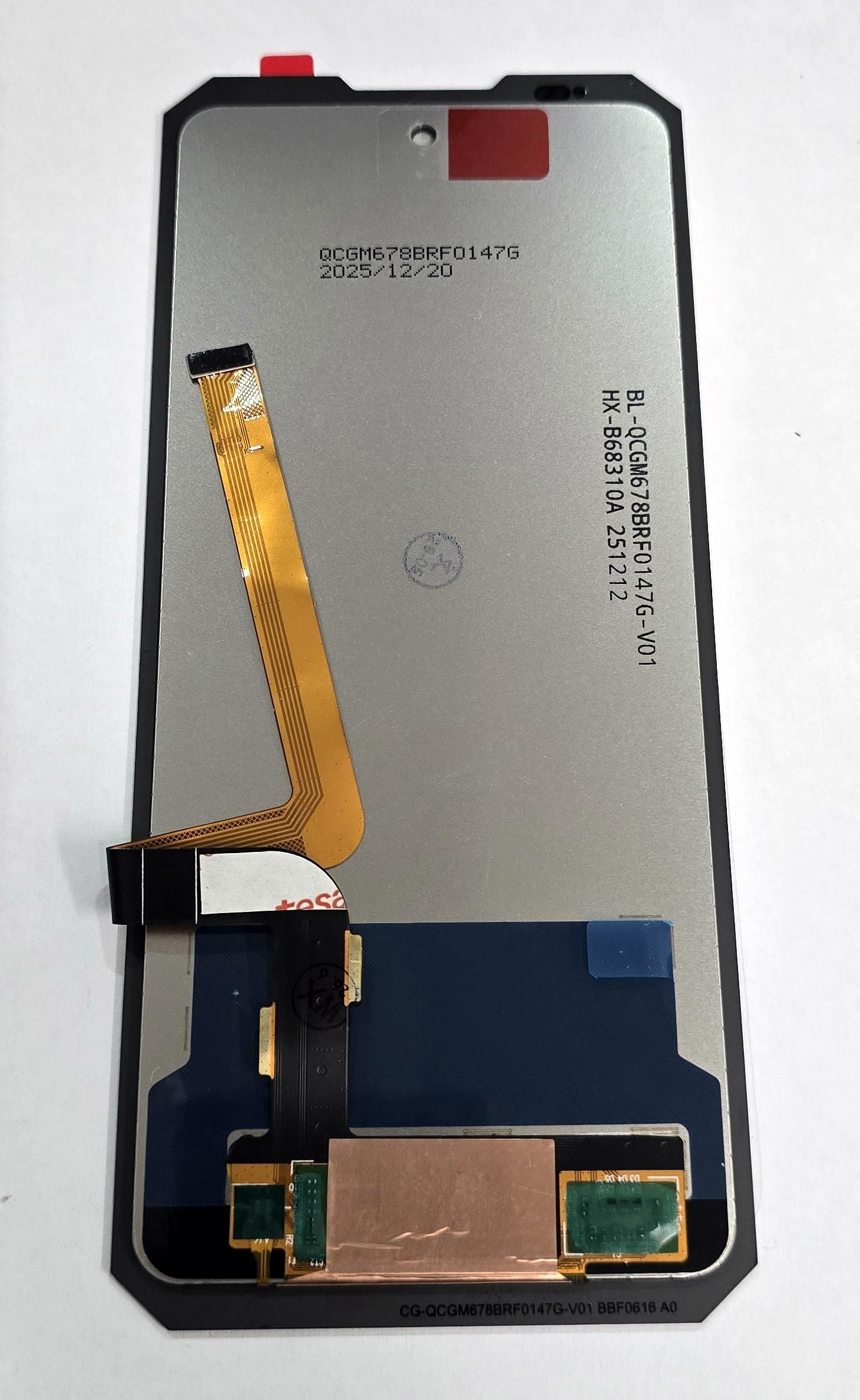
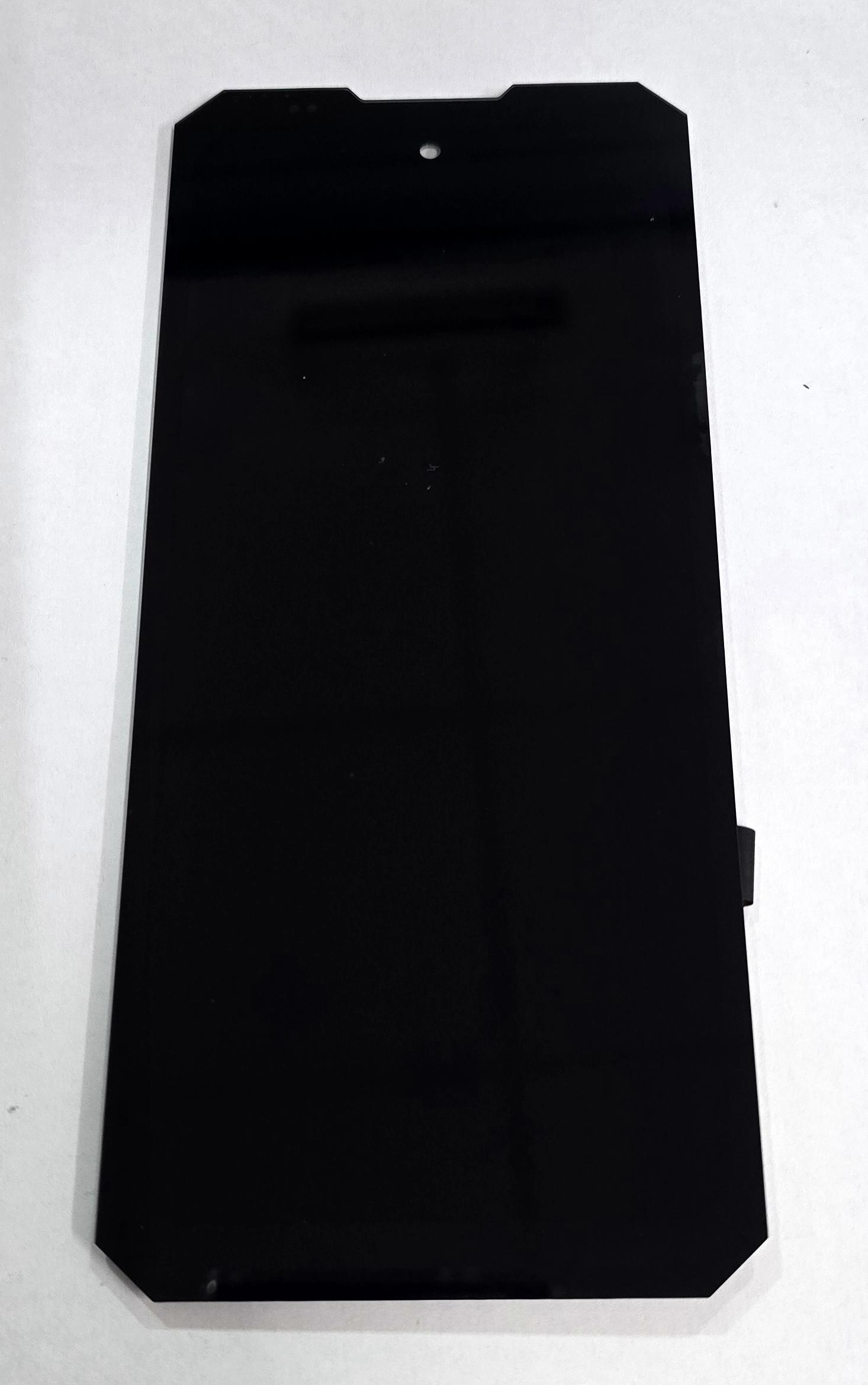
Display by Doogee S300 Doogee S300 Pro Doogee S300 Plus with black touch screen premium quality
79888
New
Disponible
Warning: Last items in stock!


Volume discounts
| Quantity | Total amount | Price 1 unit |
|---|---|---|
| 5 | €118.04 | Price €23.61 |
Screen for Doogee S300 Doogee S300 Pro Doogee S300 Plus plus black touch screen premium quality
Complete screen for Doogee S300, Doogee S300 Pro 5G and Doogee S300 Plus 5G, with black touch screen in Premium quality, designed to replace a broken display, a screen with no image, lines, spots or touch response problems. The assembly integrates the screen and touch digitizer to correctly restore the display and operation of the device. This replacement is designed to provide a precise fit and stable touch response, facilitating replacement of the damaged module. Intended for professional installation and cold testing before applying adhesives or carrying out final closure.
Specifications
Brand: Doogee
Compatible models: Doogee S300, Doogee S300 Pro 5G and Doogee S300 Plus 5G
Component: screen plus touch screen
Size: 6.78 inches
Resolution: 1080 x 2460 pixels FHD+
Panel type: IPS LCD
Refresh rate: up to 120 Hz
Touch screen color: black
Frame: not included
Quality: Premium
Premium quality is intended for professional repairs where the aim is to restore a defined image, uniform brightness, good color reproduction and stable touch response. The panel offers FHD+ resolution and a refresh rate of up to 120 Hz, providing fluid viewing suitable for daily use. This replacement allows the repair of devices with broken glass, unresponsive touch areas, lines, spots or no image. As it is supplied without a frame, the front structure of the device must be reused, making it especially important to correctly remove previous adhesive residue and check alignment before closure.
Installation tips
Disconnect the battery and use ESD protection.
Perform a cold test before removing protective films or applying adhesives.
Check the image and touch response across the entire surface.
Check brightness uniformity before closing the device.
Align the connectors without forcing the flex cables.
Completely remove any previous adhesive residue.
Check the correct positioning of the screen on the reused frame.
Perform final closure only after checking all functions.
Technical table
| Brand | Compatible models | Component type | Dimensions | Resolution | Panel type | Refresh rate | Color | Quality |
|---|---|---|---|---|---|---|---|---|
| Doogee | S300, S300 Pro 5G, S300 Plus 5G | Screen plus touch screen | 6.78 inches | 1080 x 2460 pixels FHD+ | IPS LCD | Up to 120 Hz | Black | Premium |