No products
Prices are tax included
Product successfully added to your shopping cart
There are 0 items in your cart. There is 1 item in your cart.

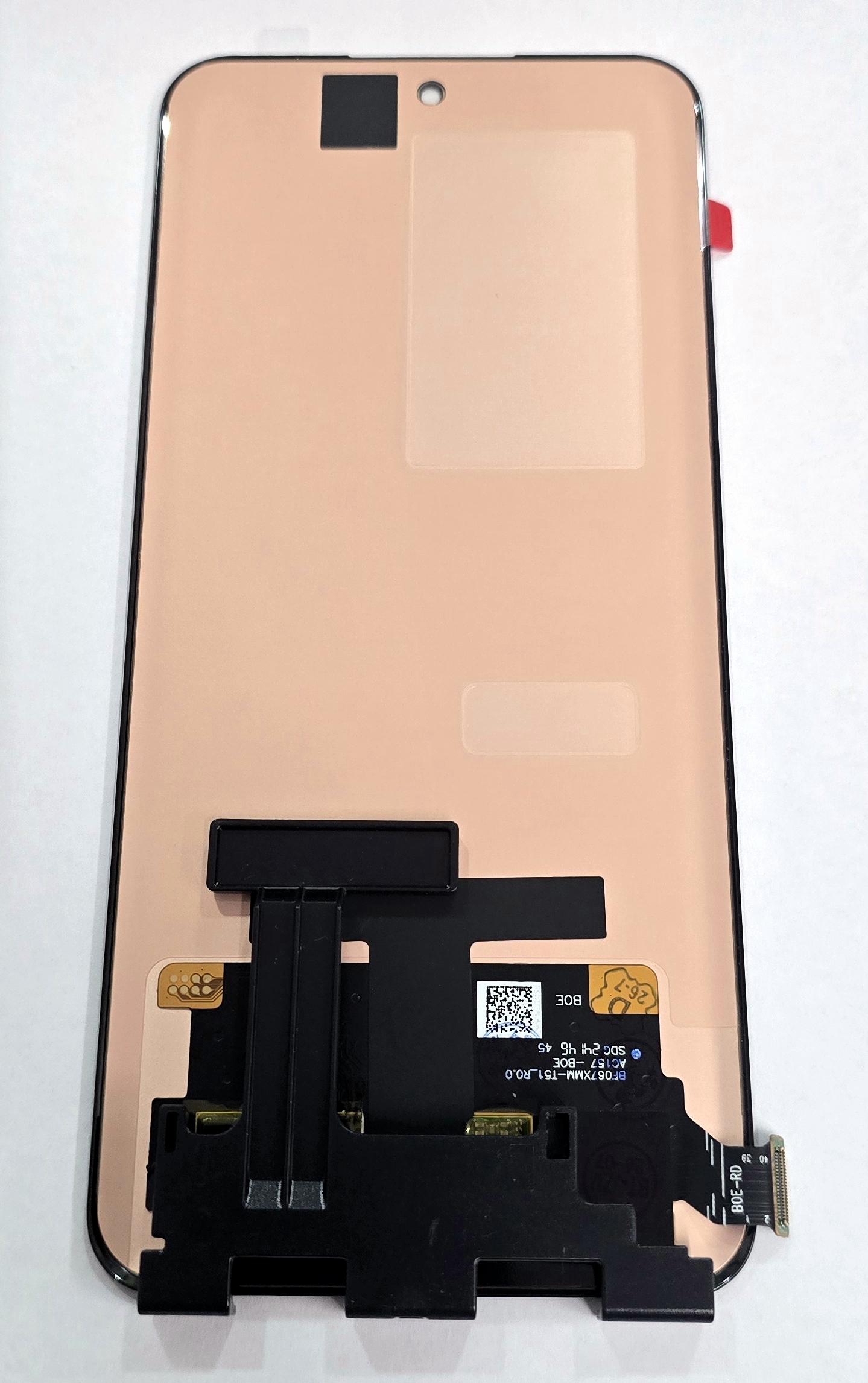
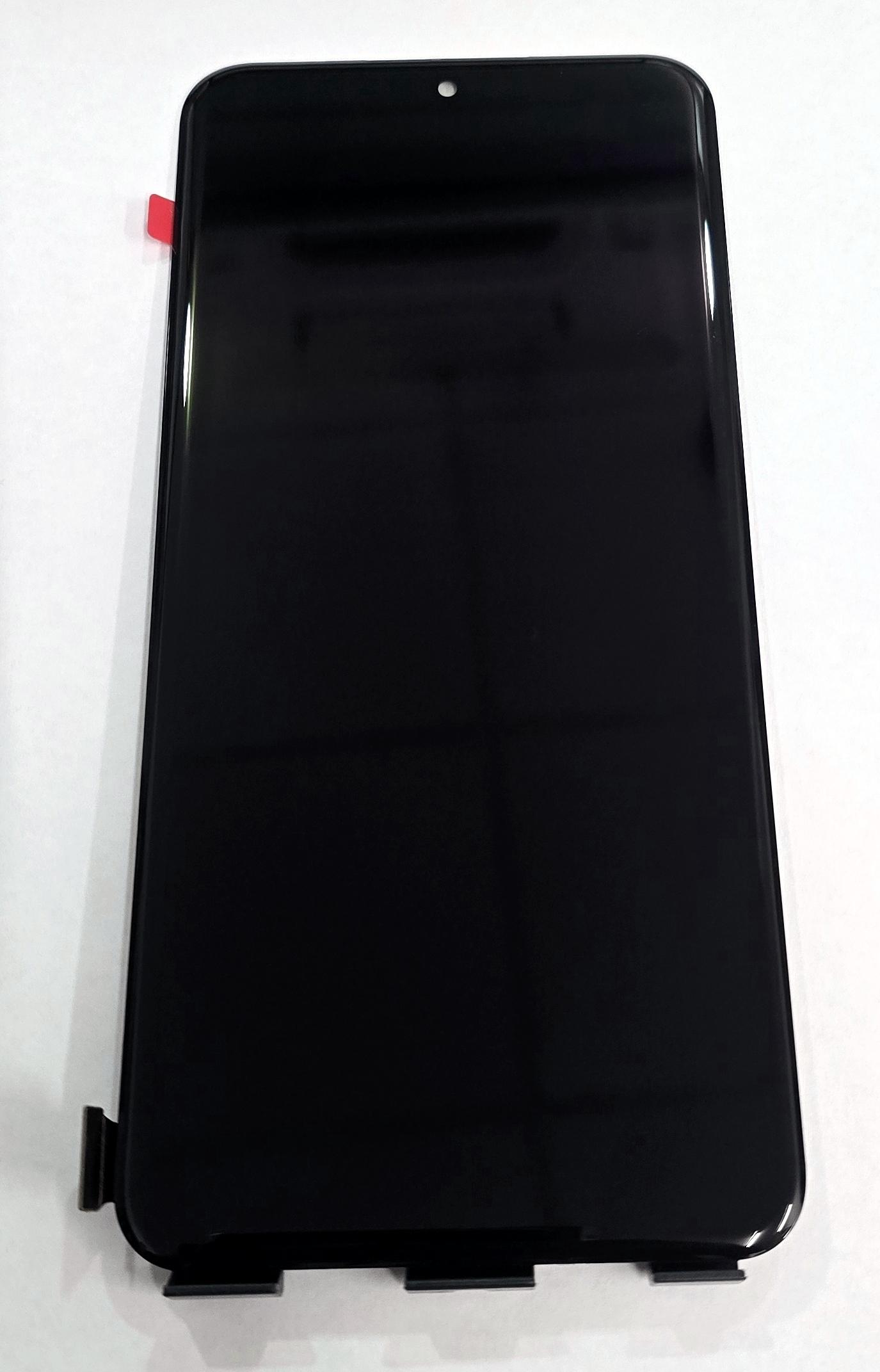
Display by Oppo Reno 12 Pro 5G CPH2629 with black touch screen compatible Oled
80496
New
Disponible
Warning: Last items in stock!


Volume discounts
| Quantity | Total amount | Price 1 unit |
|---|---|---|
| 5 | €212.66 | Price €42.53 |
Screen for Oppo Reno 12 Pro 5G CPH2629 with black touchscreen without frame compatible OLED |
|---|
Compatible OLED screen for Oppo Reno 12 Pro 5G CPH2629, a model marketed in Spain and other international markets. This replacement part consists of an OLED panel and black touchscreen digitizer integrated into a single module, without a front frame. It is designed to resolve faults related to broken glass, loss of image, spots, vertical lines or touchscreen response issues. Its configuration allows the existing device frame to be reused when it remains in good condition, offering an economical alternative for restoring the device's display and touchscreen control functions.
Specifications |
|---|
- Compatible brand: Oppo.
- Compatible model: Reno 12 Pro 5G.
- Technical model: CPH2629.
- Version: European and international.
- Display technology: OLED.
- Lighting system using self-emissive pixels.
- Integrated touchscreen digitizer.
- Colour: black.
- Configuration: without front frame.
- Connection via flex cable.
- Quality: compatible OLED.
Advantages |
|---|
OLED technology uses self-emissive pixels that enable deep black reproduction and provide high contrast without requiring a separate backlighting system. These characteristics make this replacement part an interesting alternative for restoring the display functions of the Oppo Reno 12 Pro 5G.
Its frameless configuration allows the device's front structure to be reused, reducing the cost of the components required for repair. The integration of the panel and touchscreen digitizer into a single module facilitates complete replacement of the screen assembly.
This compatible OLED quality solution is particularly intended for repair shops and technical services looking for a balanced relationship between display technology, functionality and repair costs.
Installation tips |
|---|
- Switch off the device and disconnect the battery before starting the repair.
- Use suitable tools and ESD antistatic protection.
- Carefully remove the damaged screen from the front frame.
- Completely remove adhesive residues and check the condition of the frame.
- Compare the flex cable and connector layout with those of the removed screen.
- Connect the screen and check the image, brightness and touchscreen response.
- Verify the operation of the fingerprint reader and sensors.
- Apply suitable adhesive to secure the screen.
- Distribute pressure evenly during assembly.
- Perform a complete functional test before final closure.
Technical table |
|---|
Brand | Compatible model | Technical model | Component type | Technology | Colour | Frame | Quality |
|---|---|---|---|---|---|---|---|
Oppo | Reno 12 Pro 5G | CPH2629 | Screen and touchscreen | OLED | Black | Without frame | Compatible OLED |