No products
Prices are tax included
Product successfully added to your shopping cart
There are 0 items in your cart. There is 1 item in your cart.

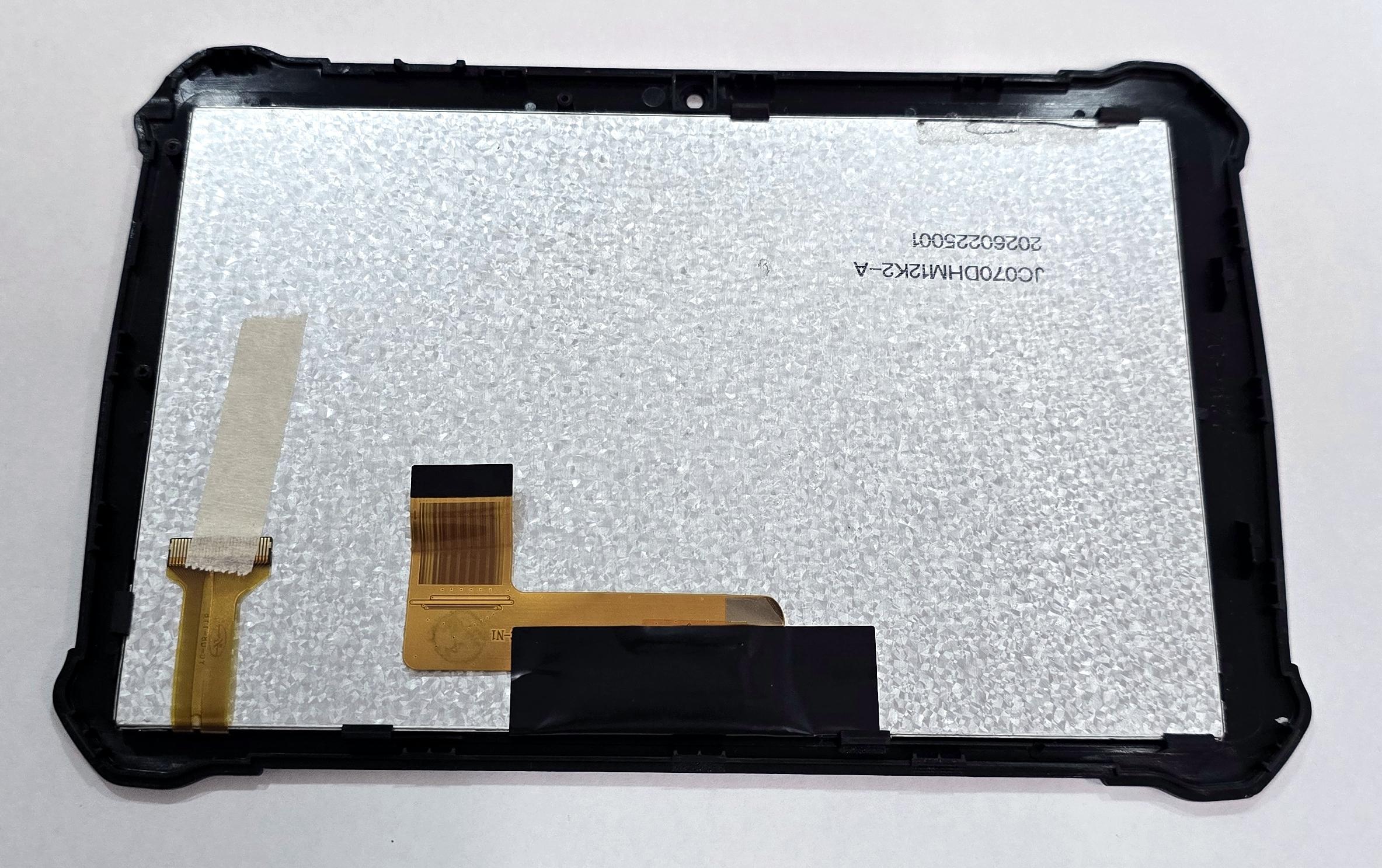
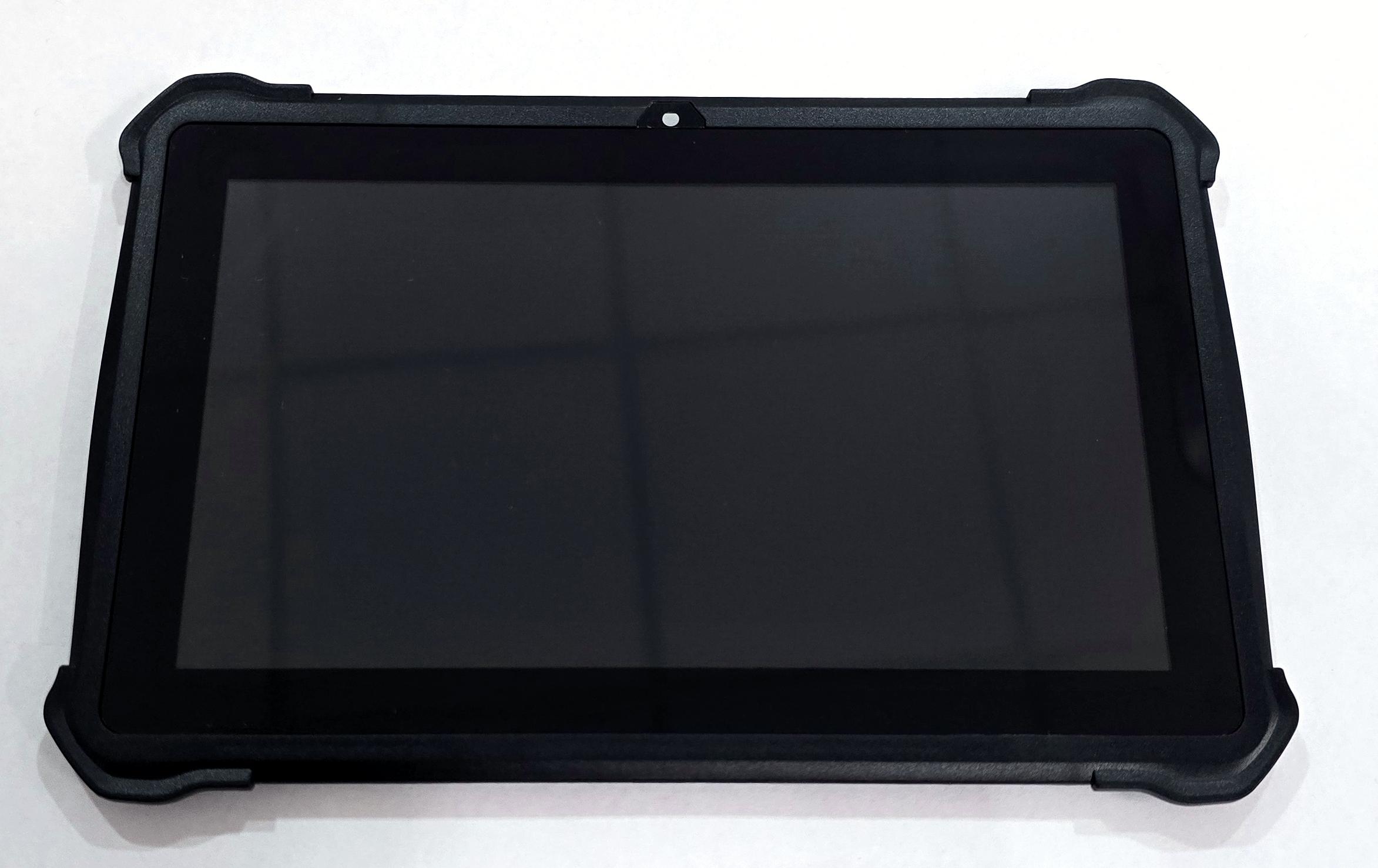
Display by Powerbasics Q8C2-JJ with black touch screen with black frame premium quality
80506
New
Disponible
Warning: Last items in stock!


Volume discounts
| Quantity | Total amount | Price 1 unit |
|---|---|---|
| 5 | €344.31 | Price €68.86 |
Screen for Powerbasics Q8C2-JJ with black touchscreen and black frame premium quality |
|---|
Premium quality screen for the Powerbasics Q8C2-JJ kids' tablet, consisting of a display, black touchscreen digitizer and integrated black front frame. This replacement part is intended to resolve faults related to broken glass, loss of image, spots, screen lines or touchscreen response issues. Its framed configuration allows simultaneous replacement of the display assembly and its support structure, facilitating assembly operations and offering a solution intended to restore tablet functionality through professional repair.
Specifications |
|---|
- Compatible brand: Powerbasics.
- Compatible model: Q8C2-JJ.
- Device type: kids' tablet.
- Component type: complete screen with touchscreen digitizer.
- Front colour: black.
- Frame colour: black.
- Integrated front frame.
- Quality: premium.
Advantages |
|---|
This premium quality screen is intended to restore the display and touchscreen control functions of the Powerbasics Q8C2-JJ tablet, allowing the damaged front assembly to be replaced using a single component.
The inclusion of the front frame facilitates positioning of the display module and reduces separation, alignment and attachment operations during repair. It also allows the support structure to be renewed when it has damage caused by impacts or drops.
Its black finish helps preserve the front appearance of the device. This replacement part is particularly suitable for repair shops and technical services looking to optimise assembly times, reuse functional internal components and extend the tablet's service life.
Installation tips |
|---|
- Switch off the tablet and disconnect the battery before starting the repair.
- Use suitable tools and ESD antistatic protection.
- Compare the connections and mounting points with those of the removed assembly.
- Carefully transfer the internal components to the new frame.
- Align the connectors and flex cables without forcing them.
- Check the image, brightness and colour uniformity.
- Verify touchscreen response across the entire screen surface.
- Clean adhesive residues and replace the necessary fastening elements.
- Check the operation of the front camera and buttons.
- Perform a complete functional test before final closure.
Technical table |
|---|
Brand | Compatible model | Component type | Front colour | Frame | Quality |
|---|---|---|---|---|---|
Powerbasics | Q8C2-JJ | Screen and touchscreen | Black | Integrated black | Premium |