
No products
Prices are tax included
Product successfully added to your shopping cart
There are 0 items in your cart. There is 1 item in your cart.

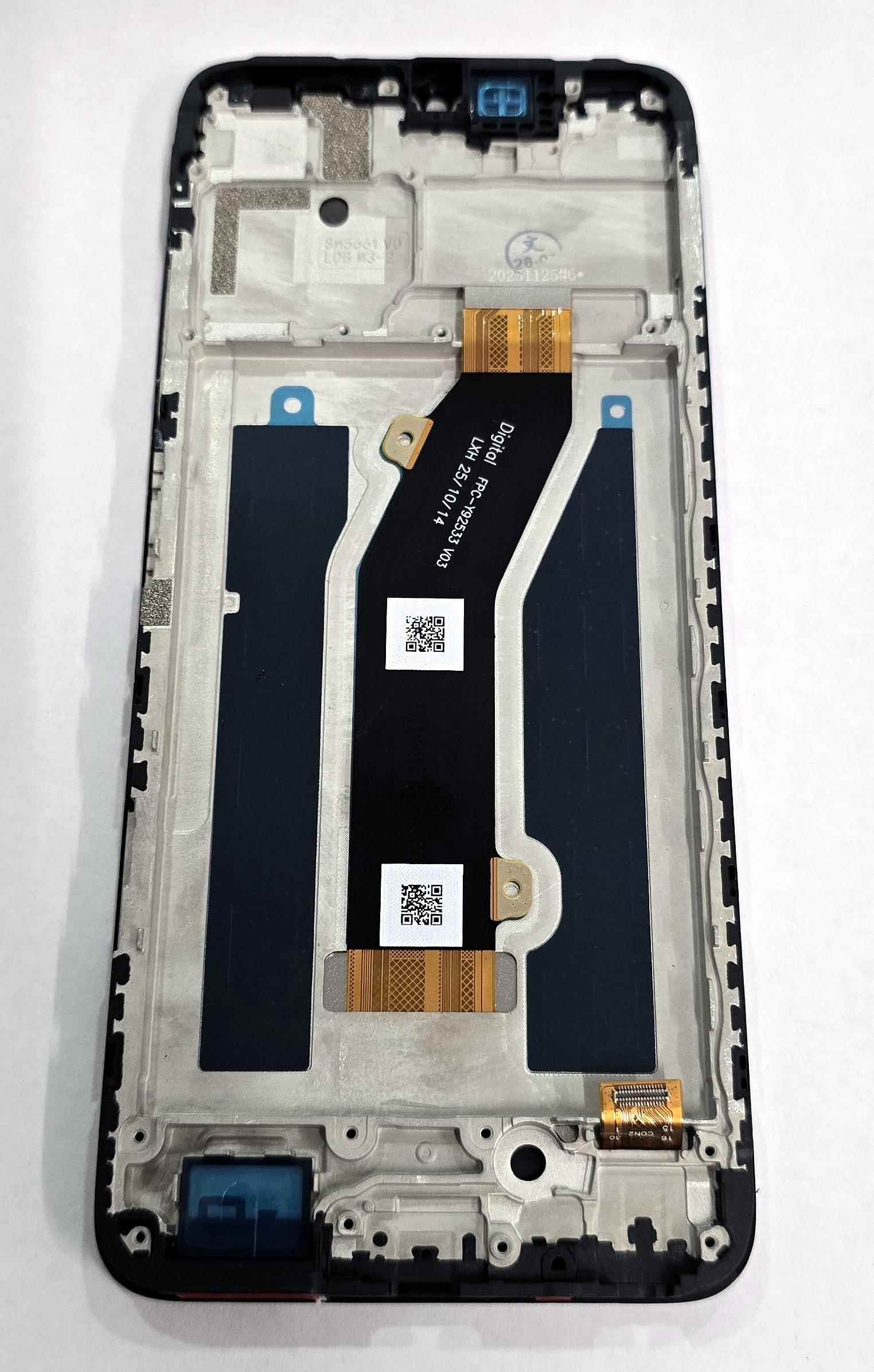
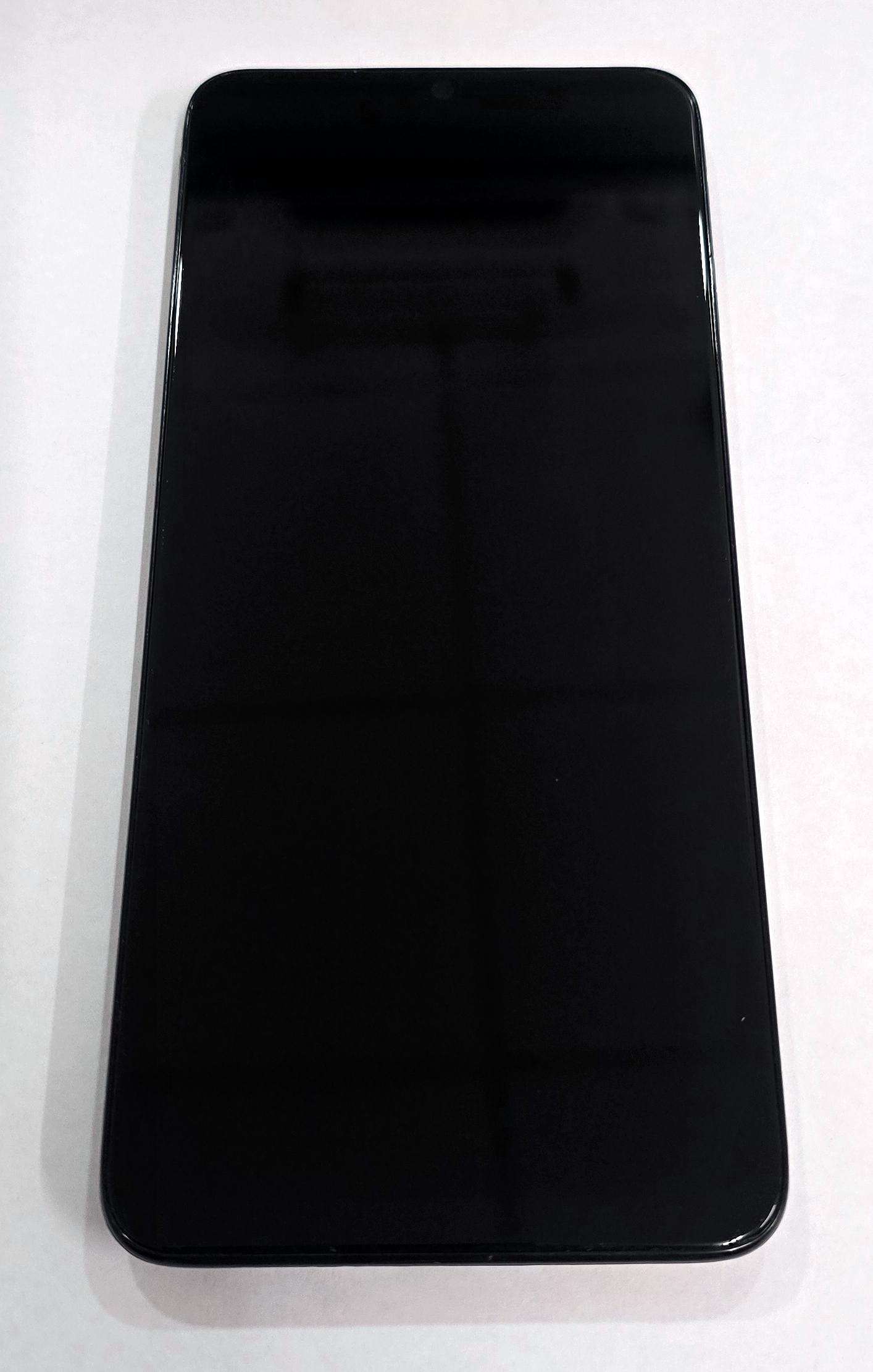
Display by ZTE Blade V80 Max with black touch screen with black frame premium quality
80477
New
Disponible
Warning: Last items in stock!


Volume discounts
| Quantity | Total amount | Price 1 unit |
|---|---|---|
| 5 | €91.78 | Price €18.36 |
Screen for ZTE Blade V80 Max Nubia V80 Max Z2577 with black touch digitizer and black frame premium quality |
|---|
The premium-quality screen for ZTE Blade V80 Max and Nubia V80 Max Z2577 integrates the LCD display panel, black touch digitizer and preassembled black frame into a single assembly. This replacement part is designed to resolve faults related to broken front glass, loss of image, stains, display lines or touch response issues. Its configuration allows simultaneous replacement of the screen and its supporting structure, facilitating the assembly process in professional workshops and technical services specializing in ZTE and Nubia device repairs.
Specifications |
|---|
- Brand: ZTE / Nubia.
- Compatible models: ZTE Blade V80 Max 4G and Nubia V80 Max 4G.
- Technical model: Z2577.
- Component type: Complete screen with touch digitizer and frame.
- Panel technology: LCD.
- Format: Flat screen.
- Front color: Black.
- Frame color: Black.
- Configuration: Screen and touch digitizer with preassembled frame.
- Function: Image display and touch interaction.
- Quality: Premium.
Advantages |
|---|
The premium-quality screen for ZTE Blade V80 Max and Nubia V80 Max provides a solution designed for professional repairs seeking to restore the device's display and touch interaction functions.
The integration of the LCD panel and digitizer allows both components to be replaced during the same repair. The preassembled black frame facilitates front assembly alignment and reduces the operations required to secure the screen, especially in devices with impact damage or structural deformation.
Compatibility with both commercial names of the Z2577 model facilitates spare parts management in the workshop. Its complete configuration helps optimize assembly operations and restore the device's appearance.
Installation Tips |
|---|
- Completely power off the device, disconnect the battery and use ESD protection.
- Perform a provisional screen test before final installation.
- Check the image, brightness, visual uniformity and touch response across the entire surface.
- Carefully transfer the internal components to the new frame.
- Align the connectors and flex cables without applying excessive pressure.
- Check the operation of the side-mounted fingerprint reader, buttons and proximity sensor.
- Verify the correct alignment of the front camera.
- Clean adhesive residue and renew the necessary fastening elements.
- Check the frame seating and perform a complete functional test before final closure.
Technical Table |
|---|
Brand | Compatible models | Technical model | Component type | Technology | Front color | Frame color | Quality |
|---|---|---|---|---|---|---|---|
ZTE / Nubia | Blade V80 Max 4G / Nubia V80 Max 4G | Z2577 | Screen with touch digitizer and frame | LCD | Black | Black | Premium |


