Cart
0 Product: Products: (empty)
No products
To be determined Shipping
€0.00 Tax
€0.00 Total
Prices are tax included
Product successfully added to your shopping cart
Quantity
Total
There are 0 items in your cart. There is 1 item in your cart.
Total products (tax incl.)
Total shipping (tax incl.) To be determined
Tax: €0.00
Total (tax incl.)
Sign in

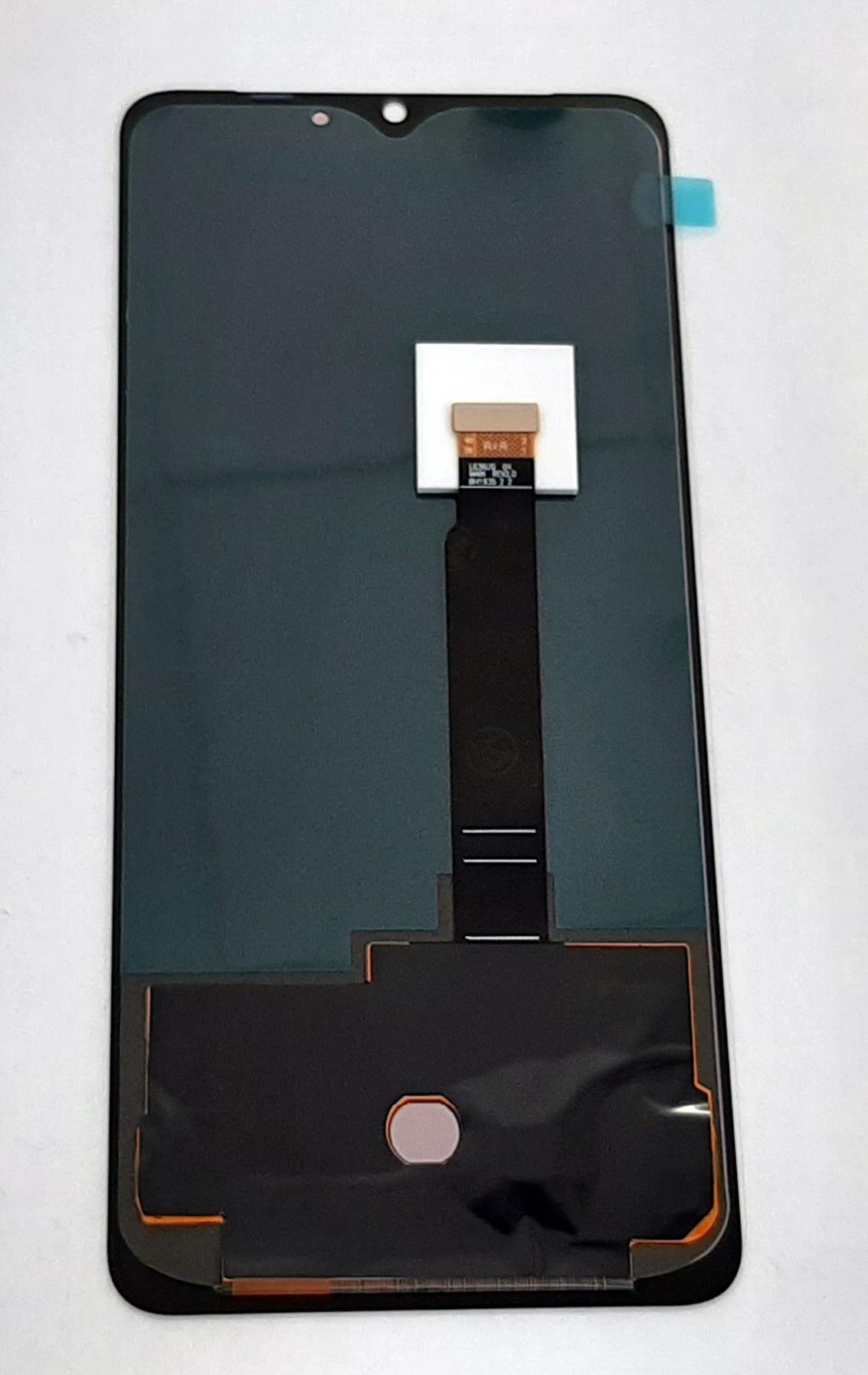
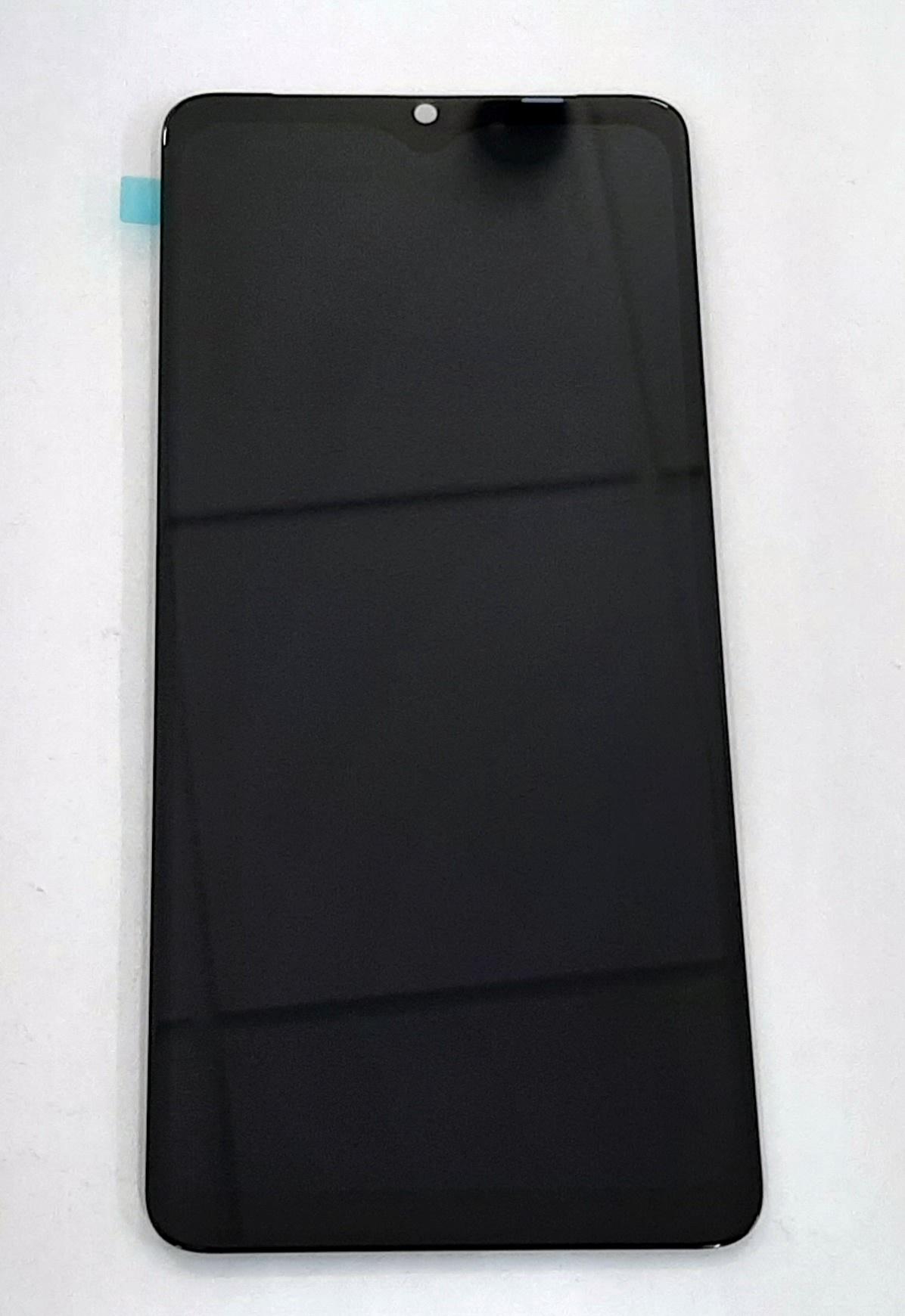
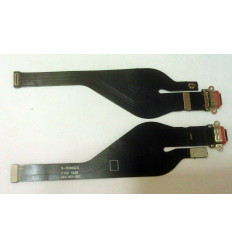
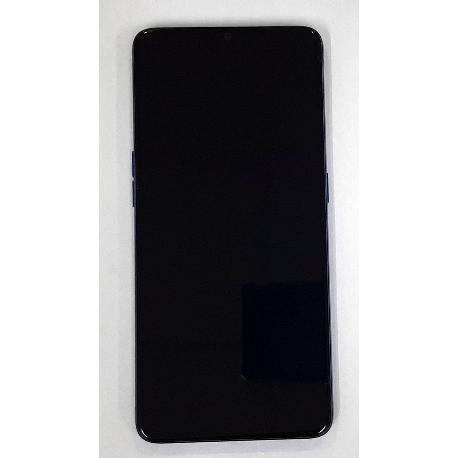
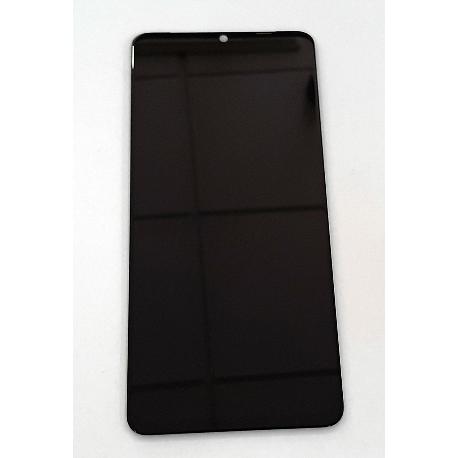
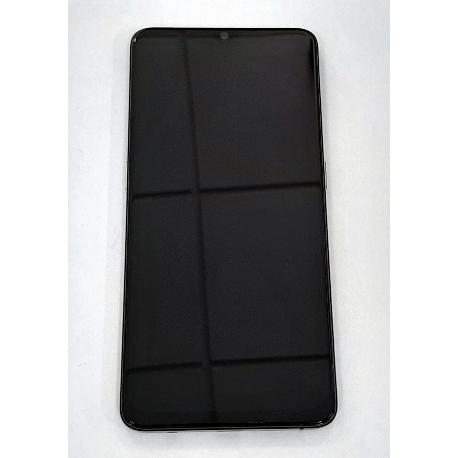
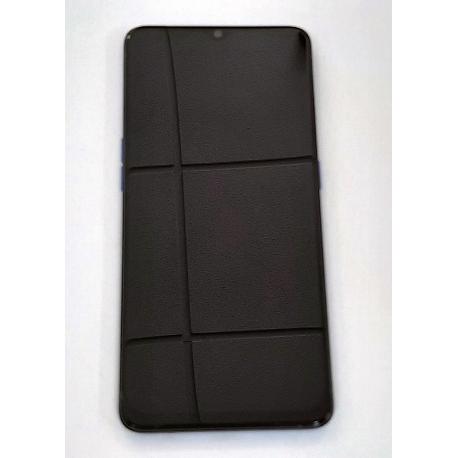
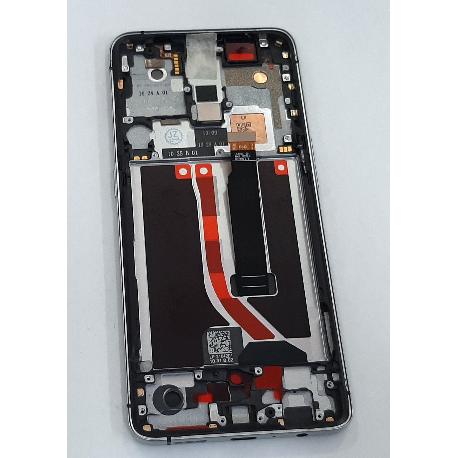
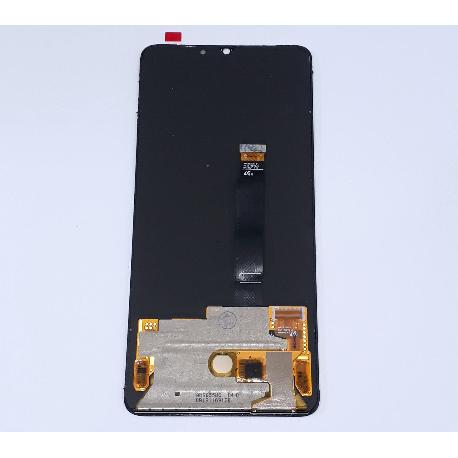
Display oled by Realme x2 pro RMX1931 with black touch screen compatible hehui
43561
New


Volume discounts
| Quantity | Total amount | Price 1 unit |
|---|---|---|
| 5 | €185.92 | Price €37.18 |
Pantalla LCD para ZTE Blade V30 Vita 8030 más táctil negro calidad premium. Pieza de recambio para ZTE Blade V30 Vita 8030. Enviamos en 24 h desde España.
Características técnicas de Pantalla LCD para ZTE Blade V30 Vita 8030 más táctil negro calidad premium
La Pantalla LCD para ZTE Blade V30 Vita 8030 más táctil en color negro de calidad premium cuenta con las siguientes especificaciones técnicas:
- Tipo de pantalla: LCD IPS
- Tamaño de la pantalla: 6.67 pulgadas
- Resolución: 1080 x 2400 píxeles
- Táctil: Sí, tecnología capacitiva
- Color: Negro
- Calidad: Premium
Instrucciones detalladas para sustituir la Pantalla LCD para ZTE Blade V30 Vita 8030 más táctil negro calidad premium
Si necesitas reemplazar la pantalla en tu ZTE Blade V30 Vita 8030, sigue estos pasos detallados para realizar la sustitución:
- Paso 1: Apaga el dispositivo y retira la tapa trasera y la batería.
- Paso 2: Desatornilla los tornillos que sujetan la carcasa del teléfono.
- Paso 3: Retira con cuidado la carcasa y localiza la pantalla LCD defectuosa.
- Paso 4: Desconecta los cables flex que están conectados a la pantalla y retira con delicadeza la pantalla antigua.
- Paso 5: Coloca la nueva pantalla LCD en su lugar y conecta los cables flex correctamente.
- Paso 6: Vuelve a colocar la carcasa, los tornillos, la batería y la tapa trasera.
- Paso 7: Enciende el dispositivo y verifica que la nueva pantalla funcione correctamente.