
No products
Prices are tax included
Product successfully added to your shopping cart
There are 0 items in your cart. There is 1 item in your cart.

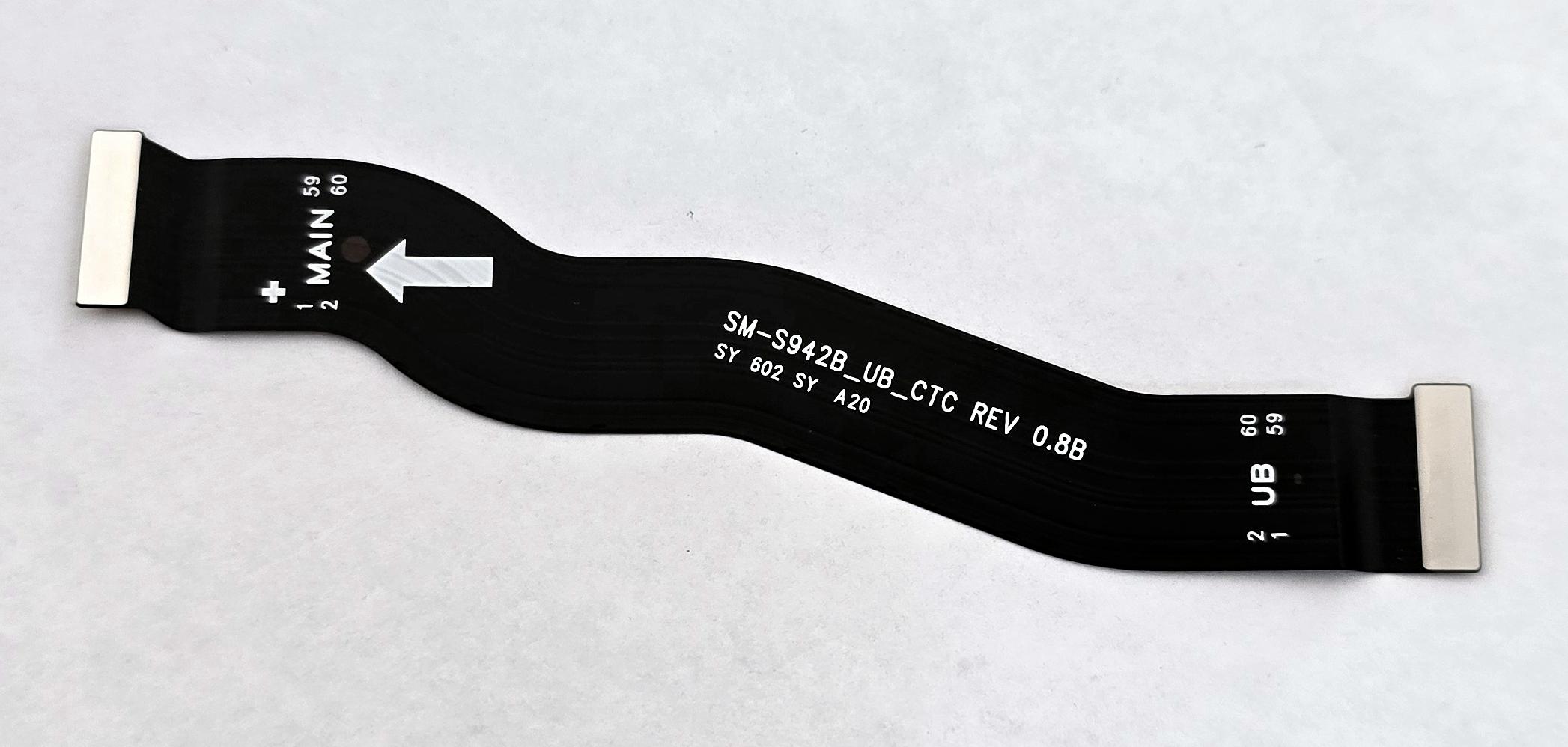
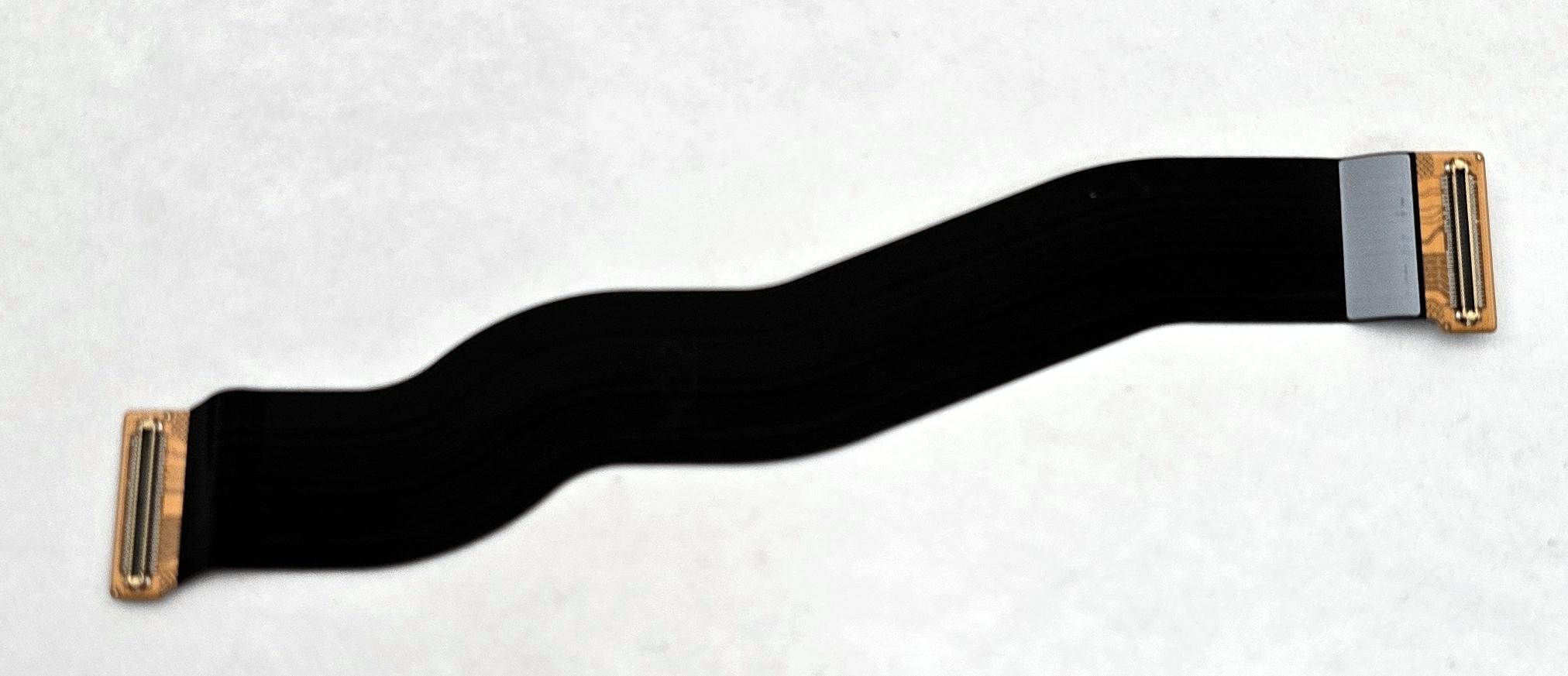
Lcd flex by Samsung Galaxy S26 SM-S942 GH82-39194A Service Pack
80331
New
Disponible
Warning: Last items in stock!


Volume discounts
| Quantity | Total amount | Price 1 unit |
|---|---|---|
| 5 | €63.77 | Price €12.75 |
LCD Flex Cable for Samsung Galaxy S26 5G SM-S942 SM-S942B SM-S942B/DS GH82-39194A Service Pack |
|---|
The Service Pack LCD flex cable GH82-39194A for Samsung Galaxy S26 5G SM-S942, SM-S942B and SM-S942B/DS is a replacement component designed to replace the display assembly interconnection flex cable. Identified by Samsung under the technical designation SVC IF PBA-UB FPCB PREBENDING, it allows the component to be renewed when its contacts, conductive tracks or flexible structure are damaged. Replacement facilitates the repair of connection problems associated with flex cable deterioration while preserving the display and other electronic components when they remain operational. It is intended for workshops and professional technicians specializing in Samsung device repairs.
Specifications |
|---|
- Brand: Samsung.
- Compatible model: Samsung Galaxy S26 5G.
- Technical models: SM-S942, SM-S942B and SM-S942B/DS.
- Part Number: GH82-39194A.
- Samsung technical designation: SVC IF PBA-UB FPCB PREBENDING.
- Component type: Display interconnection flex cable (LCD Flex / OCTA Flex).
- Component technology: Flexible printed circuit (FPCB).
- Function: Electrical interconnection of the display assembly with the corresponding internal circuitry.
- Location: Inside the device, within the display connection system.
- Quality: Samsung Service Pack.
Advantages |
|---|
The Service Pack LCD flex cable GH82-39194A allows the damaged connection cable of the Samsung Galaxy S26 5G to be replaced without replacing the display module when it continues to function correctly. Its flexible printed circuit construction facilitates electrical connection between the corresponding elements of the device.
Samsung part number GH82-39194A specifically identifies this component and distinguishes it from the main flex cable GH82-39195A, which is used for another internal connection in the same model.
Its preformed configuration is designed for the device's intended installation routing, facilitating positioning and alignment during repair.
For repair workshops and professional technicians, it provides a suitable solution for repairing damaged internal connections, preserving functional components and performing a localized replacement of the flex cable.
Installation Tips |
|---|
- Turn off the device, disconnect the battery and use ESD protection before starting the repair.
- Carefully disassemble the necessary components to access the display connection flex cable.
- Locate both ends of the flex cable and disconnect them using suitable tools to prevent connector damage.
- Remove the damaged cable while following its routing and avoiding pressure on nearby components.
- Inspect the contacts and check that there is no dirt, adhesive residue or damage to the connection housings.
- Install the new GH82-39194A flex cable following its correct orientation and mounting curvature, avoiding sharp bends.
- Correctly align the connectors and connect them without forcing the flex cable or contact points.
- Reconnect the battery and check the image, touch response and overall display operation before final closure.
- Replace the necessary sealing adhesives and check the fit of the disassembled components.
Technical Table |
|---|
Brand | Compatible Model | Technical Model | Part Number | Component Type | Function | Quality |
|---|---|---|---|---|---|---|
Samsung | Galaxy S26 5G | SM-S942 / SM-S942B / SM-S942B/DS | GH82-39194A | LCD Flex / OCTA Flex FPCB | Display assembly interconnection | Service Pack |


