
Cart
0 Product: Products: (empty)
No products
To be determined Shipping
€0.00 Tax
€0.00 Total
Prices are tax included
Product successfully added to your shopping cart
Quantity
Total
There are 0 items in your cart. There is 1 item in your cart.
Total products (tax incl.)
Total shipping (tax incl.) To be determined
Tax: €0.00
Total (tax incl.)
Sign in

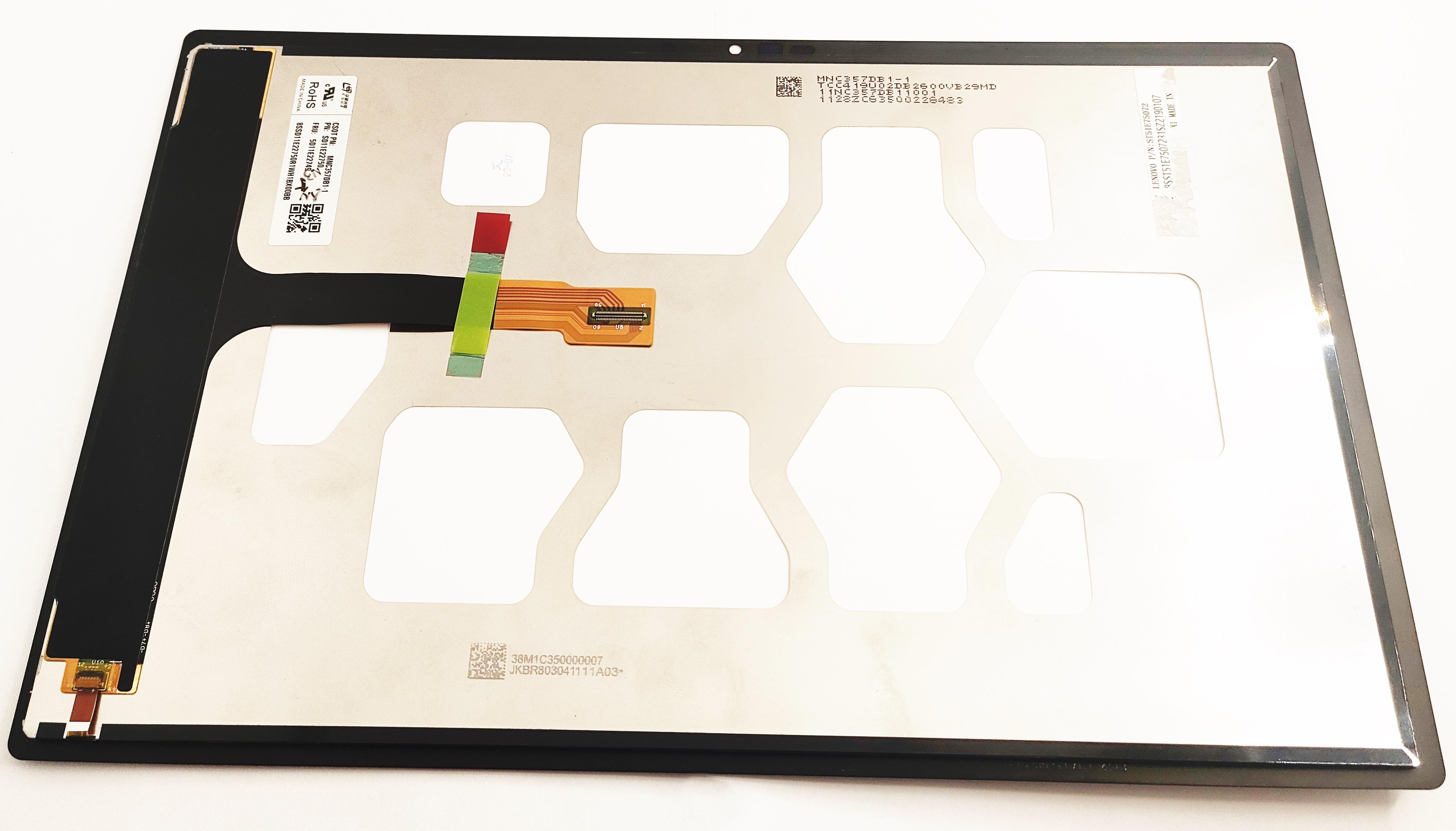
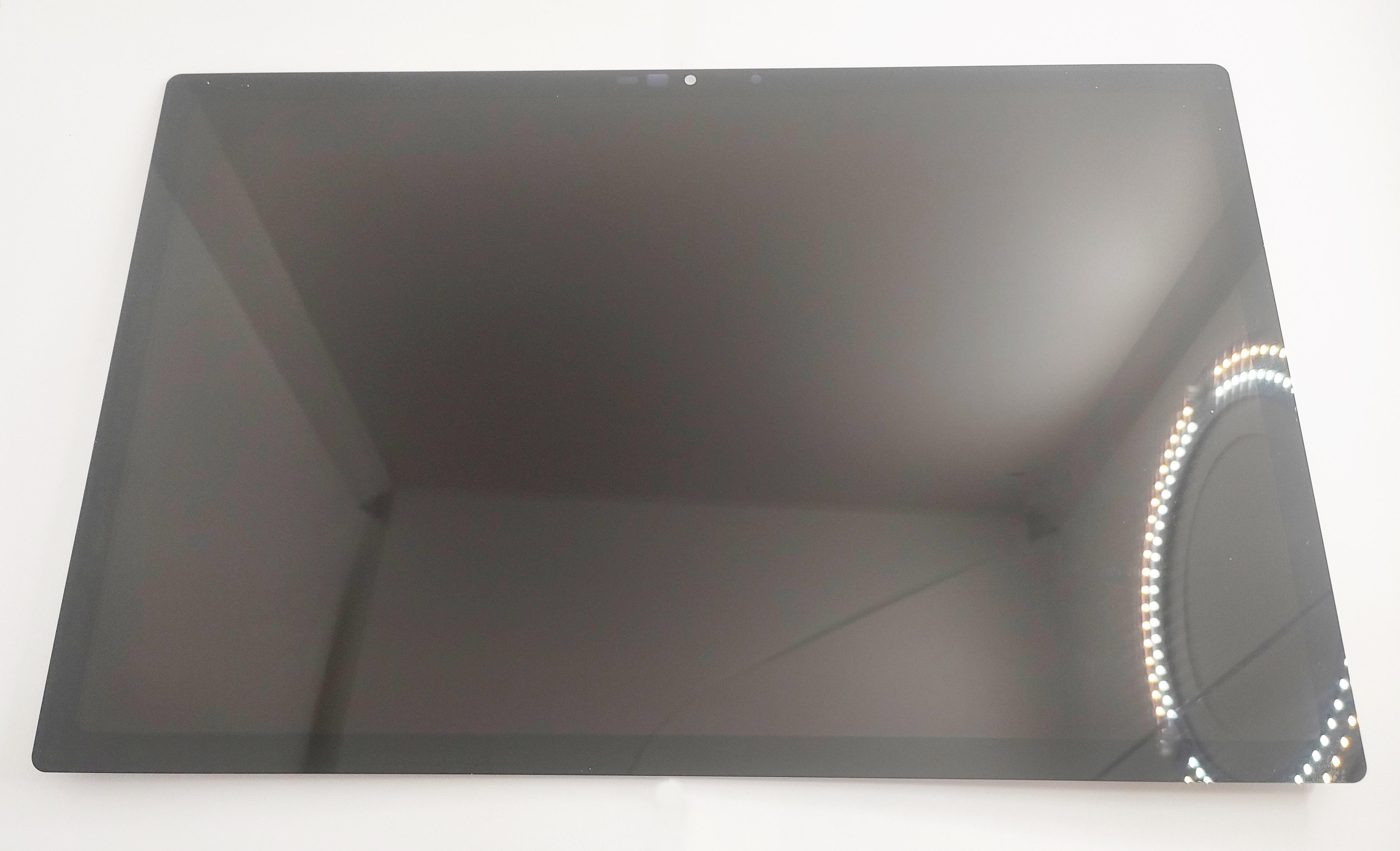
LCD screen for Lenovo IdeaPad Duet 5 12IAU7 plus black touch screen premium quality
54281
New
Warning: Last items in stock!


Volume discounts
| Quantity | Total amount | Price 1 unit |
|---|---|---|
| 5 | €522.30 | Price €104.46 |
LCD screen for Lenovo IdeaPad Duet 5 12IAU7 plus black touch screen premium quality. Spare part to repair your Lenovo IdeaPad Duet 5 12IAU7. Ships in 24 hours.
Technical features of LCD screen for Lenovo IdeaPad Duet 5 12IAU7 Black Premium Quality
The black premium quality LCD screen for Lenovo IdeaPad Duet 5 12IAU7 has the following technical features:
- Screen size: 12 inches
- Resolution: 2160 x 1440 pixels
- Screen type: IPS LCD
- Colour: Black
- Quality: Premium
- Compatibility: Lenovo IdeaPad Duet 5 12IAU7
Instructions to replace the LCD screen for Lenovo IdeaPad Duet 5 12IAU7 Black Premium Quality
Below are the instructions to replace the LCD screen correctly:
Before you start:
- Step 1: Turn off the device and disconnect it from any power source.
- Step 2: Prepare a clean, flat surface to work on.
Replacement process:
- Step 1: Remove the small caps that cover the screen screws, using a suitable tool.
- Step 2: Unscrew the screws that hold the screen to the device frame.
- Step 3: Carefully separate the old LCD screen from the frame of the Lenovo IdeaPad Duet 5 12IAU7.
- Step 4: Gently disconnect the flex cables connected to the LCD screen.
- Step 5: Securely connect the flex cables to the new LCD screen.
- Step 6: Place the new LCD screen in the frame of the Lenovo IdeaPad Duet 5 12IAU7 and tighten the screws to secure it.
- Step 7: Put the caps back on the screws to protect them.
Once these steps are complete, turn on your Lenovo IdeaPad Duet 5 12IAU7 and check that the new LCD screen works correctly.


