
No products
Prices are tax included
Product successfully added to your shopping cart
There are 0 items in your cart. There is 1 item in your cart.

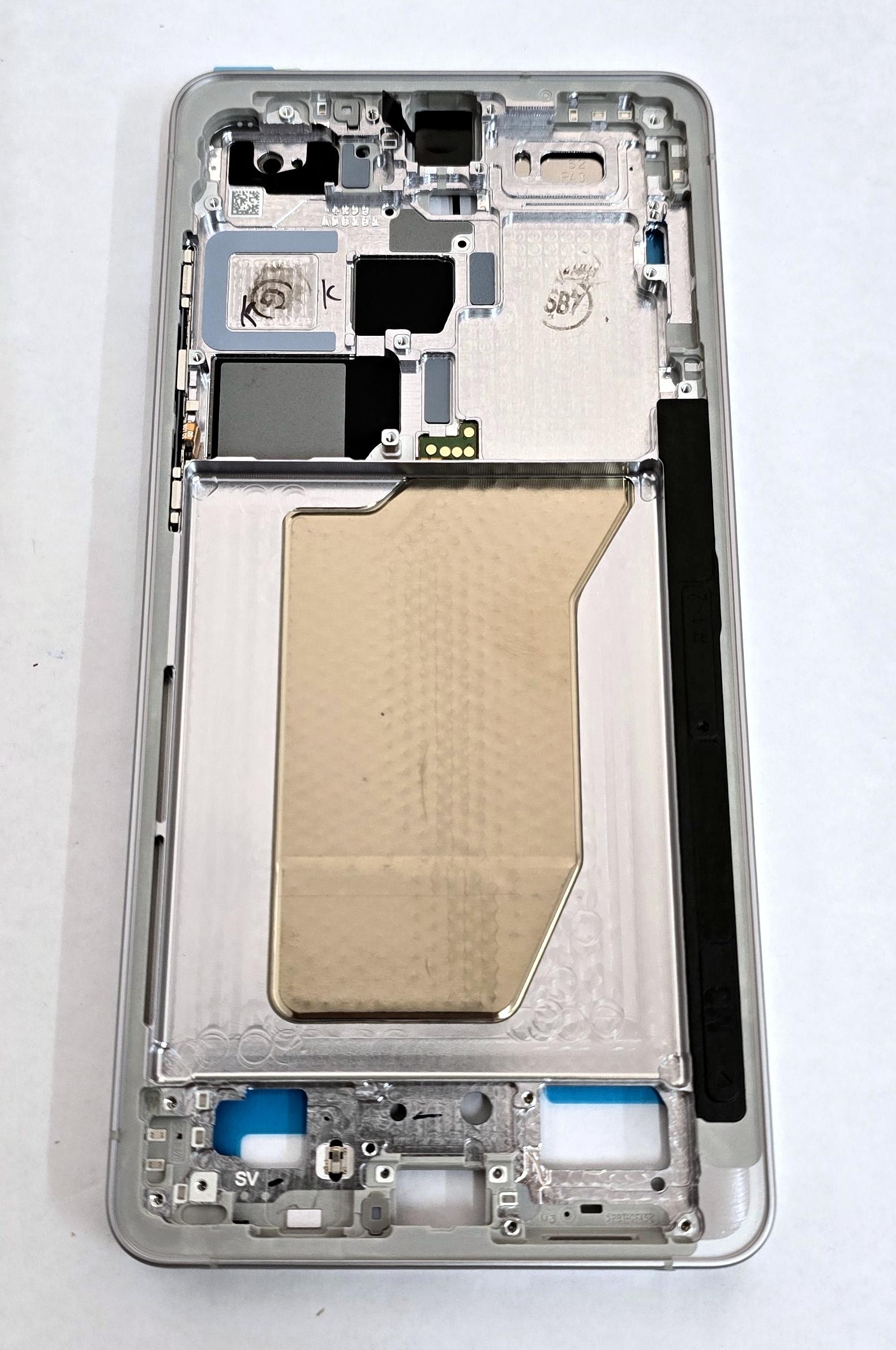
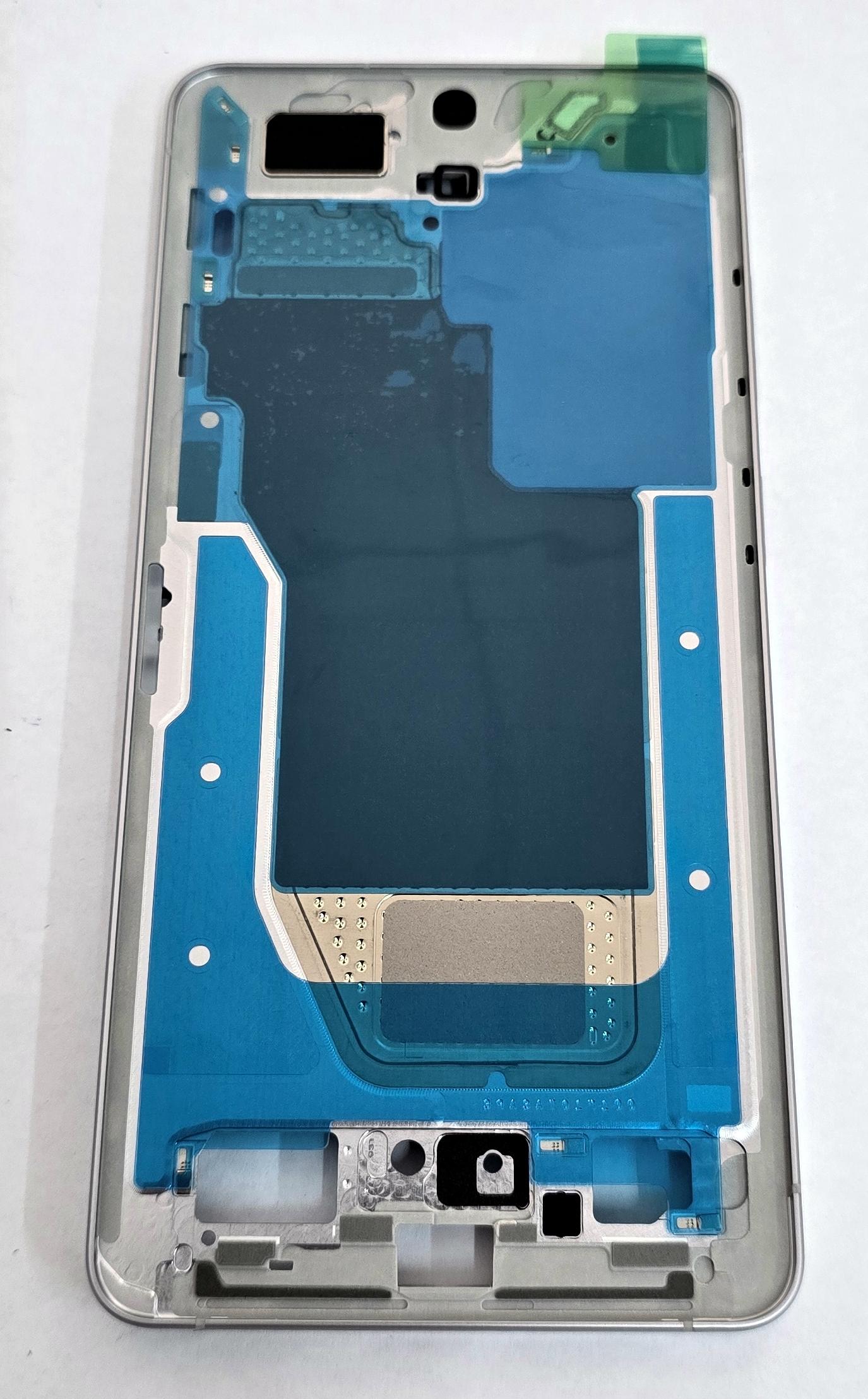
Middle cover white by Samsung Galaxy S26 Ultra SM-S948 GH82-38876D Service Pack
80322
New
Disponible
Warning: Last items in stock!


Volume discounts
| Quantity | Total amount | Price 1 unit |
|---|---|---|
| 5 | €265.96 | Price €53.19 |
White Middle Frame or Housing for Samsung Galaxy S26 Ultra SM-S948 SM-S948B SM-S948B/DS GH82-38876D Service Pack |
|---|
The white Service Pack middle frame or housing GH82-38876D for Samsung Galaxy S26 Ultra SM-S948, in the SM-S948B and SM-S948B/DS variants, is the intermediate structure on which the display is installed and the phone's internal components are housed. It is designed to replace chassis with deformation, damaged corners or deteriorated mounting surfaces following impacts or disassembly. The component includes the side keys and features a white finish to maintain the appearance of the device. It allows structural repairs without replacing the display, motherboard or other components that continue to function correctly.
Specifications |
|---|
- Brand: Samsung.
- Compatible model: Samsung Galaxy S26 Ultra 5G.
- Technical models: SM-S948, SM-S948B and SM-S948B/DS.
- Part Number: GH82-38876D.
- Component type: Middle housing, intermediate chassis or display support frame.
- Color: White.
- Included components: Side operating keys.
- Function: Structural support for the display and housing for the device's internal components.
- Location: Central structure and perimeter of the phone.
- Quality: Samsung Service Pack.
Advantages |
|---|
The Service Pack middle frame GH82-38876D allows the damaged frame of the Samsung Galaxy S26 Ultra to be replaced, restoring a suitable structure for mounting the display, battery and electronic components. Its specific design provides the necessary support and fixing points to correctly position internal elements during assembly.
The white finish maintains the appearance of the device, while the included side keys facilitate renewal of the external operating elements.
The Samsung Service Pack part number allows precise identification of the replacement component corresponding to the SM-S948 series. For repair workshops and professional technicians, it provides a solution for structural repairs, particularly when the previous chassis shows deformation that makes installing the display or back cover difficult.
Installation Tips |
|---|
- Turn off the device, disconnect the battery and use ESD protection during the repair.
- Carefully remove the back cover, display and necessary components to access the central structure.
- Remove the motherboard, battery, cameras, modules and internal elements that need to be transferred to the new frame.
- Organize screws, brackets and connectors to preserve their positions during assembly.
- Check the correct location of fixing points and component housings before installing the components.
- Transfer the internal elements to the new chassis, aligning the connectors without forcing the flex cables.
- Clean adhesive residue and replace the necessary fixing elements for mounting the display and back cover.
- Verify side key operation, image, touch response, cameras and sensors before final closure.
- Check the perimeter fit and apply uniform pressure during the fixing process, following the specifications of the adhesive used.
Technical Table |
|---|
Brand | Compatible Model | Technical Model | Part Number | Component Type | Color | Included Components | Quality |
|---|---|---|---|---|---|---|---|
Samsung | Galaxy S26 Ultra 5G | SM-S948 / SM-S948B / SM-S948B/DS | GH82-38876D | Middle housing or support frame | White | Side keys | Service Pack |


