Cart
0 Product: Products: (empty)
No products
To be determined Shipping
€0.00 Tax
€0.00 Total
Prices are tax included
Product successfully added to your shopping cart
Quantity
Total
There are 0 items in your cart. There is 1 item in your cart.
Total products (tax incl.)
Total shipping (tax incl.) To be determined
Tax: €0.00
Total (tax incl.)
Sign in
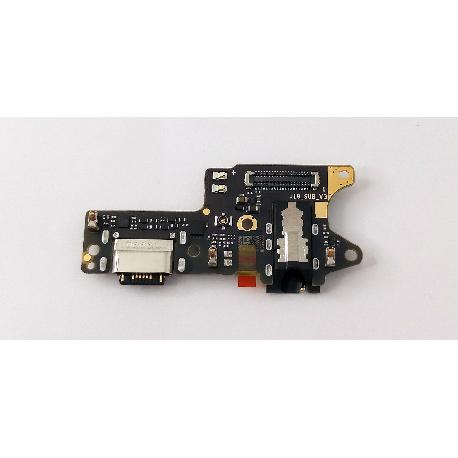
Xiaomi Redmi 9 spare parts
There are 30 products.Xiaomi Redmi 9 Repuestos (Spare Parts) - Technical Specifications
The Xiaomi Redmi 9 is an impressive smartphone packed with a multitude of sophisticated components. Here below are the technical specifications of the notable replacement parts:
- Display: 6.53-Inch IPS LCD, 1080 x 2340 pixels resolution, 395ppi density.
- Battery: Li-Po 5020mAh no...
Xiaomi Redmi 9 Repuestos (Spare Parts) - Technical Specifications
The Xiaomi Redmi 9 is an impressive smartphone packed with a multitude of sophisticated components. Here below are the technical specifications of the notable replacement parts:
- Display: 6.53-Inch IPS LCD, 1080 x 2340 pixels resolution, 395ppi density.
- Battery: Li-Po 5020mAh non-removable battery.
- Camera: Quad Camera System with 13MP primary sensor.
- Processor: MediaTek Helio G80 Processor
- Memory: Storage options of 32GB/64GB/128GB and RAM options of 3GB/4GB/6GB.
Instructions for Replacing Xiaomi Redmi 9 Repuestos
Tools Required:
Before you start, you will need the following tools:
- Screwdriver
- Plastic Pry Tool
- Eject Pin
- Tweezers
Steps to Replace Components:
Follow the steps below to replace a component. Be careful to avoid damaging any parts during the replacement process:
- Turn off your Xiaomi Redmi 9: To prevent any potential damage or short circuiting during the replacement process.
- Remove the SIM card tray: Use the Eject Pin to remove the SIM card tray from the phone.
- Remove the back panel of the phone: Use the Plastic Pry Tool to carefully lift and remove the back panel.
- Remove the Battery: Disconnect the battery connector and then lift the battery from its slot using the Plastic Pry Tool.
- Remove the Part to be Replaced: Remove the screws surrounding the part using the Screwdriver. Carefully lift the part out using the Tweezers.
- Install the New Part: Place the new part into the vacant slot and screw it in place using the Screwdriver. Reconnect any necessary connectors.
- Reconnect the Battery and Back Panel: Reconnect the battery connector and place the battery into the battery slot. Replace the back panel and press down until it clicks into place.
- Reinsert the SIM card tray: Finally, reinsert the SIM card tray back into the phone.
Note: This is a simplified guide. Further complexities may arise based on the specific component being replaced.
Less