No products
Prices are tax included
Product successfully added to your shopping cart
There are 0 items in your cart. There is 1 item in your cart.

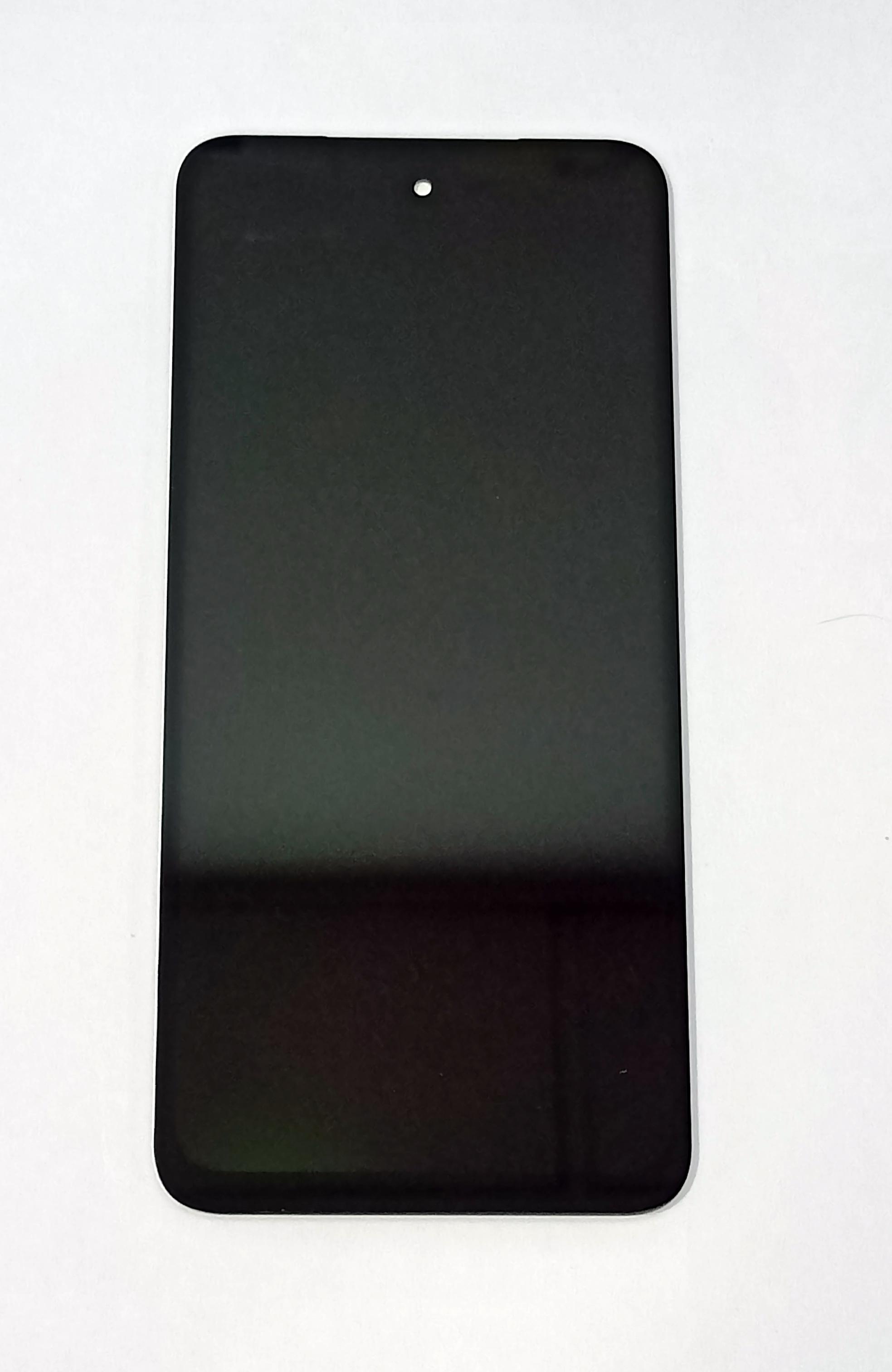
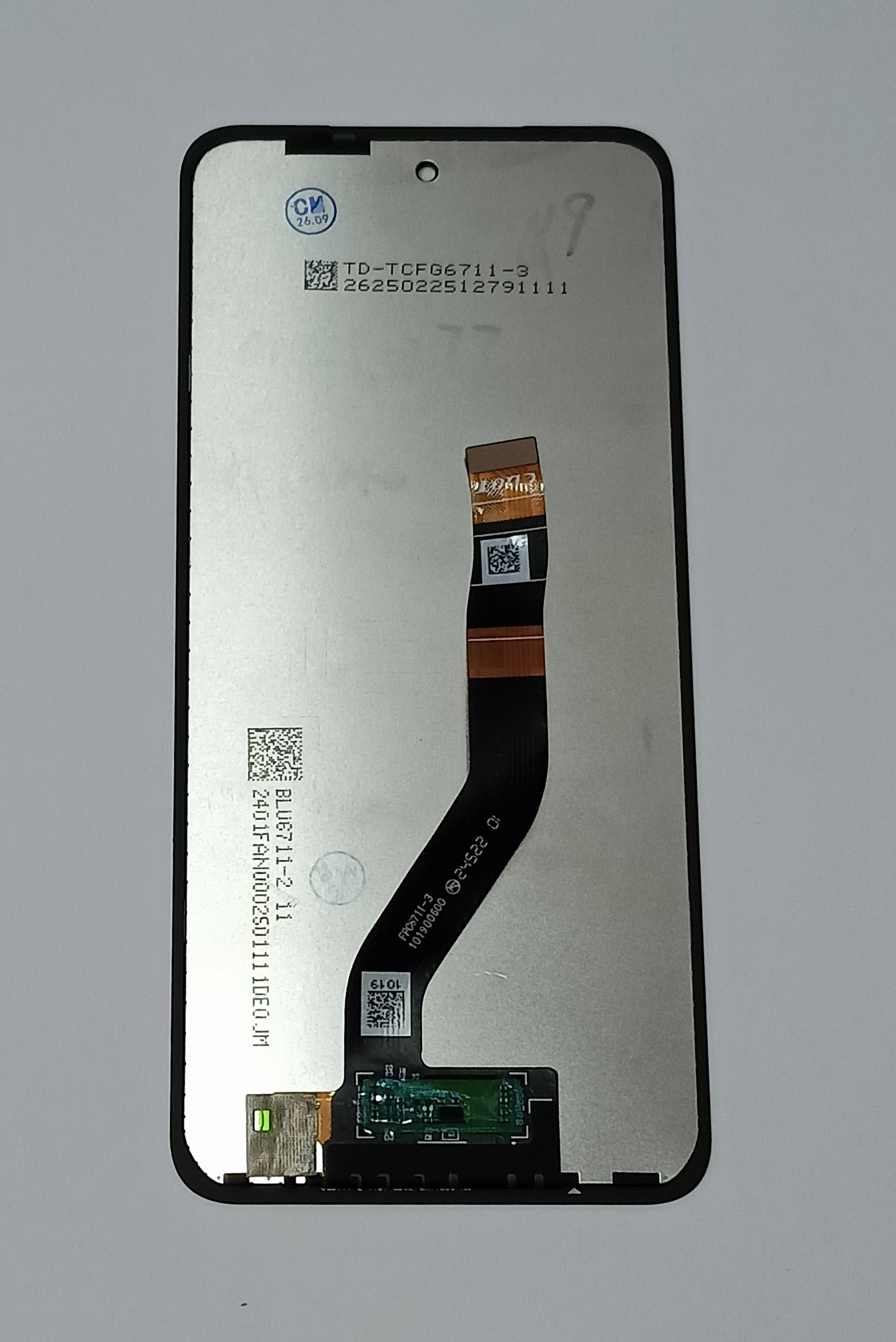
Screen for Zebra EM45 EM45A1 EM45B1 with touch screen black premium quality
80484
New
Disponible
Warning: Last items in stock!


Volume discounts
| Quantity | Total amount | Price 1 unit |
|---|---|---|
| 5 | €185.98 | Price €37.20 |
Screen for Zebra EM45 EM45A1 EM45B1 with touch screen black premium quality |
|---|
Black premium-quality LCD screen with integrated touch digitizer for Zebra EM45 Enterprise Mobile, compatible with technical models EM45A1 and EM45B1, corresponding to the North American and international versions. This replacement part is designed to resolve faults related to cracked glass, spots, display lines, loss of image or touch response failures. Its design integrates the display and digitizer into a single module, facilitating professional terminal repair and restoring its display and interaction functions in enterprise environments.
Specifications |
|---|
- Compatible brand: Zebra.
- Commercial model: EM45 Enterprise Mobile.
- Technical model EM45A1: North American version.
- Technical model EM45B1: international version.
- Display technology: LCD.
- Integrated touch digitizer.
- Colour: black.
- Quality: premium.
- Component: display and touch screen module.
Advantages |
|---|
The premium-quality screen for Zebra EM45 provides a repair solution designed for the professional maintenance of enterprise devices. The integration of the LCD panel and touch digitizer into a single assembly facilitates the replacement process and eliminates the need to separate both components during repair.
This replacement part allows application display, menu navigation and data entry through the touch surface to be restored. It is particularly suitable for technical services specialising in terminals used in logistics, inventory management, retail and enterprise mobility. Its replacement helps extend the service life of the device and reduce the costs associated with complete equipment replacement.
Installation tips |
|---|
- Switch off the device and disconnect the battery before starting the repair.
- Use precision tools and ESD protection.
- Remove adhesive residue and clean the mounting surface.
- Correctly align the connectors and avoid bending or forcing the flex cables.
- Check image display and touch response across the entire surface before final assembly.
- Verify the operation of the sensors and front camera.
- Replace the mounting adhesives and check the perimeter seal.
Technical table |
|---|
Brand | Commercial model | Technical model | Component | Technology | Colour | Quality |
|---|---|---|---|---|---|---|
Zebra | EM45 Enterprise Mobile | EM45A1 / EM45B1 | Screen with touch digitizer | LCD | Black | Premium |