No products
Prices are tax included
Product successfully added to your shopping cart
There are 0 items in your cart. There is 1 item in your cart.
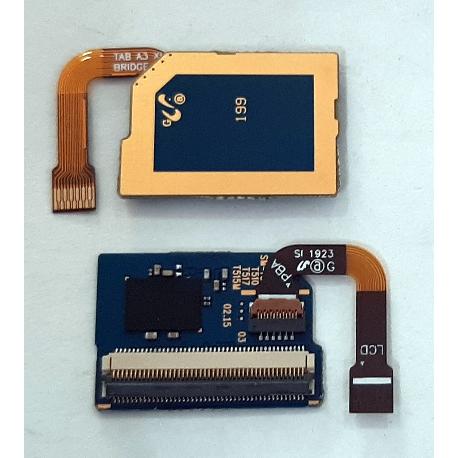
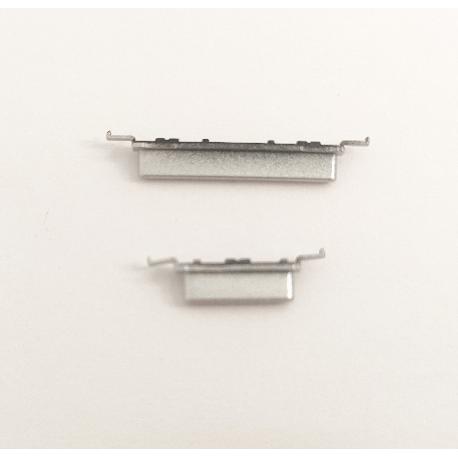
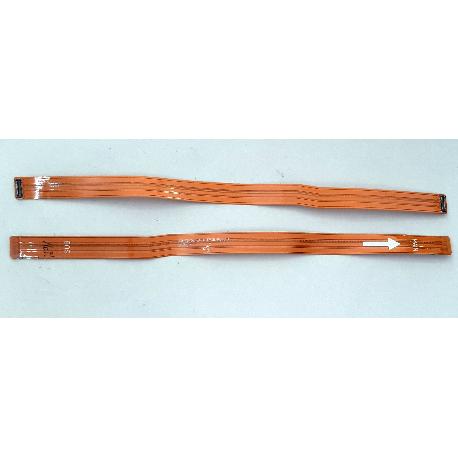
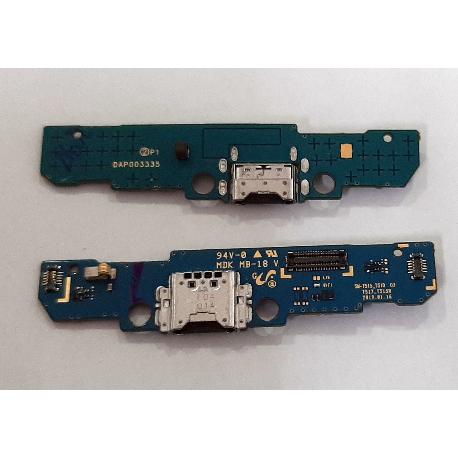
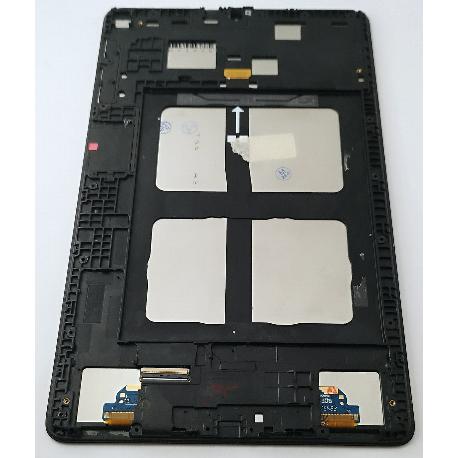
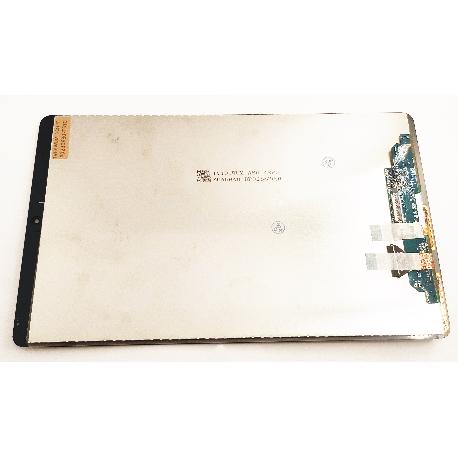
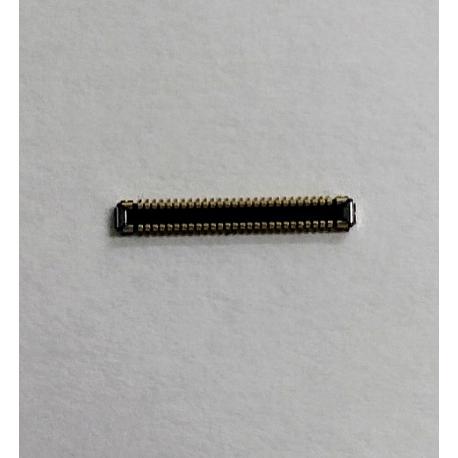
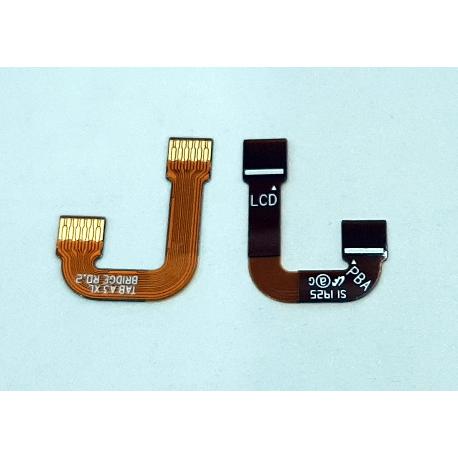
Samsung Galaxy Tab A WIFI T510 spare parts
There are 24 products.Samsung Galaxy Tab A WIFI T510 Repuestos Specifications
The Samsung Galaxy Tab A WIFI T510 repuestos is equipped with impressive features making it a top choice in the market. Below are its technical specifications:
- Screen type: TFT capacitive touchscreen, 16M colors
- Screen size: 10.1 inches, 295.8 cm2 (~80.7% screen-to-body ratio)
- Resolution: ...
Samsung Galaxy Tab A WIFI T510 Repuestos Specifications
The Samsung Galaxy Tab A WIFI T510 repuestos is equipped with impressive features making it a top choice in the market. Below are its technical specifications:
- Screen type: TFT capacitive touchscreen, 16M colors
- Screen size: 10.1 inches, 295.8 cm2 (~80.7% screen-to-body ratio)
- Resolution: 1200 x 1920 pixels, 16:10 ratio (~224 ppi density)
- Internal Storage: 32/64/128GB 2GB RAM, 32/64/128GB 3GB RAM
- Main Camera: Single - 8 MP, AF, f/2.0
- Selfie Camera: Single - 2 MP, f/2.2
- Battery: Non-removable Li-Po 6150 mAh battery
Instructions to Replace Samsung Galaxy Tab A WIFI T510 Repuestos
Below are the detailed instructions to replace Samsung Galaxy Tab A WIFI T510 repuestos:
Tools Required
- Plastic opening tools
- Phillips #00 Screwdriver
- Spudger
- Tweezers
Replacement Procedure
Follow the steps provided below meticulously to avoid additional harm on the device.
Step 1: Power off the Samsung Galaxy Tab A and lay it screen-down.
Step 2: Using the plastic opening tool, gently pry on the edges to remove the back panel. Ensure that all the clips are detached before lifting the cover.
Step 3: Once the back cover is removed, locate the battery connector. Unplug it by using a spudger.
Step 4: Remove the screws securing the battery using a Phillips #00 screwdriver, then use the spudger to lift the battery out.
Step 5: To replace the battery, seat the new battery in place and secure it with the screws.
Step 6: Plug the battery connector into the socket and replace the back panel, ensuring all clips click back into place.
Step 7: Power on the device to ensure everything is working properly.
Note: This is a standard procedure and must be adopted with care. In case of any inability, get help from authorized personnel.
Troubleshoot
If any issue arises, refer to the device’s manual, professional technician, or authorized repair centers.
Less


camera lens by Samsung Galaxy Tab A 10.1 2019 T510...
54054camera lens by Samsung Galaxy Tab A 10.1 2019 T510 SM-T510F SM-T510 premium quality
€2.03