
Cart
0 Product: Products: (empty)
No products
To be determined Shipping
€0.00 Tax
€0.00 Total
Prices are tax included
Product successfully added to your shopping cart
Quantity
Total
There are 0 items in your cart. There is 1 item in your cart.
Total products (tax incl.)
Total shipping (tax incl.) To be determined
Tax: €0.00
Total (tax incl.)
Sign in

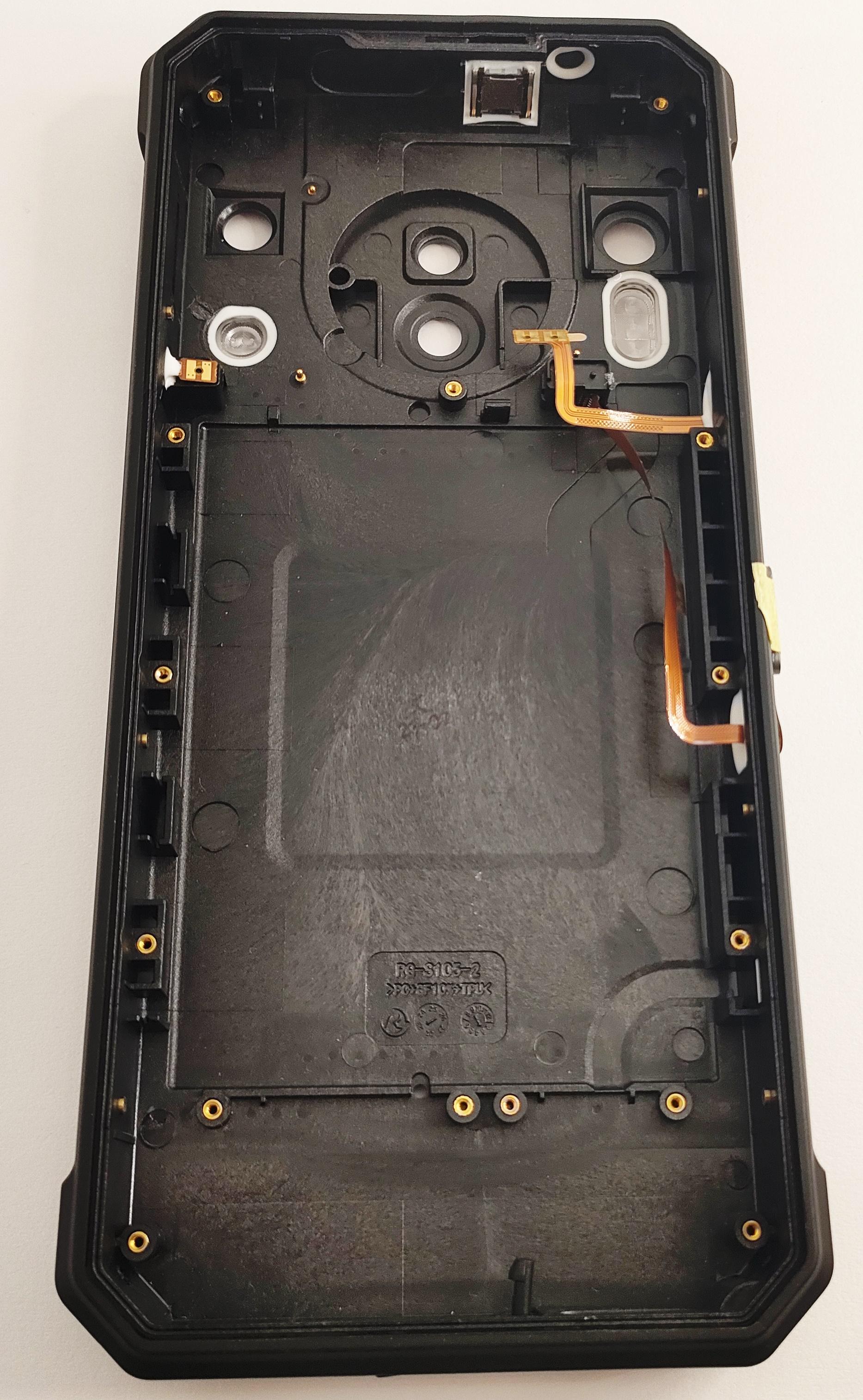
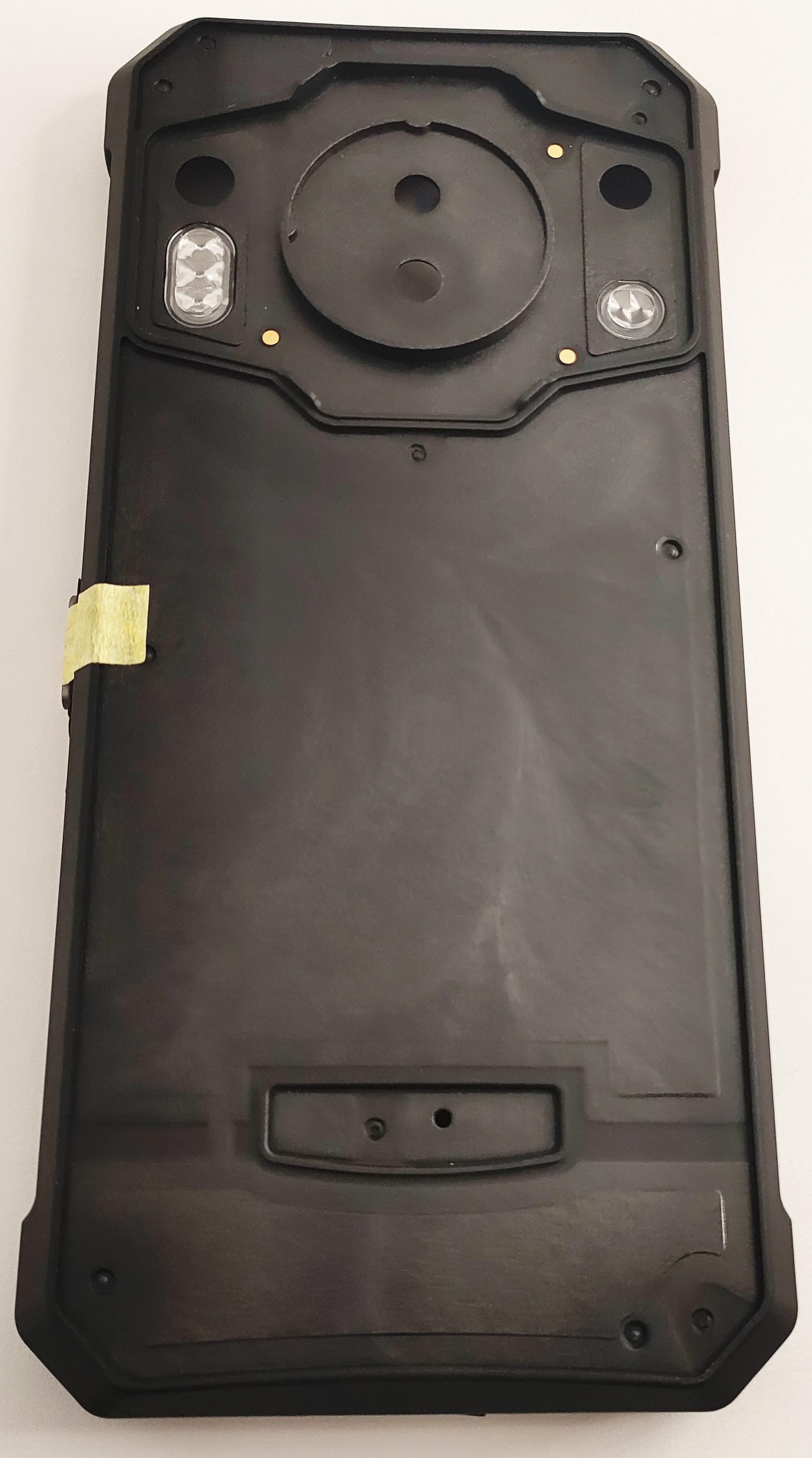
Black back cover or battery cover for Oukitel WP21 Ultra
53933
New
Disponible
Warning: Last items in stock!


Volume discounts
| Quantity | Total amount | Price 1 unit |
|---|---|---|
| 5 | €74.05 | Price €14.81 |
Black back cover or battery cover for Oukitel WP21 Ultra. Spare part to repair your Oukitel WP21 Ultra. Ships in 24 h. Order before 18:30 and it ships today.
Technical features of Black back cover or battery cover for Oukitel WP21 Ultra
The black back cover or battery cover for Oukitel WP21 Ultra is a component designed specifically for this phone model. Below are its technical features:
- Colour: Black
- Material: High-quality strong plastic
- Compatibility: Oukitel WP21 Ultra
- Design: Designed to fit the device perfectly
- Easy installation: Includes the items needed for replacement
Instructions to replace the Black back cover or battery cover for Oukitel WP21 Ultra
Replacement steps:
- Step 1: Turn off the device and remove any connected cable or accessory.
- Step 2: Locate the phone's current back cover.
- Step 3: Carefully use a suitable tool to pry off the old back cover.
- Step 4: Clean any residue or dirt left on the device.
- Step 5: Take the new black back cover or battery cover and align the connectors correctly.
- Step 6: Press the cover gently into place until it clicks in completely.
- Step 7: Check that the cover is correctly fitted with no gaps.
- Step 8: Turn on the device and check that everything works correctly.


