
No products
Prices are tax included
Product successfully added to your shopping cart
There are 0 items in your cart. There is 1 item in your cart.

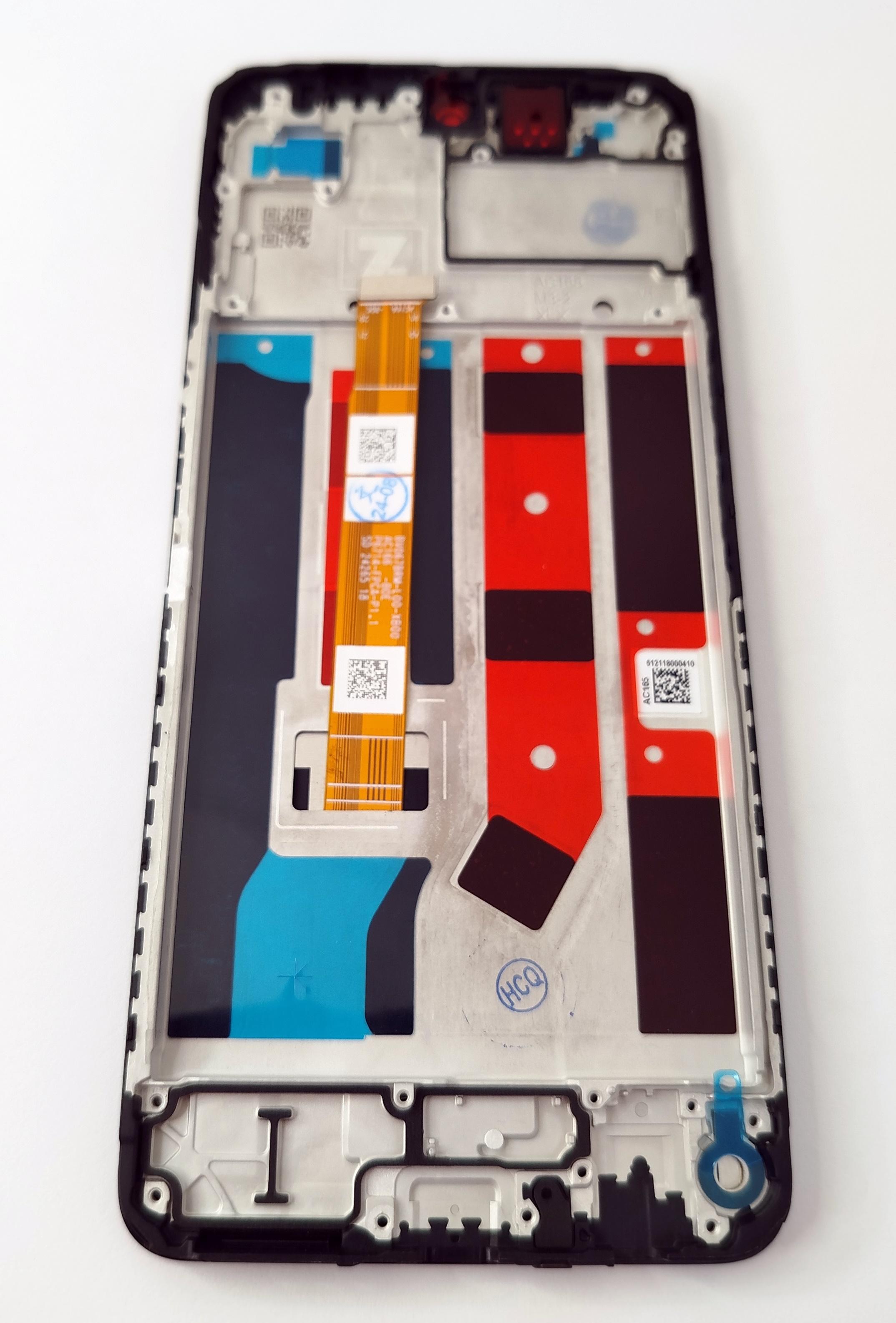
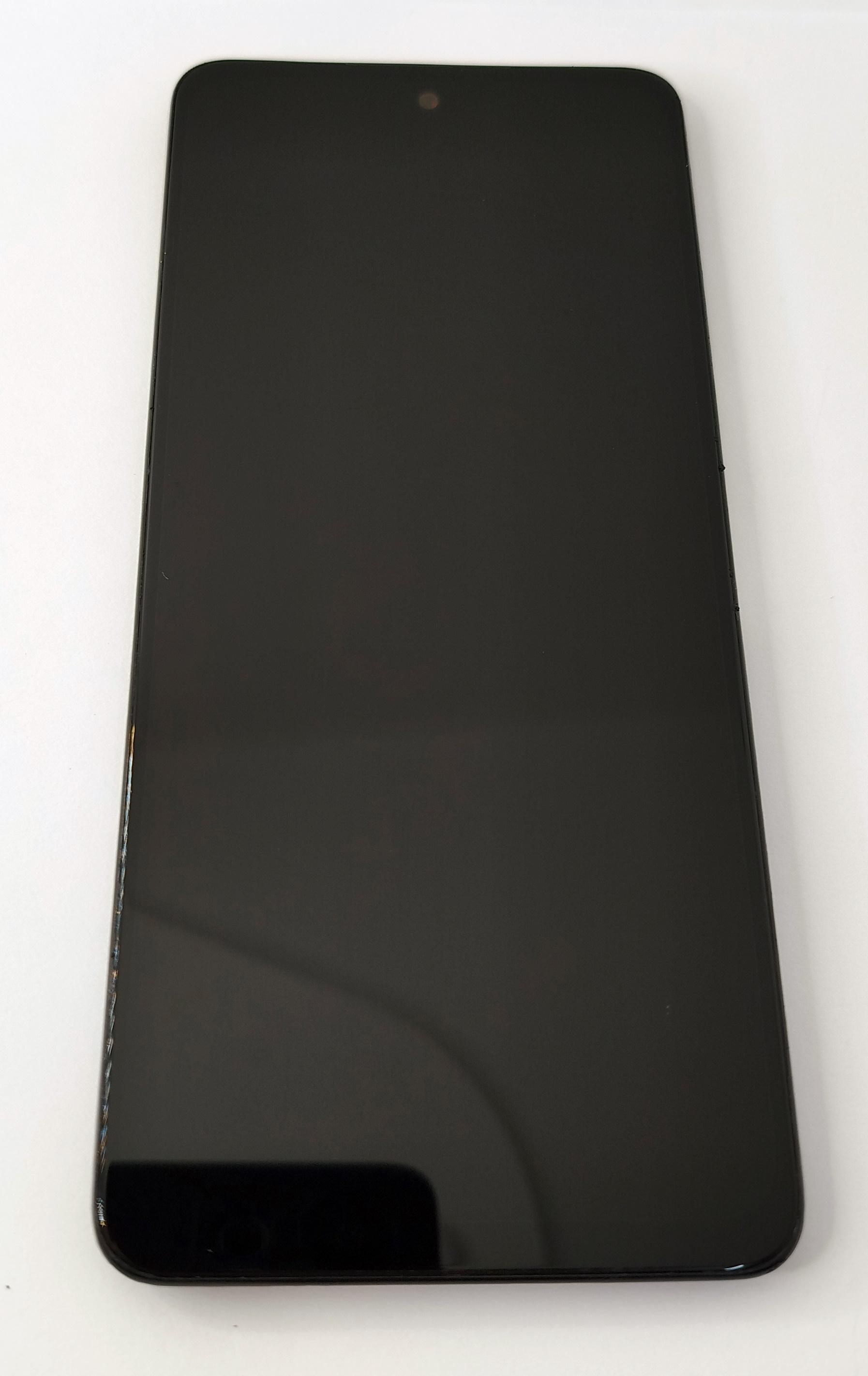
Display by Oppo A60 CPH2631 with black touch screen with black frame premium quality
63834
New
Disponible


Volume discounts
| Quantity | Total amount | Price 1 unit |
|---|---|---|
| 5 | €108.30 | Price €21.66 |
Screen for Oppo A60 4G CPH2631 with black touch panel and black frame premium quality
Complete screen with touch panel and black frame for Oppo A60 4G CPH2631 in premium quality, designed to replace the front assembly when the device has broken glass, loss of image, lighting defects or touch response problems. This model uses a 6.67-inch LCD screen with HD Plus resolution of 1604 x 720 pixels and a refresh rate of 60 or 90 Hz. This premium version maintains the same type of LCD technology used by the handset, providing good image uniformity, stable color reproduction and precise touch response. The preassembled black frame facilitates installation and reduces direct handling of the display during repair.
Key features
LCD screen with integrated touch panel
Same type of LCD technology used by the device
LTPS or A-Si LCD panel
6.67-inch screen
HD Plus resolution of 1604 x 720 pixels
Refresh rate of 60 or 90 Hz
Touch sampling rate of up to 180 Hz
Preassembled black frame
Compatible with Oppo A60 4G CPH2631
Black color
Premium quality
Premium quality is aimed at repairs where the objective is to maintain the visual and touch characteristics of the Oppo A60 CPH2631, using the same type of panel technology fitted to the device. It allows a defined image, uniform lighting, good brightness level and stable touch response to be restored during navigation and normal use of the handset. The refresh rate of up to 90 Hz allows a smooth scrolling sensation to be maintained when the device operates in this mode. The already assembled black frame facilitates installation, improves assembly alignment and is particularly useful when the previous chassis has deformation, impact damage or significant adhesive residue.
Installation tips
Disconnect the battery before connecting or disconnecting the screen.
Use ESD protection throughout the repair.
Check the exact technical model of the handset before installation.
Physically compare the frame, internal machining, housings and fixing points with the removed screen.
Perform a cold image and touch test before final closing.
Check brightness, uniformity, touch response and sensor operation.
Correctly align the connectors without forcing the flex cables.
Do not remove the protective films until operation has been fully checked.
Notice
Before installation, always check the exact technical model of the device and physically compare the frame with the removed part. The Oppo A60 may be marketed in different regional variants, including CPH2631, CPH2669 and CPH3669, which may share the same commercial name but have internal differences in the chassis, machining, housings, metal plates, fixing points or component layout.
For screens supplied with a frame, interchangeability between variants should not be assumed solely because they share the Oppo A60 name. This screen is intended for the Oppo A60 4G CPH2631. Check that the frame, mounting points, housings and internal layout match the removed part before carrying out final installation. Do not force installation if there are differences.
Technical table
| Brand | Compatible model | Technical model | Component type | Dimensions | Resolution | Panel type | Color | Frame | Quality |
|---|---|---|---|---|---|---|---|---|---|
| Oppo | Oppo A60 4G | CPH2631 | Screen with touch panel and frame | 6.67 inches | 1604 x 720 pixels HD Plus | LTPS or A-Si LCD | Black | Black included | Premium |


