
No products
Prices are tax included
Product successfully added to your shopping cart
There are 0 items in your cart. There is 1 item in your cart.

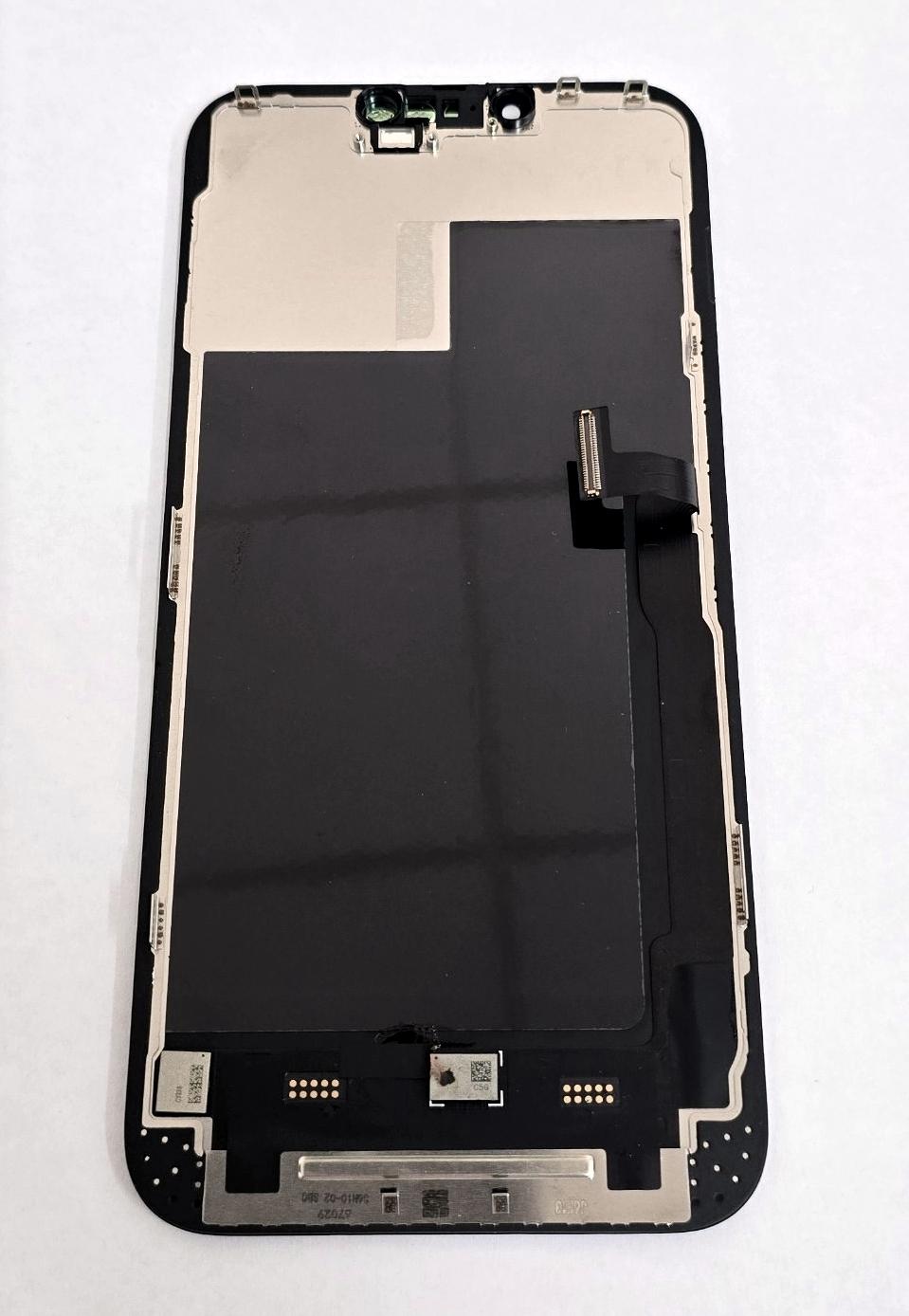
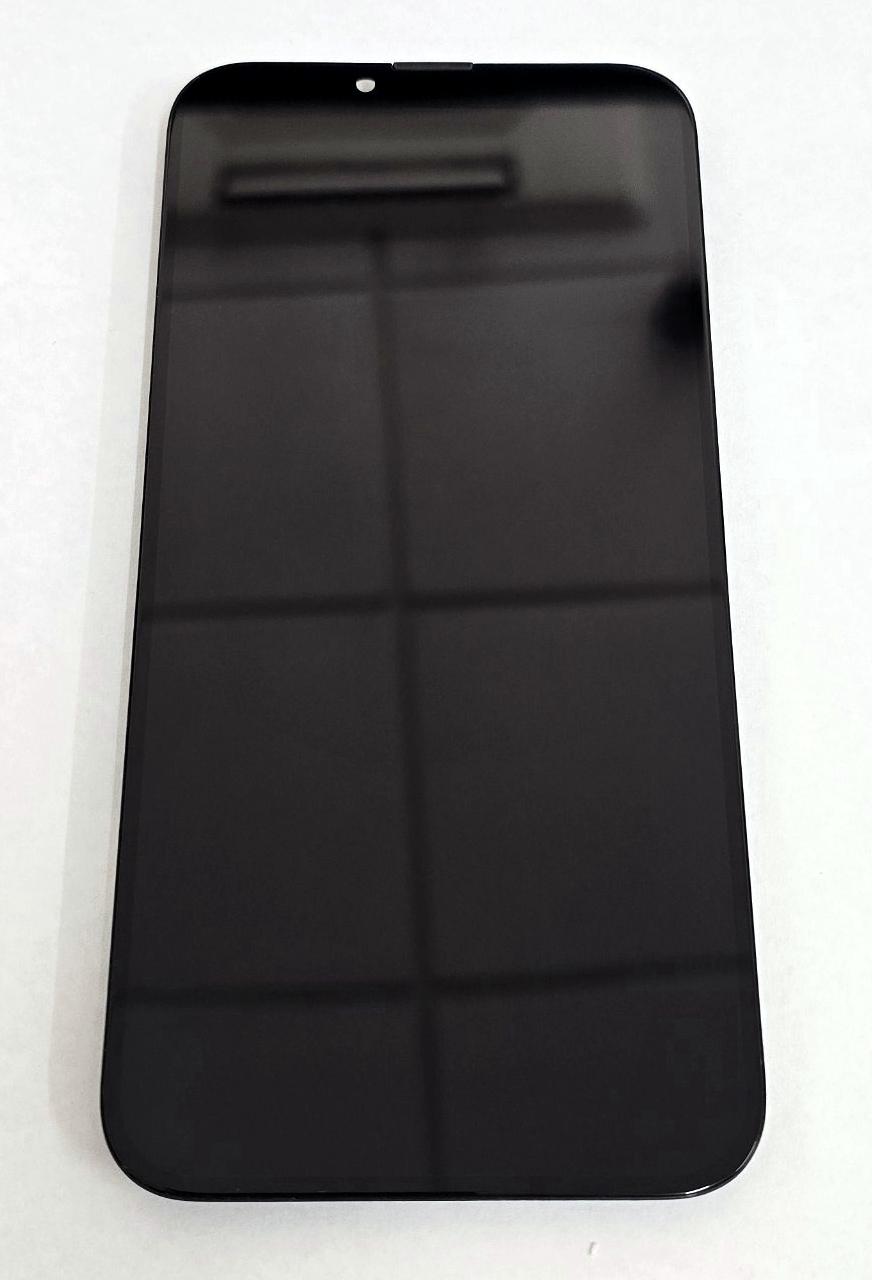
Display Incell SP FHD by iPhone 13 Pro Max A2641 A2643 A2644 A2645 with black touch screen No IOS warning
80109
New
Disponible


Volume discounts
| Quantity | Total amount | Price 1 unit |
|---|---|---|
| 5 | €143.87 | Price €28.77 |
SP FHD Incell Screen for iPhone 13 Pro Max A2484 A2641 A2643 A2644 A2645 with Black Touch Digitizer No iOS Warning Version |
|---|
The SP FHD Incell screen for iPhone 13 Pro Max A2484, A2641, A2643, A2644 and A2645 is a compatible replacement part featuring LCD Incell technology and an integrated touch digitizer, available in black. This version is commercially identified as a no iOS warning version and is intended to replace screens with broken glass, image defects, lines, spots or touch response problems. Its construction combines the display function and touch system in a single module, offering an economical alternative for replacing the iPhone 13 Pro Max screen in professional repairs and refurbishment operations.
Specifications |
|---|
- Compatible brand:Apple.
- Model:iPhone 13 Pro Max.
- Compatible technical models:A2484, A2641, A2643, A2644 and A2645.
- Screen technology:LCD Incell.
- Quality:SP FHD.
- Definition:FHD, commercial designation of the range.
- Function:image display and touch response.
- Touch digitizer:integrated into the module.
- Color:black.
- Version:no iOS warning.
- Component type:replacement LCD screen with touch digitizer.
Advantages |
|---|
The SP FHD Incell screen for iPhone 13 Pro Max provides an economical repair solution for replacing the display and touch assembly when it suffers damage or operating problems. Incell technology integrates the touch function into the LCD panel structure, allowing both elements to be replaced using a single module. Its black front finish maintains the appearance corresponding to the device, while its design is intended for installation in the five identified technical variants. The no iOS warning designation distinguishes this version from other conventional replacement screens and addresses component identification requirements during repair. The SP FHD range is intended for workshops and technical services seeking a compatible alternative with a competitive price-performance ratio for maintaining Apple devices.
Installation Tips |
|---|
- Switch off the iPhone and disconnect the battery before handling the screen connectors, using ESD antistatic protection.
- Carefully remove the damaged screen and disconnect its flex cables using appropriate tools.
- Align the Incell SP FHD module connectors without applying excessive pressure or bending the flex cables.
- Temporarily connect the screen and check the image, brightness and touch response across the entire surface before closing the device.
- Check the operation of the proximity sensors and Face ID system after installing the upper components.
- Check the recognition of the installed screen and the Parts and Service History in iOS settings.
- Clean any adhesive residue from the housing and apply suitable new perimeter adhesive.
- Close the screen by applying uniform pressure around the perimeter to ensure proper attachment.
Technical Table |
|---|
Brand | Compatible Models | Technical Model | Component Type | Technology | Color | Quality |
|---|---|---|---|---|---|---|
Apple | iPhone 13 Pro Max | A2484 / A2641 / A2643 / A2644 / A2645 | LCD screen with touch digitizer | Incell FHD | Black | SP FHD, no iOS warning version |


