No products
Prices are tax included
Product successfully added to your shopping cart
There are 0 items in your cart. There is 1 item in your cart.

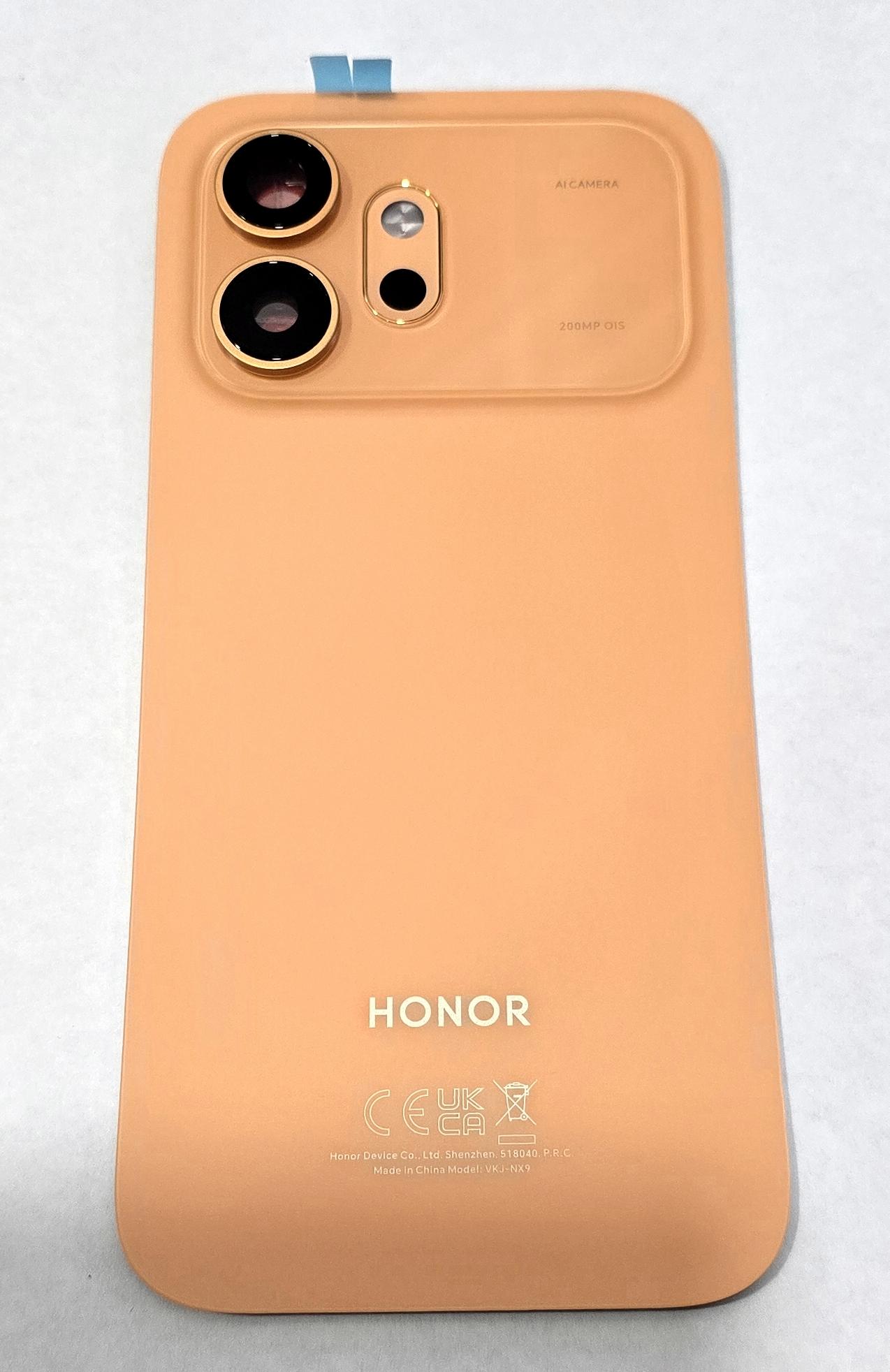
Back cover or battery cover orange by Honor 600 VKJ-NX9 with camera lens 0235ATTL Service Pack
80351
New
Disponible
Warning: Last items in stock!


Volume discounts
| Quantity | Total amount | Price 1 unit |
|---|---|---|
| 5 | €151.25 | Price €30.25 |
Orange Back Cover or Battery Cover for Honor 600 VKJ-NX9 with Camera Cover 0235ATTL Service Pack |
|---|
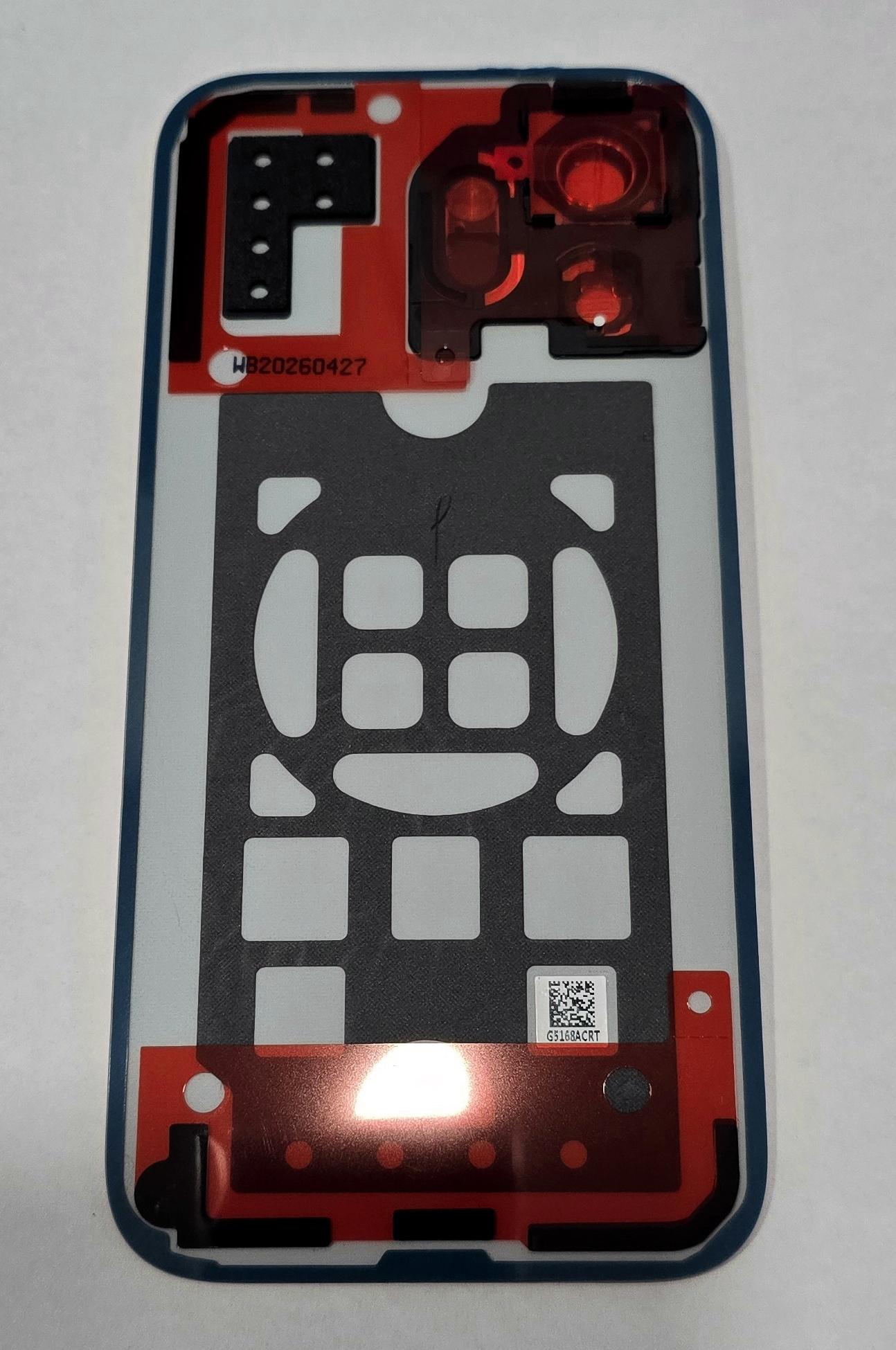
The Service Pack back cover for Honor 600 VKJ-NX9, part number 0235ATTL, is an orange replacement component designed to replace the phone's rear cover. It includes the camera cover with its protective glass and mounting adhesive, facilitating the replacement of the exterior assembly after breakage, cracks, deep scratches or detachment. Its design matches the Honor 600 housing and allows the rear closure and aesthetic appearance of the device to be restored. It is a component intended for professional repairs requiring accurate identification of the replacement part.
Specifications |
|---|
- Brand: Honor.
- Compatible model: Honor 600 5G.
- Technical model: VKJ-NX9.
- Manufacturer part number (Part No): 0235ATTL.
- Component type: back cover or battery cover.
- Quality: Service Pack.
- Color: orange.
- Camera cover: included, with protective glass.
- Adhesive: included to facilitate attachment of the rear cover.
- Design: specifically designed for the structure and camera module of the Honor 600.
- Function: replacement of the damaged rear cover and restoration of the device's exterior finish.
Advantages |
|---|
The Service Pack 0235ATTL replacement offers a specific fit for the structure of the Honor 600 VKJ-NX9 and preserves the orange finish intended for this variant. By incorporating the camera cover and protective glass, it simplifies the replacement of a damaged cover and eliminates the need to reuse these elements from the removed part. The included adhesive facilitates installation preparation and helps maintain a uniform bond with the chassis after properly cleaning the surfaces. This configuration reduces unnecessary handling during repair and makes it easier to check camera module alignment before final closure. It is a practical option for workshops looking to replace the rear cover with an identified part number and mounting components suited to the assembly.
Installation Tips |
|---|
- Turn off the Honor 600, disconnect the battery and use electrostatic discharge (ESD) protection.
- Remove the damaged rear cover using suitable tools and applying controlled heat when necessary to soften the adhesive.
- Completely remove adhesive residue from the chassis surface and clean the contact areas.
- Check the correct positioning of the camera cover and its alignment with the lenses and flash.
- Position the new cover on the device to verify its fit before final attachment.
- Prepare the mounting adhesive and install the cover, avoiding forcing its edges or applying direct pressure to the camera glass.
- Apply uniform pressure around the perimeter for the appropriate time according to the adhesive used.
- Check camera operation, flash functionality and perimeter fit after installation.
Technical Table |
|---|
Brand | Compatible Models | Technical Model | Part Number (Part No) | Component Type | Color | Included Components | Quality |
|---|---|---|---|---|---|---|---|
Honor | Honor 600 5G | VKJ-NX9 | 0235ATTL | Back cover or battery cover | Orange | Camera cover, protective glass and adhesive | Service Pack |